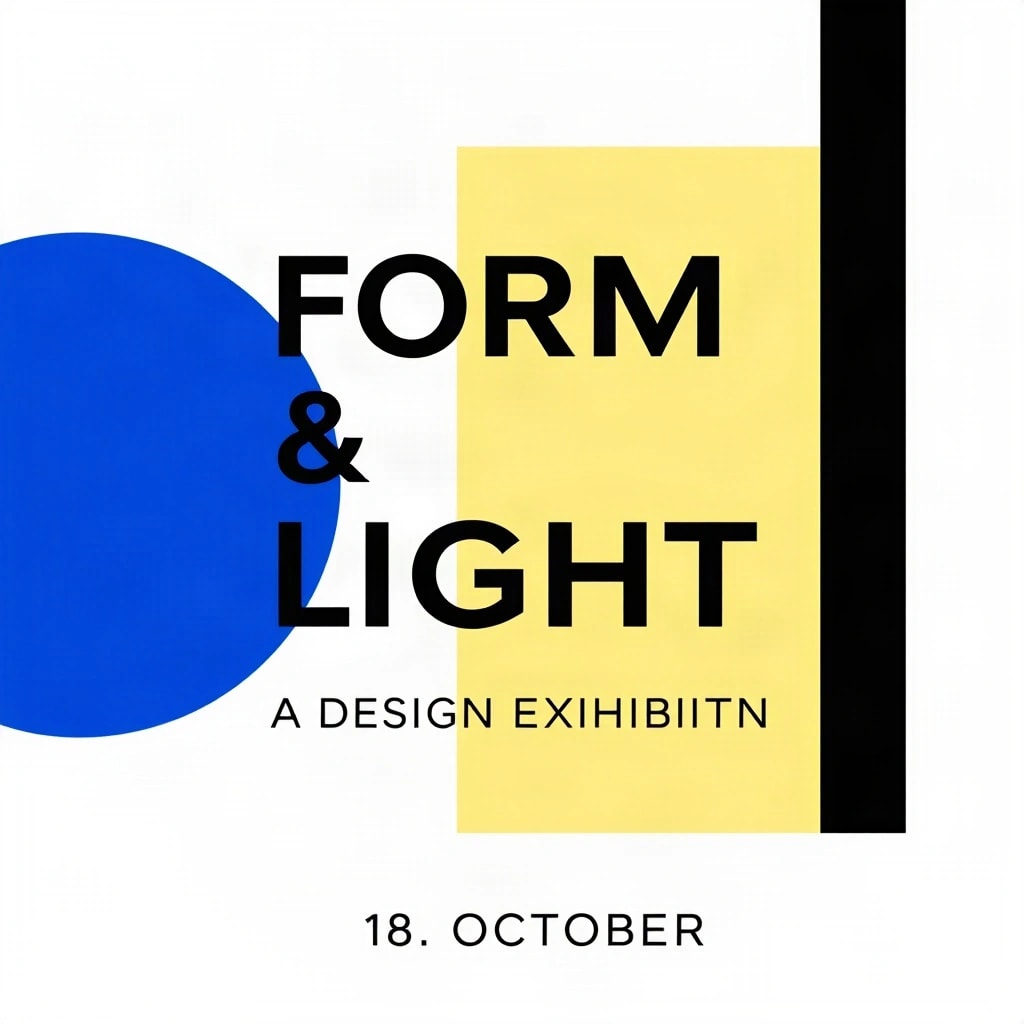
“A DESIGN EXHIBITION” reads as “A DESIGN EXIHIBIITN”.
Against your brief: 4 of 5 seenNot seen: One narrow black vertical line
Run one brief on up to four AI image models side by side. Every price shows before you run, each image is checked against your brief for free, and you pay only for images that finish.
50 free credits when you sign up, enough for 2 three-model comparisons.
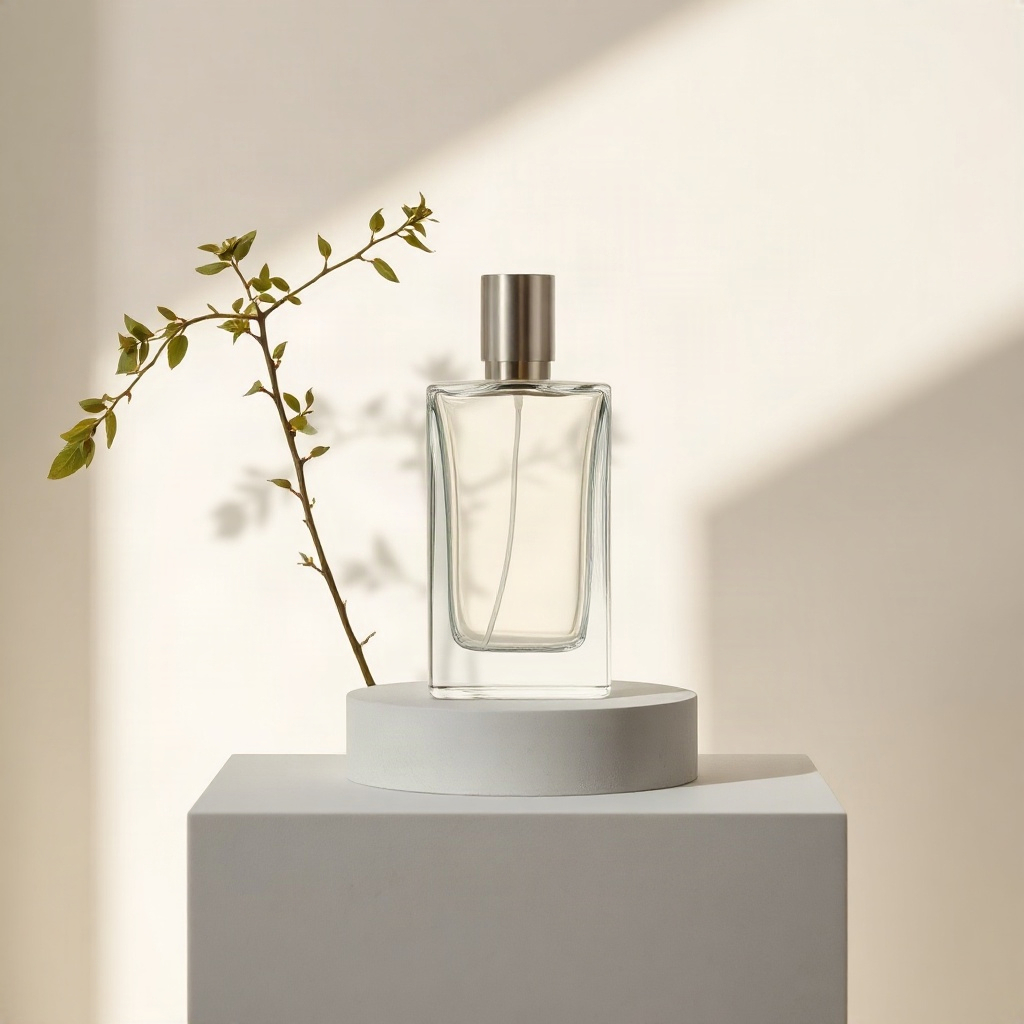
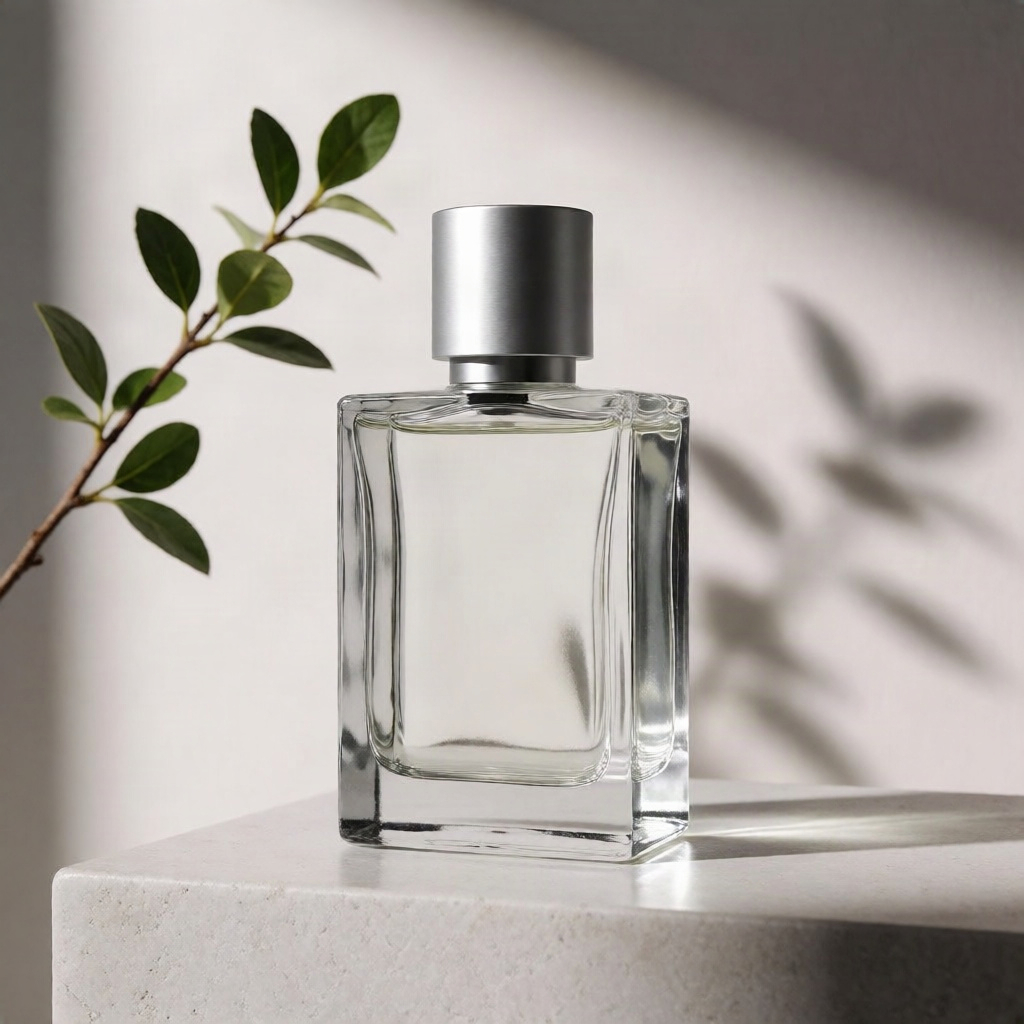
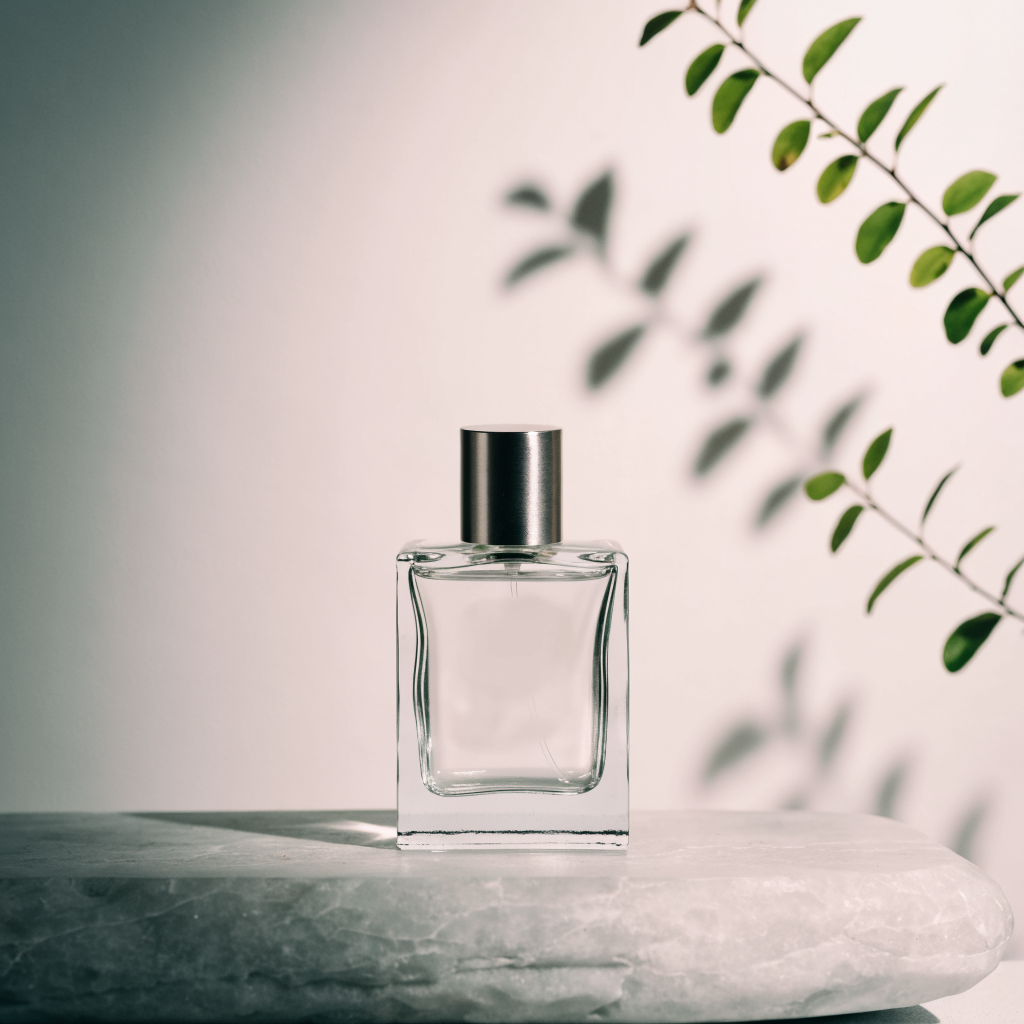
One glass bottle, soft light, and careful composition.
A high-end studio product photograph of one clear rectangular glass perfume bottle with a simple brushed silver cylindrical cap, standing on a pale grey stone plinth. A single branch with small green leaves casts a soft shadow across the background. Soft directional window light from the left, pale neutral backdrop, realistic glass refraction, subtle reflections, crisp product details, restrained editorial composition. No branding, no labels, no lettering, no watermark. Square image.
Generated Oct 27, 2026Real outputs from the named models, generated once with the same prompt. Viewing these examples does not run a new generation.
Every image is read back against your brief, and the words you put in quotes are checked letter by letter. You see what each model got right before you pick, and it costs nothing.
“A DESIGN EXHIBITION” reads as “A DESIGN EXIHIBIITN”.
Against your brief: 4 of 5 seenNot seen: One narrow black vertical line
Every quoted word was found as written.
Against your brief: 5 of 5 seen
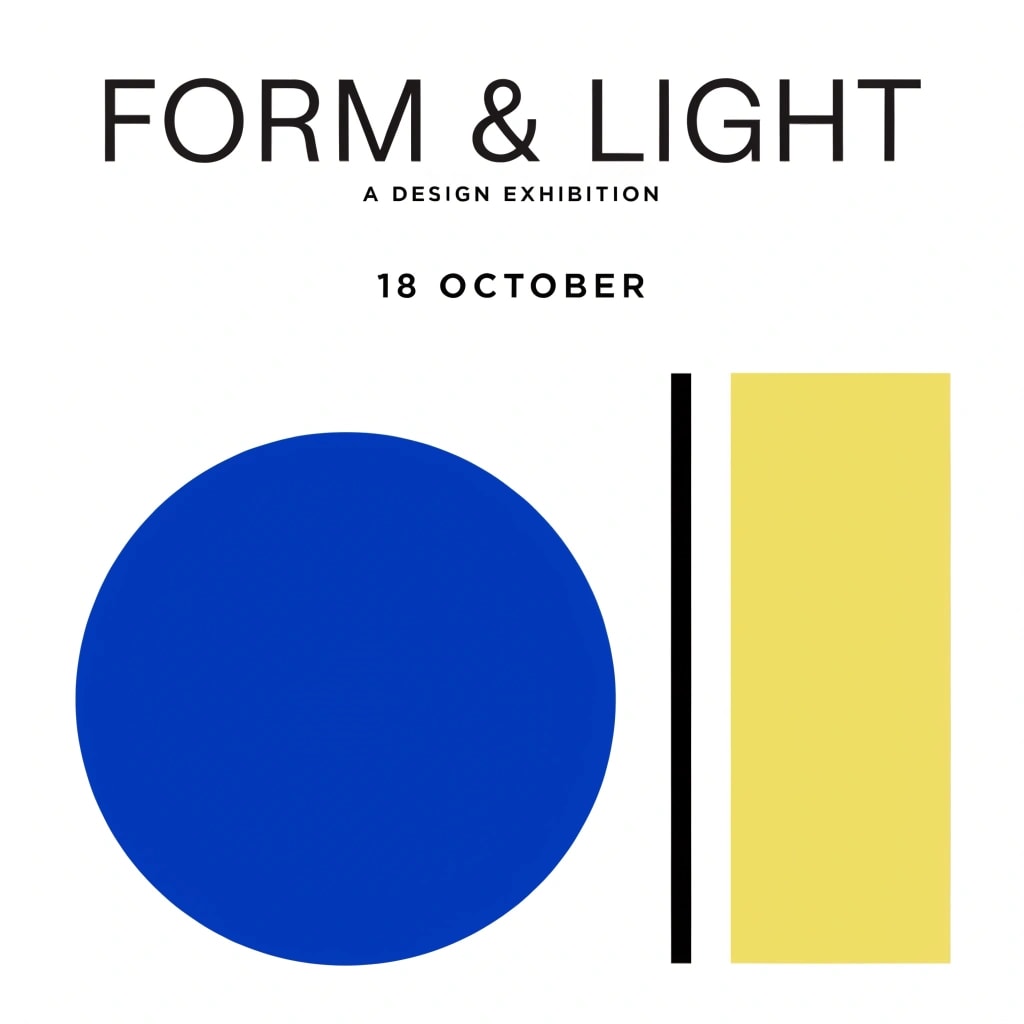
One click turns a picked image into separate layers, such as the background, the shapes and the lettering, each kept sharp at full size. Download a layered PSD for Photoshop or PNGs for Figma.
A real split of Recraft V4.1’s poster above. A split costs 20 credits and its downloads are free.
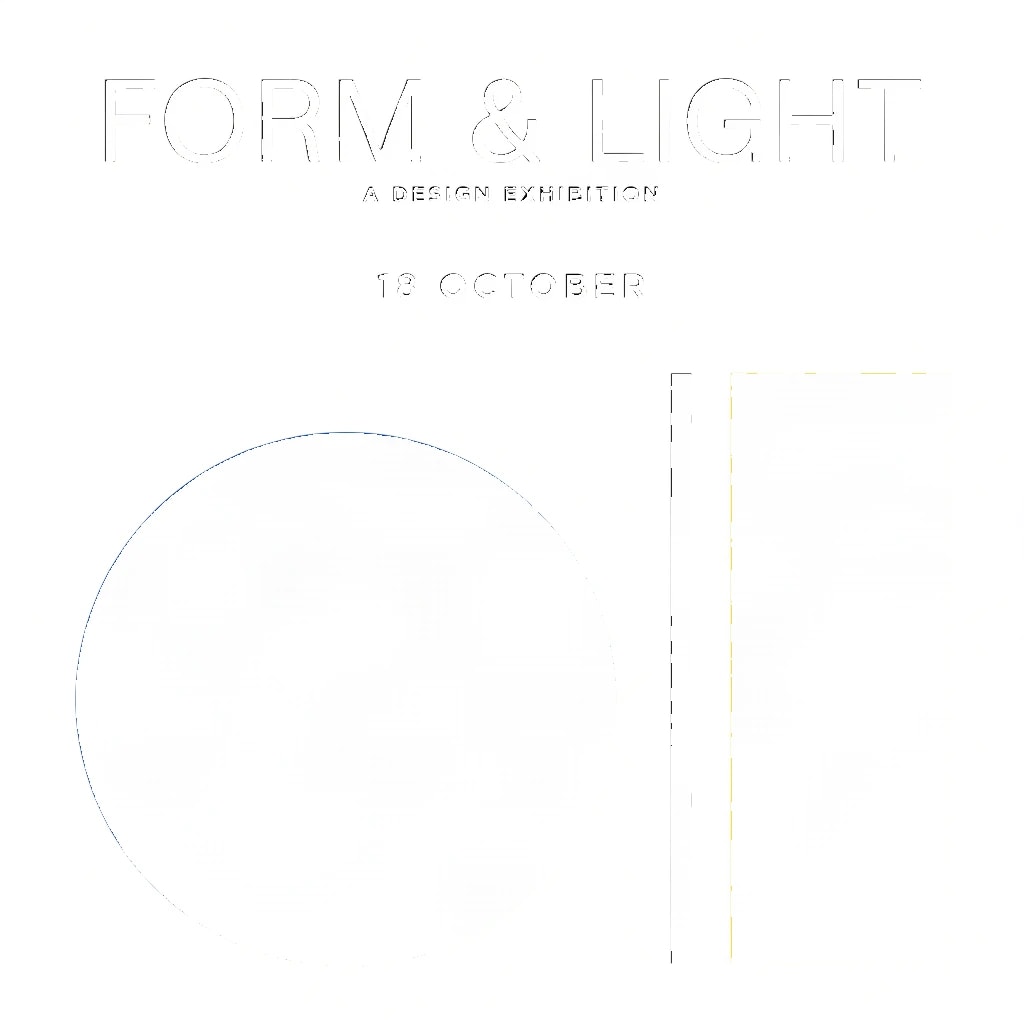
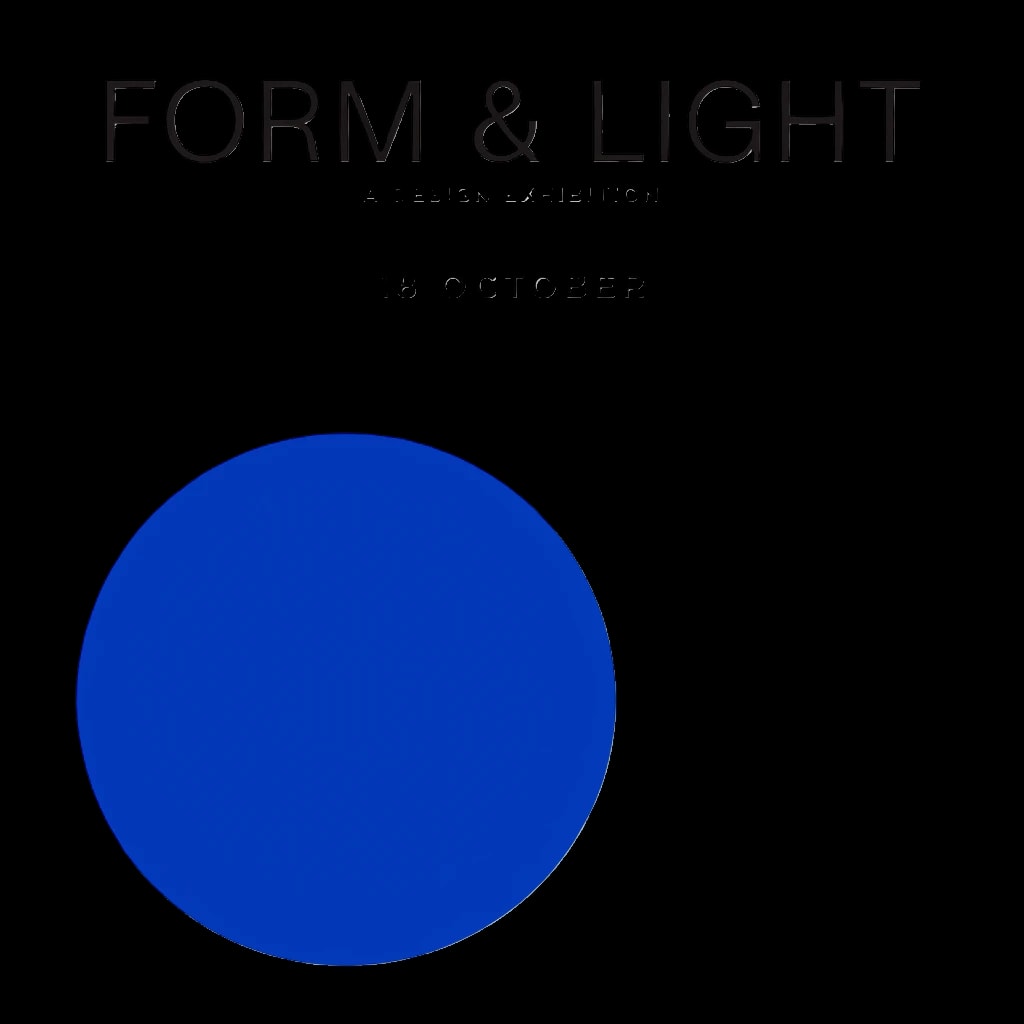
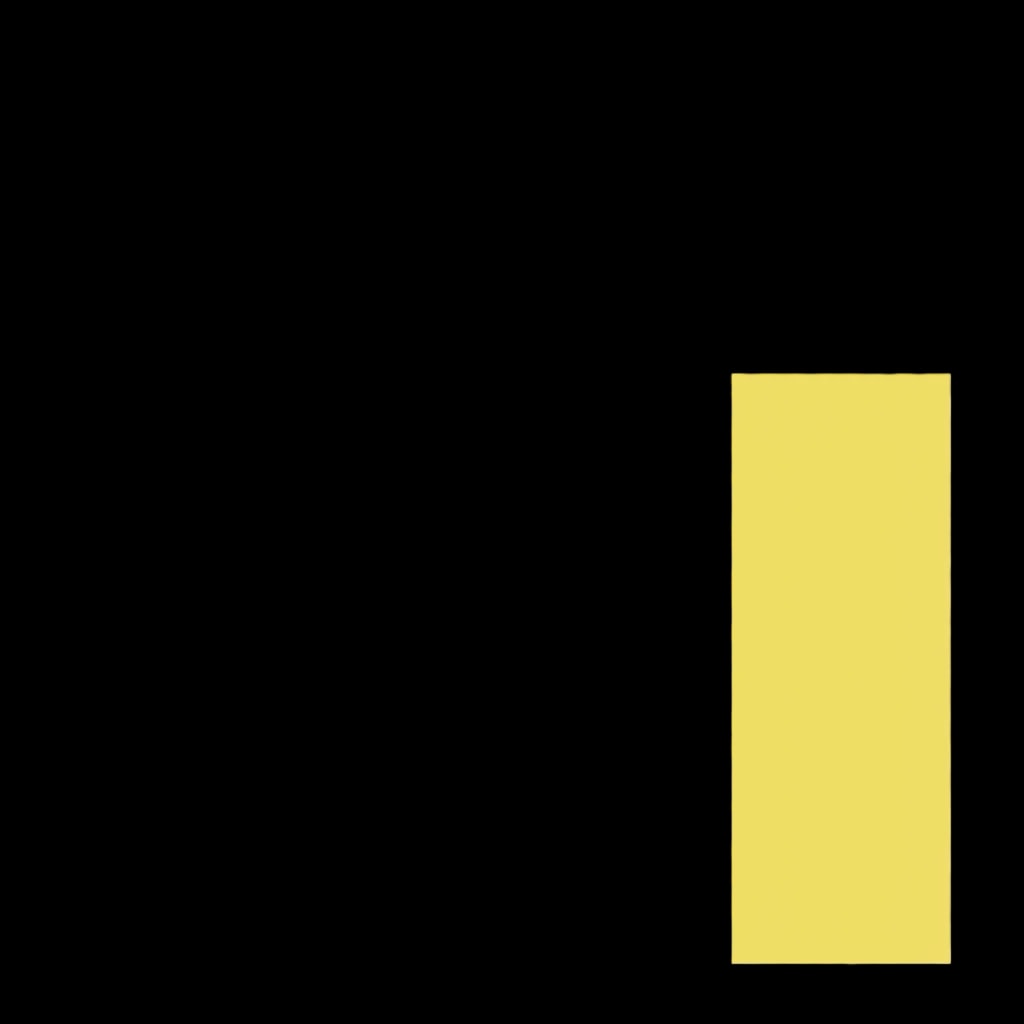
Choose the size and background before you run.
Each model shows what it makes and what it costs.
| Credits | 1K | 2K | 4K |
|---|---|---|---|
| Nano Banana 2.1 | 16 | 24 | 54 |
| GPT Image 2.6 | 6 | 7 | 12 |
| Grok Imagine 2.0 | 24 | 32 | Not offered |
Delivered smaller than you paid for? The difference comes back.
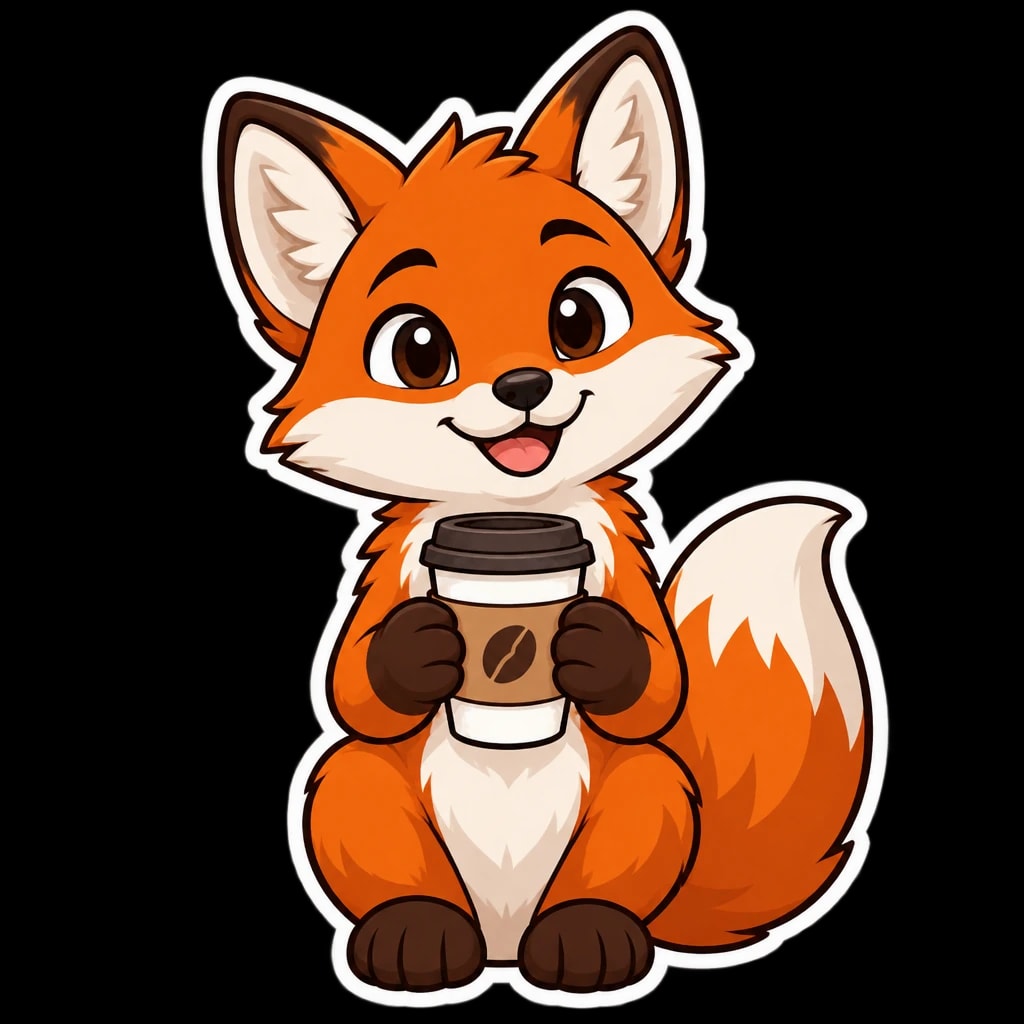
GPT Image makes the transparency itself, as a PNG.
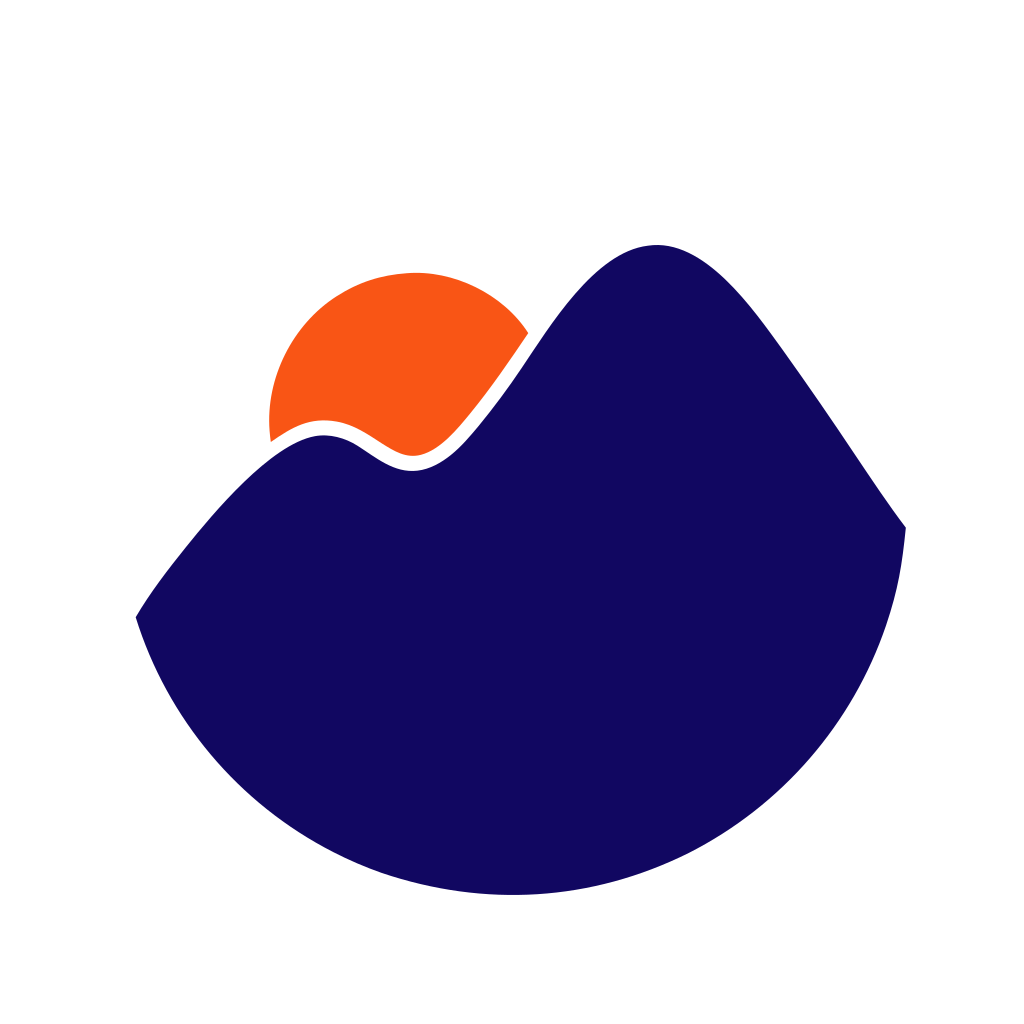
Recraft V4.1 Vector makes a real SVG that scales to any size, for 32 credits.
Choosing an image is just the beginning. Keep the finishing touches in the same workspace.
Explore the studioUpload a photo or design and start editing right away.
Crop, adjust colours, add text, and compare before and after.
Keep every version in your private library. Export to keep them anywhere.

Monthly plans or one-time packs.
Know the cost before you create.
1,100 credits every month
2,500 credits every month
5,500 credits every month
500 credits
1,100 credits
2,400 credits
One comparison can contain several images. The credit quote is the total for your selected models, and failed images are refunded automatically.
One prompt, several video models, played side by side. Leave your email and we will tell you once when it opens.
What works now,
and what’s still on the way.
Seven models from Black Forest Labs, Krea, Recraft, OpenAI, Google and xAI: FLUX Schnell, Krea 2 Turbo, Recraft V4.1, Recraft V4.1 Vector, GPT Image 2.6, Nano Banana 2.1 and Grok Imagine 2.0. Pick up to four for one brief, and ask each for one to four images, up to eight in all.
Yes. New accounts start with 50 free credits, enough for 2 three-model comparisons. Uploading your own images and editing them by hand never uses credits.
Yes. The comparison examples are real outputs from the named models using the same prompt, and the layers, the fox and the logo are real results from the studio’s own tools and models. The check results are what the free check reported for those posters, and the editor picture shows an image from Krea 2 Turbo. Images you create in the studio come from the models you select.
Each model shows its credit cost before you generate, and a comparison costs the sum of the models you pick, times the images you ask each for. AI tools and edits show their cost the same way. Credits are reserved when you start, charged only for images that finish and returned for failures. Plans add credits every month and packs add them once. Pack credits never expire; unused plan credits roll over for 1 month.
Every model makes 1K images. GPT Image 2.6 and Nano Banana 2.1 also make 2K and 4K, and Grok Imagine 2.0 makes 2K, each at its own price shown before you run. If an image comes back smaller than you paid for, the difference is returned. GPT Image 2.6 can make a transparent background as a PNG, and Recraft V4.1 Vector makes real SVG files that scale to any size.
A separate AI reader looks at each finished image. It answers a short checklist made from your brief, such as the subjects, colours and setting, and reads any words you put in quotes letter by letter. What it saw shows beside each picture, so you can catch a misspelling before you download. It is on unless you turn it off, costs no credits and describes rather than judges, so the pick stays yours.
Yes, at any time from the studio. Your plan stays active until the end of the month you paid for, and every credit you already have keeps working.
Yes, and editing by hand is free. Upload a PNG, JPEG or WebP image up to 10 MB, then crop it to any of seven shapes from 21:9 wide to 9:16 tall, adjust its colour, add a headline or your logo and download a PNG or JPEG. AI tools cost credits, shown before they run.
Upscale it to twice the size, remove its background, split it into layers for Photoshop or Figma, change all or part of it with AI edit models side by side, or extend it to fill a new shape. Turn a character around to see it from both sides and from behind, and download the views as one character sheet. Then add your text and logo and download every social size at once.
Your images, edits and projects are saved privately to your account, so they follow you across devices. Only you can open them, unless you share a comparison for votes.
Not yet. Video comparison is the next thing we are building. Leave your email on the video page and we will email you once when it opens.
Custom style training is on the roadmap. Today you can save reusable recipes with your prompt, models, fonts and layout.
50 free credits when you sign up. Then pay only for images that finish, with every price shown first.