How to make a character turnaround with AI: five edit models compared
A turnaround shows one character from the front, the back and both sides, so whoever draws, models or animates them next keeps them the same. AI image models can draw the missing sides from a single picture, but they tend to give side views a three-quarter turn and to move things to the wrong side of the body. On 2 November 2026 we gave five edit models the same two original characters and kept every first result.
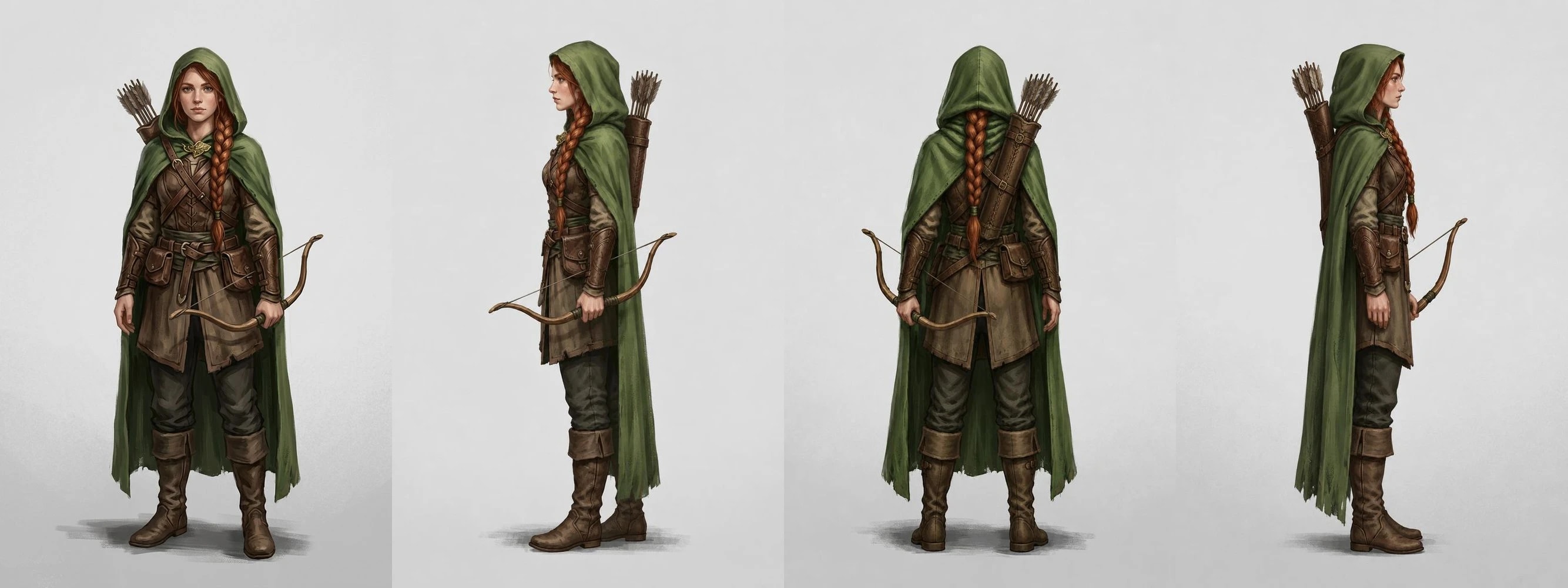
How we tested
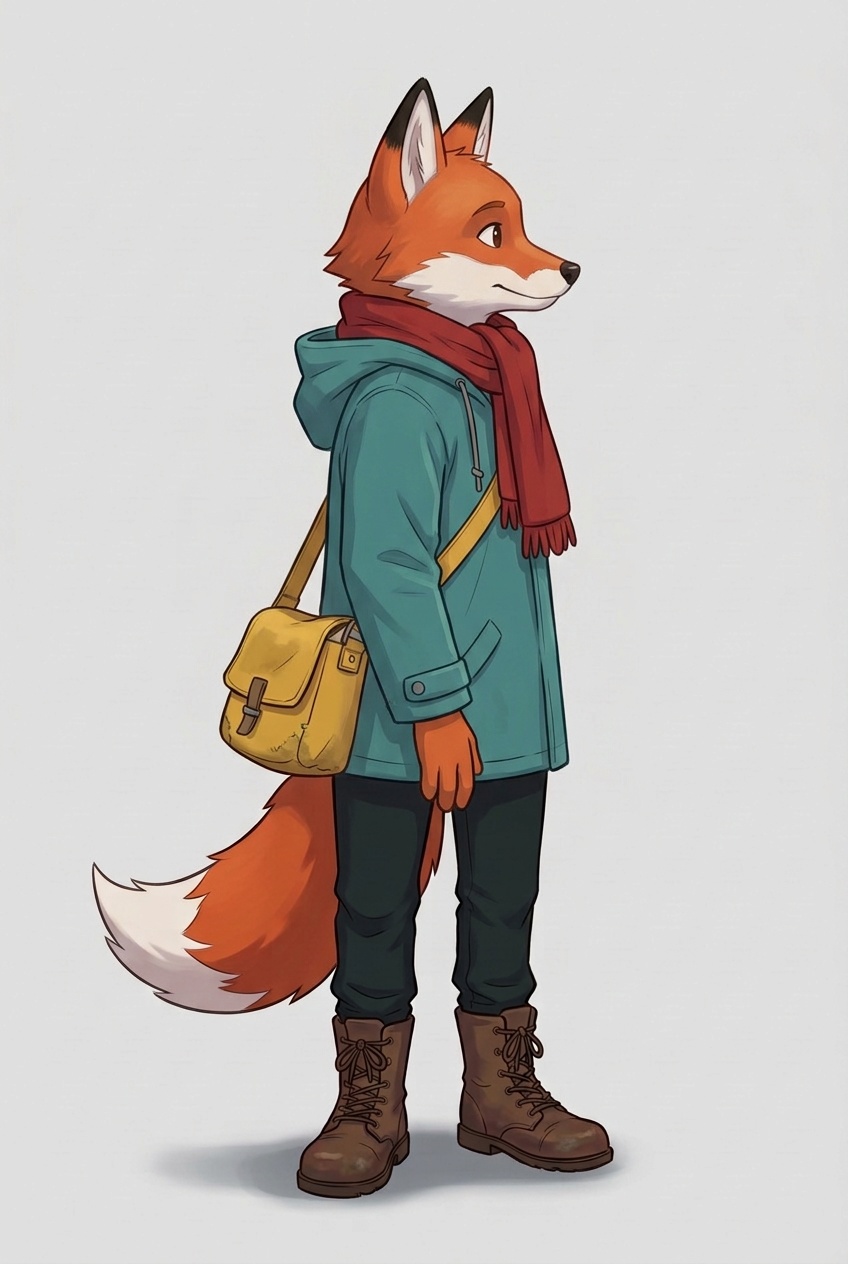
- Two characters invented for this test, neither an existing character nor a real person. Nano Banana 2.1 drew each one once, from the front, at 2:3.
- Each front went to five edit models: FLUX.3 Klein Edit, GPT Image 2.5 Edit, Nano Banana 2.1 Edit, Krea 3 Edit and Grok Imagine 2.0 Edit. They ran as Pickframe turnarounds, with the same requests and fal.ai routes the studio uses.
- Every view is a separate edit of the front with its own instruction, rather than four figures squeezed into one picture.
- For the ranger we added a note on what the front cannot show. The fox had none.
- One result per model and view: no retries, no picking the best of several, no retouching. Select any picture to open the untouched original file.
- We made the side views twice: first with our first wording, then with the final wording below, which Pickframe now uses. The tests show the final side views; the back views did not change.
Brief for the fox's front
Full-body front view of one original character: a young fox courier in a teal rain jacket, a red scarf and brown boots, with a yellow satchel on a strap over the right shoulder, resting on the left hip. Facing the viewer, neutral standing pose, plain light grey background, clean stylised concept art.
Brief for the ranger's front
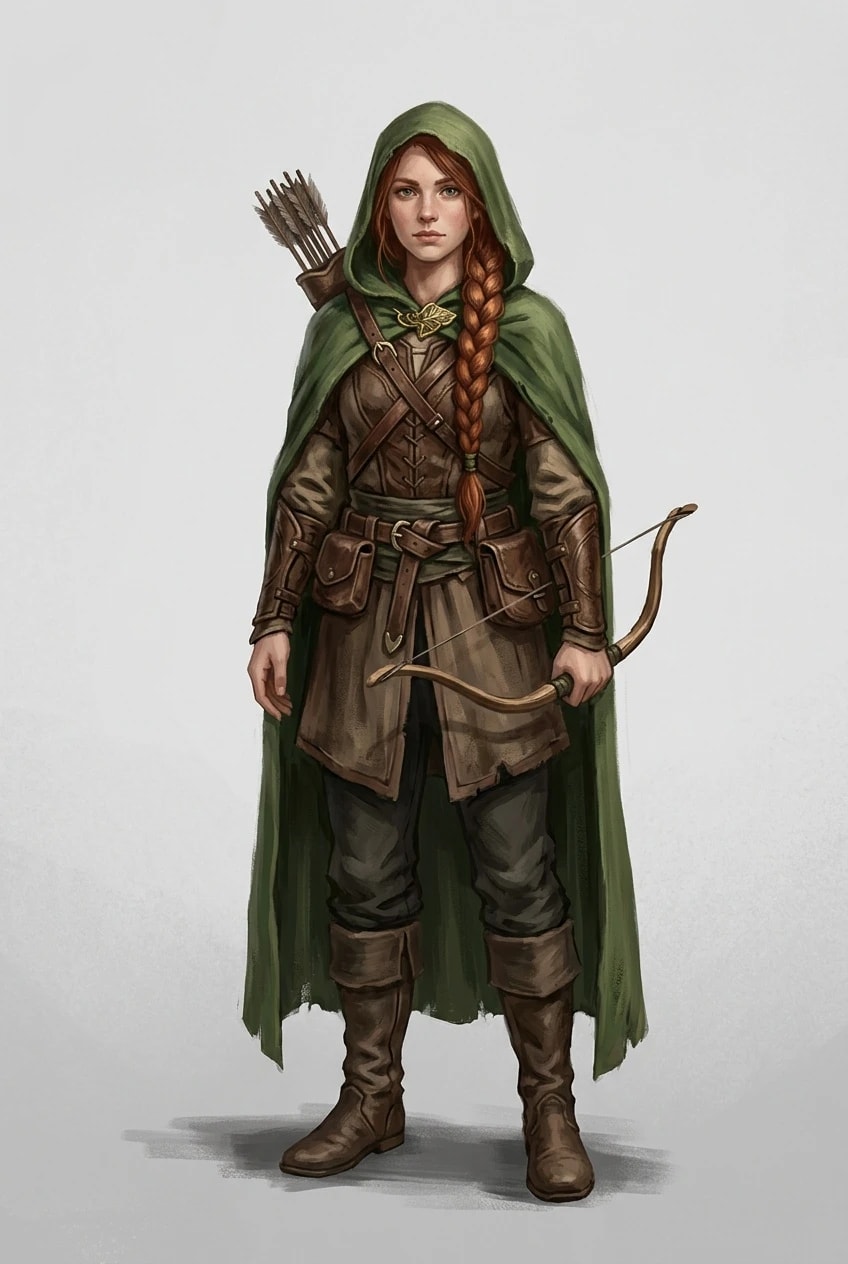
Full-body front view of one original character: a painterly fantasy ranger, a young woman with a long auburn braid, a green hooded cloak with a gold leaf clasp, a leather quiver on her back and a short bow held in her left hand. Facing the viewer, neutral standing pose, plain light grey background, painted concept art.
Instruction for the back (with the ranger's note)
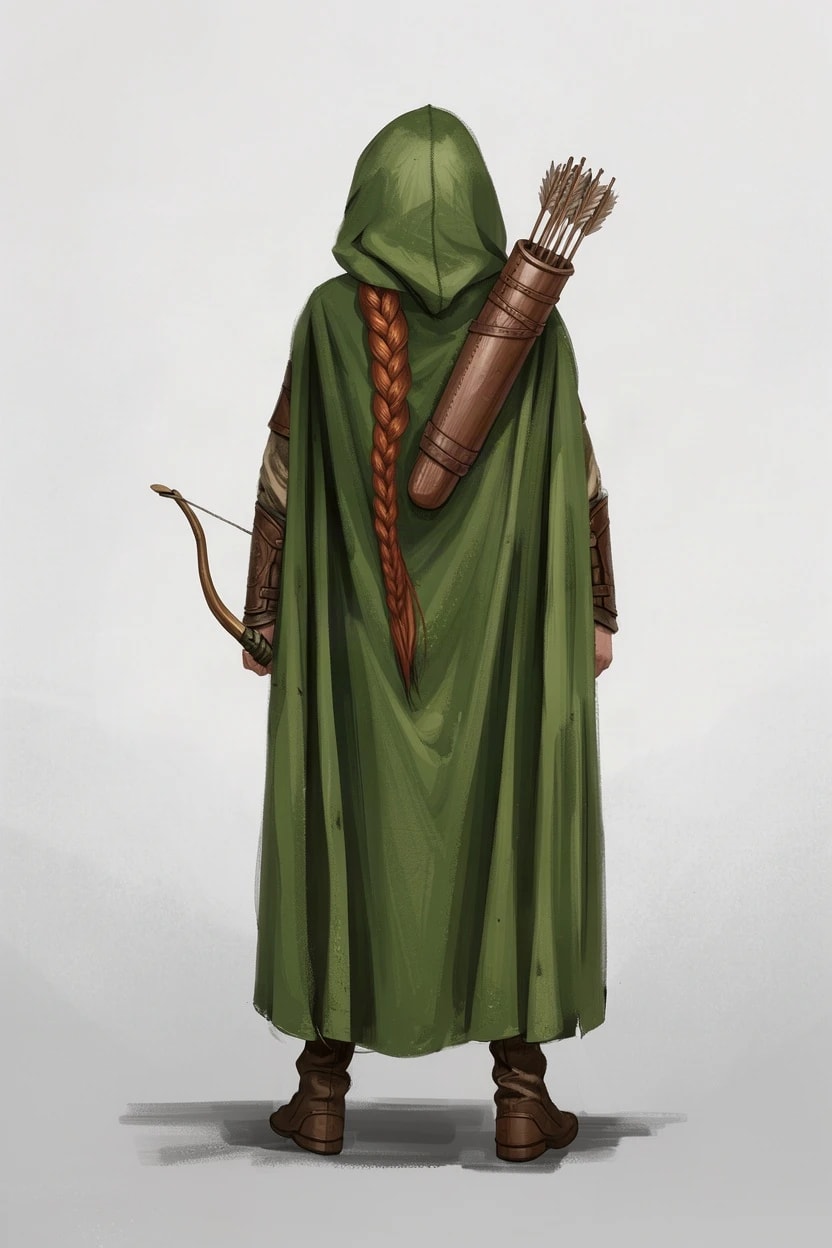
Show this exact character from directly behind: a back view. Keep everything else identical: the same character, face, proportions, outfit, colours, accessories and art style, with every accessory on the same side of their body as before. Full body, neutral standing pose, plain light grey background, nothing else in the image. Details to keep: A long auburn braid and a leather quiver of arrows down her back.
Instruction for the left side
Show this exact character in a strict 90-degree side profile, like an orthographic model sheet: their left side faces the camera and they face the left edge of the image. Only one eye is visible, the nose points straight at that edge, the shoulders and hips are side-on, and one foot is in front of the other. Keep everything else identical: the same character, face, proportions, outfit, colours, accessories and art style, with every accessory on the same side of their body as before. Full body, neutral standing pose, plain light grey background, nothing else in the image.
The right side uses the same words with “right” in place of “left”.
The results at a glance
All 30 views came back, each in the right outfit, colours and style. The differences were in the angle and in which side things ended up on.
| Model | Credits per view | Side views, final wording | Accessories on the right side | Time per view |
|---|---|---|---|---|
| FLUX.3 Klein Edit | 12 | Side-on | No, twice: the fox’s satchel from behind, the ranger’s bow from her right | 5–36 s |
| GPT Image 2.5 Edit | 16 | Side-on, as they were with the first wording | Yes, in every view | 16–49 s |
| Nano Banana 2.1 Edit | 18 | Side-on; three-quarter with the first wording | Yes, though the fox’s satchel swung behind its hip | 18 s to 4 min |
| Krea 3 Edit | 20 | Side-on; three-quarter with the first wording | Yes | 30–62 s |
| Grok Imagine 2.0 Edit | 24 | Side-on | Yes, and it hung the fox’s scarf down its back | 24–74 s |
Credits are Pickframe’s prices on the day, so a full turnaround of three views costs three times the figure shown. Times run from submission to the finished image, as Pickframe’s worker measured them.
Test 1: a stylised fox courier
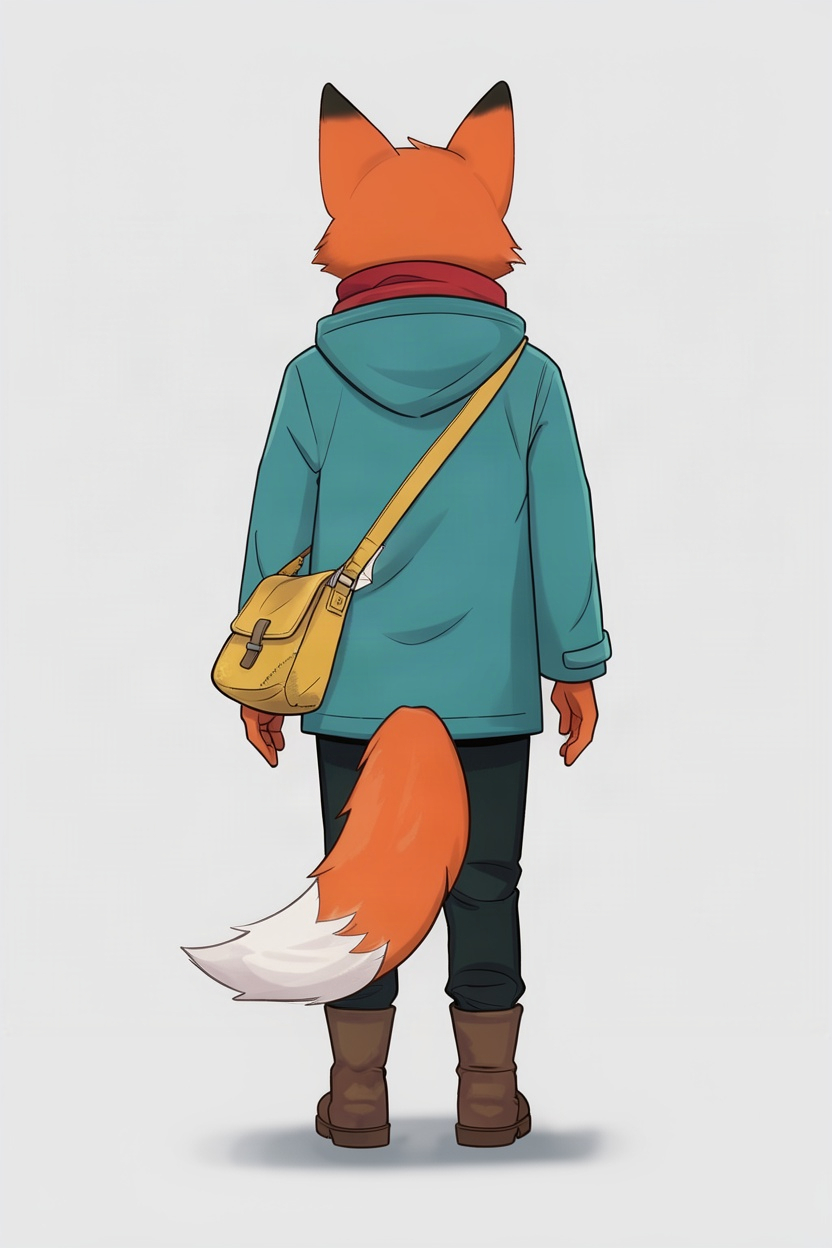
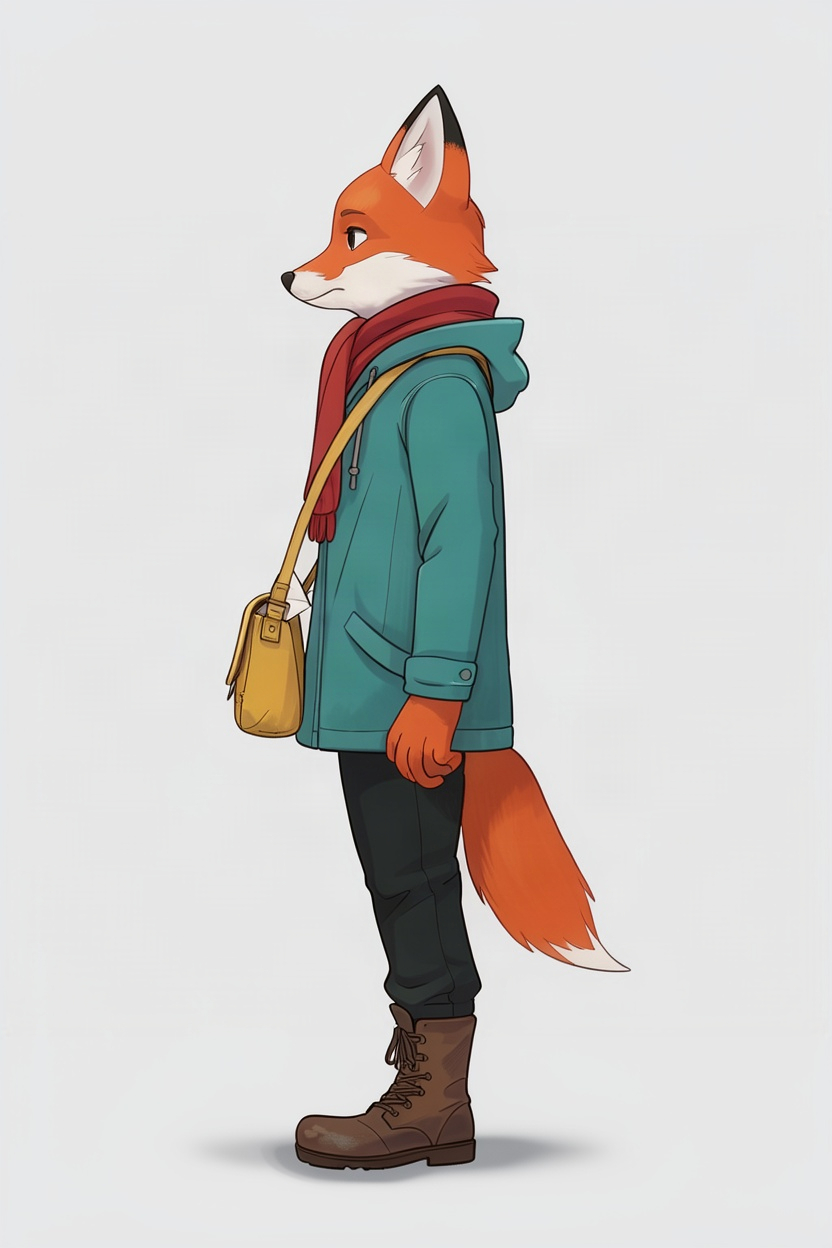
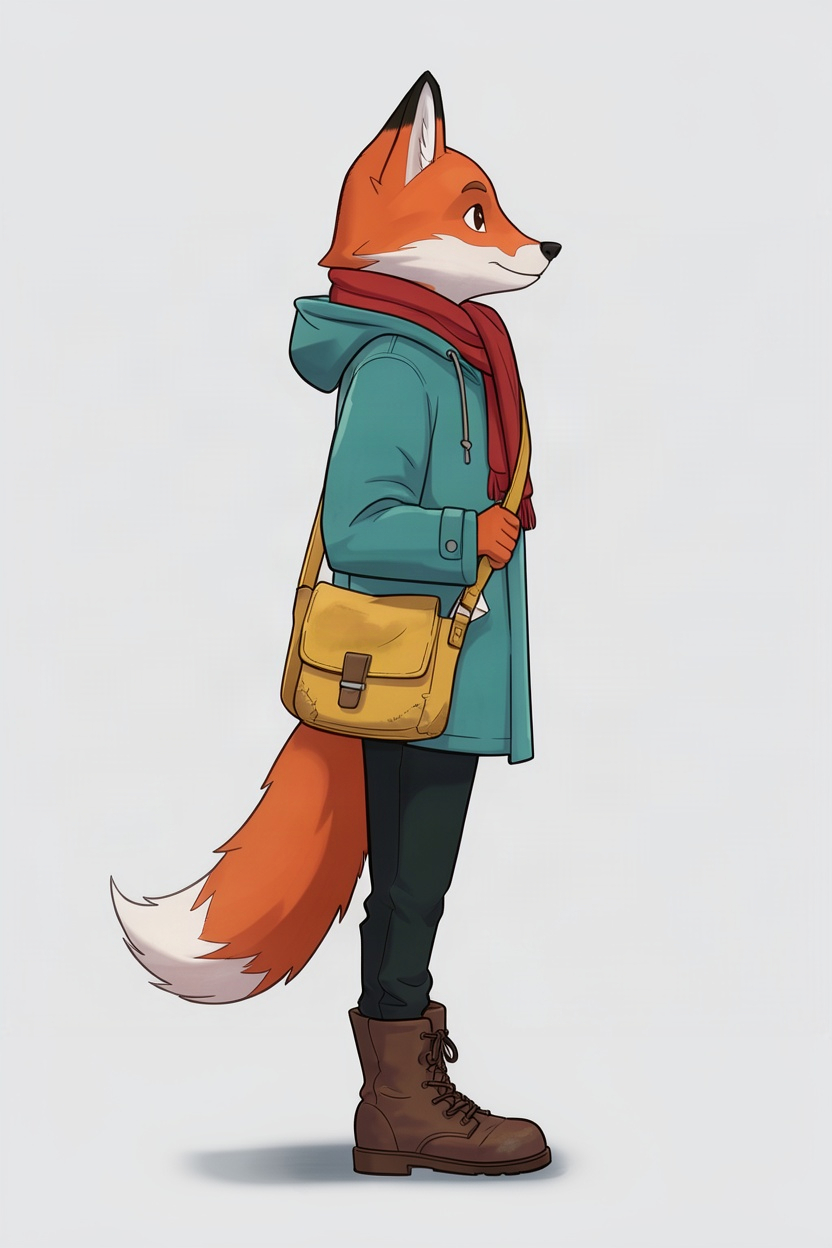
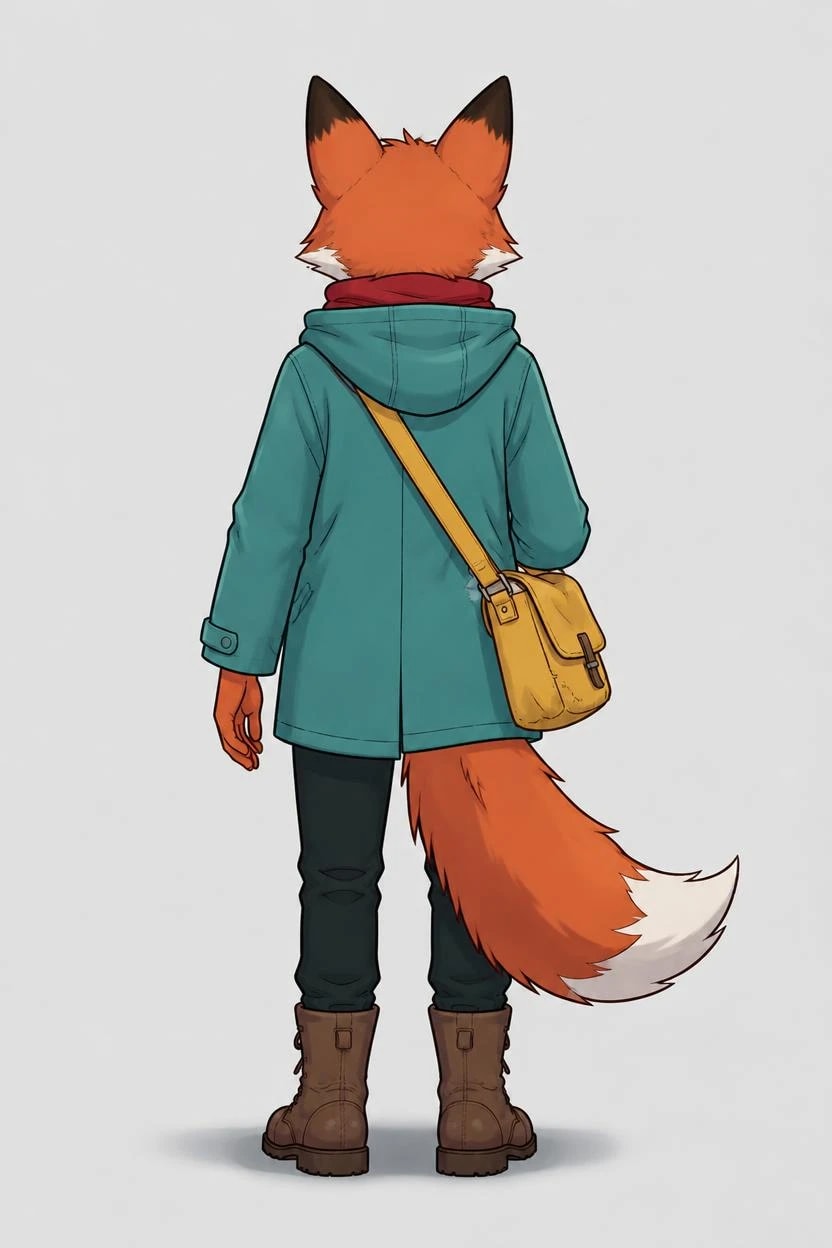
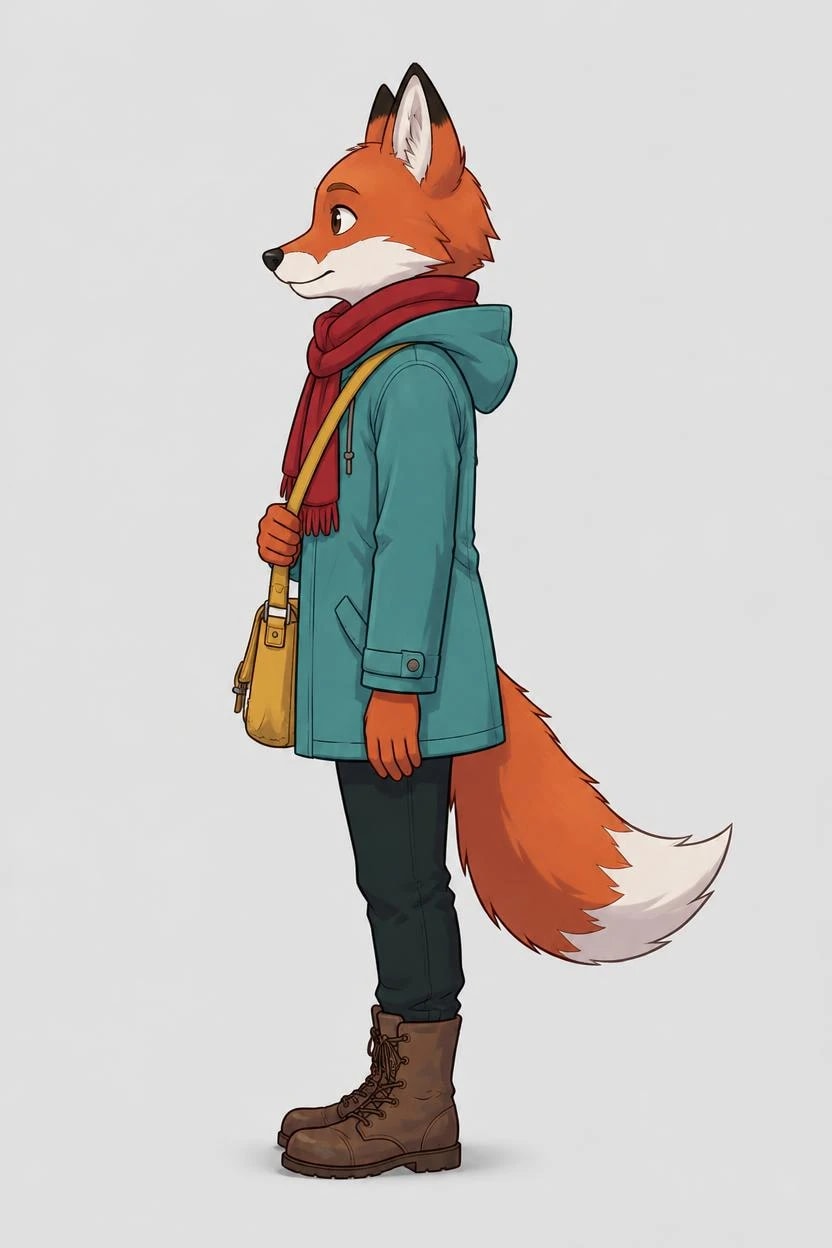
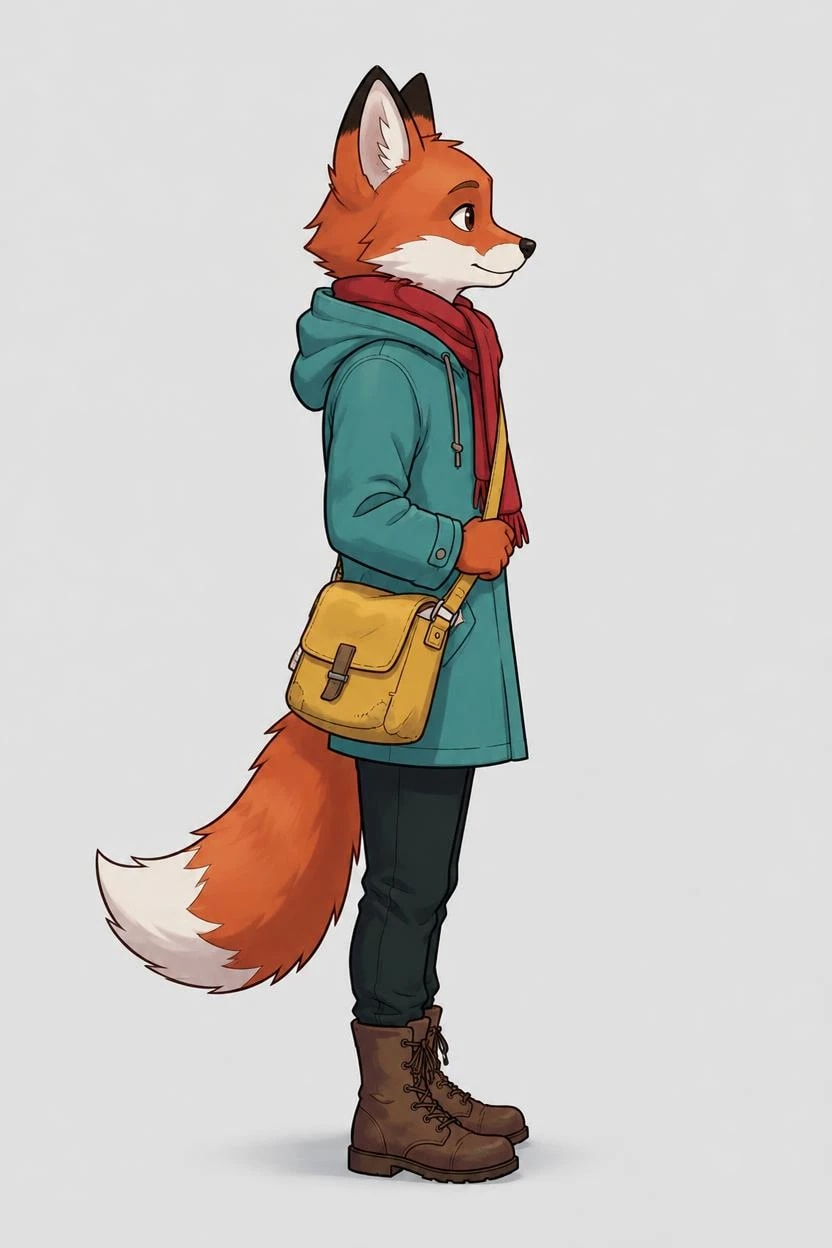
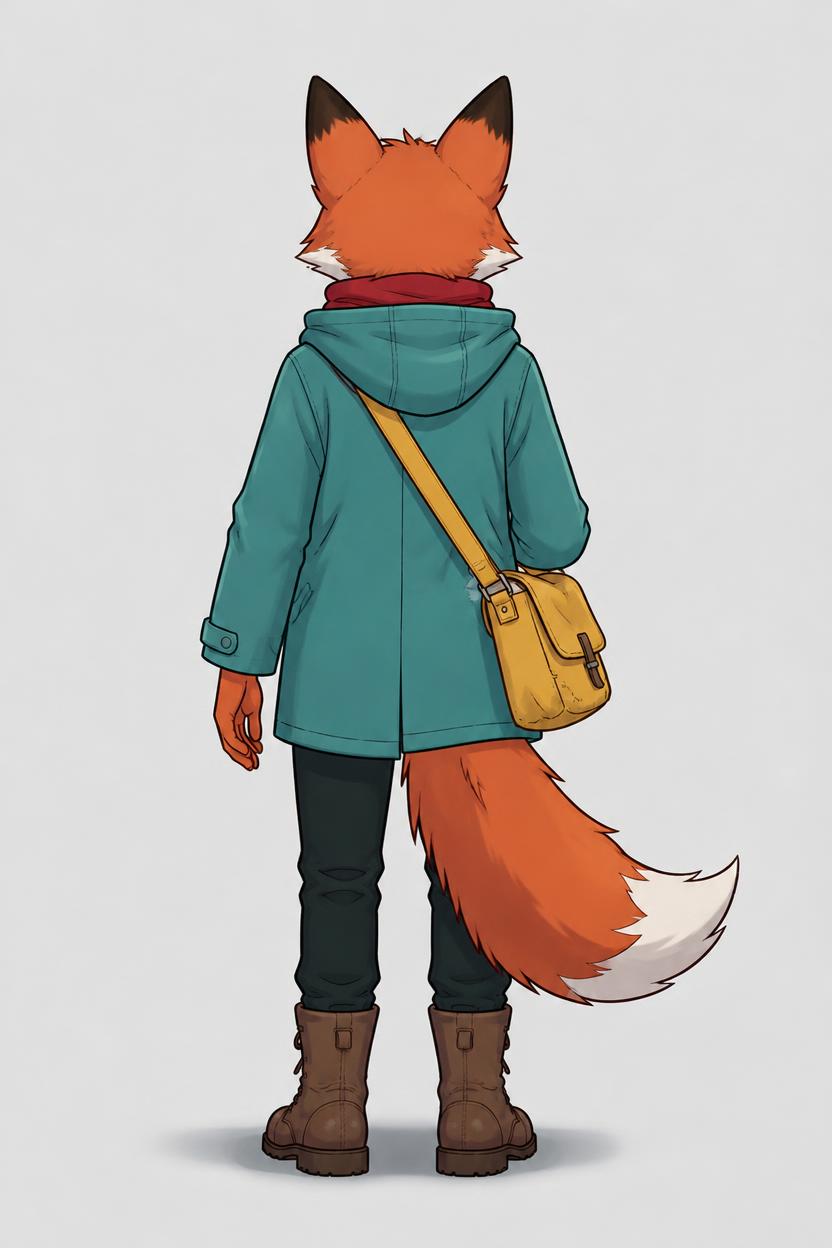
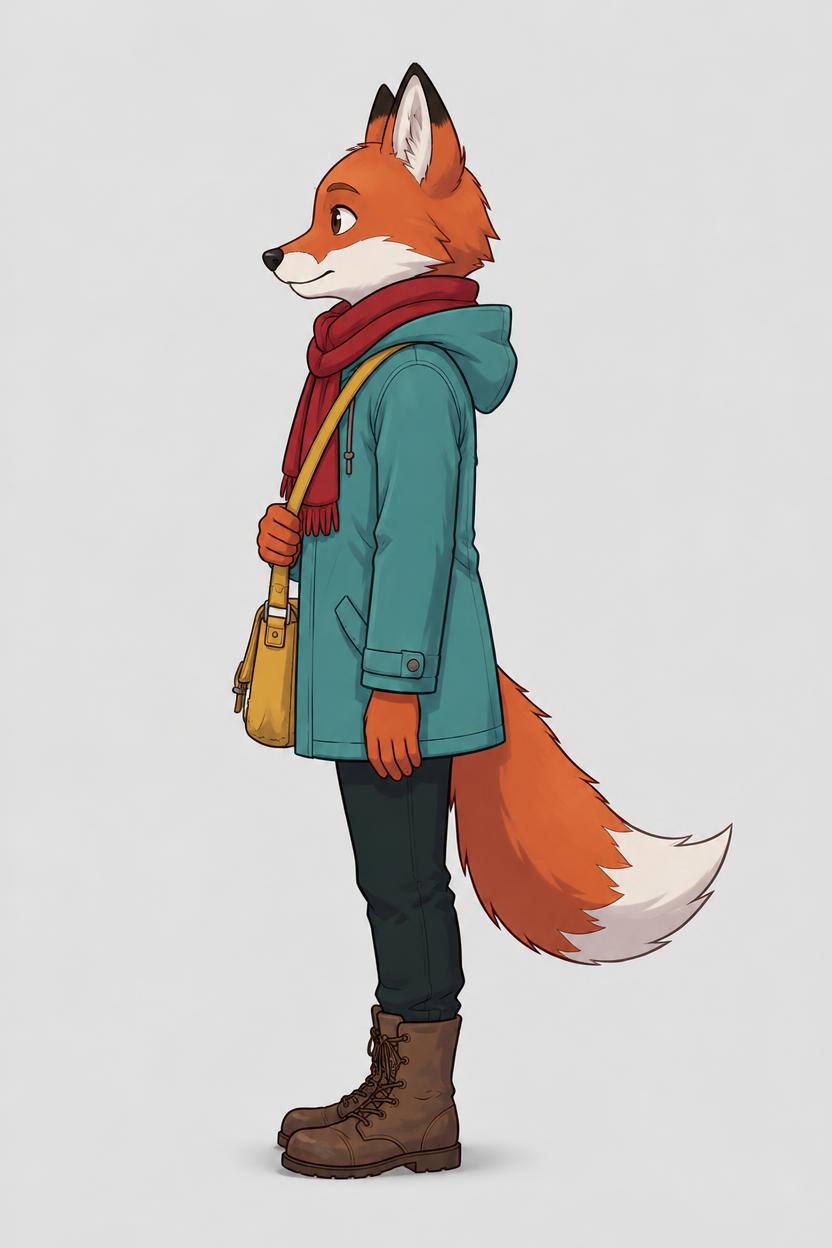
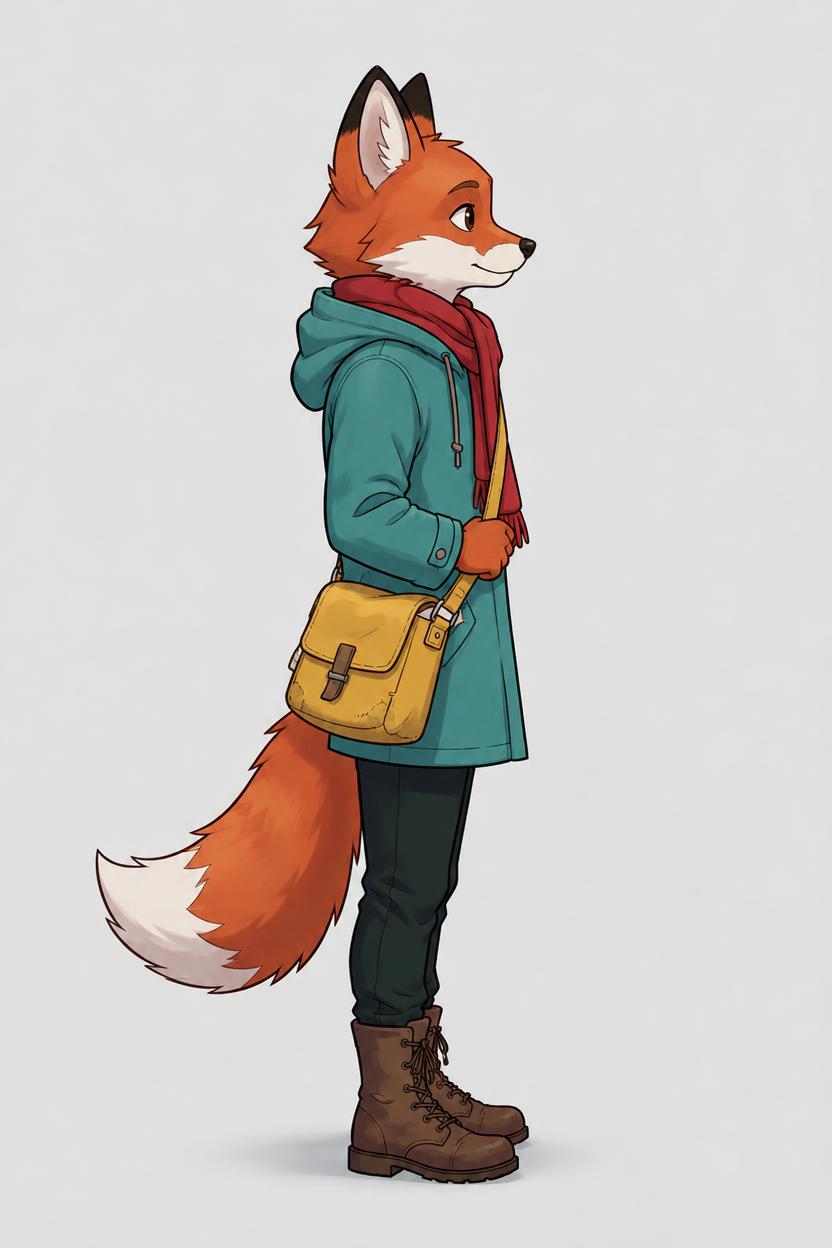
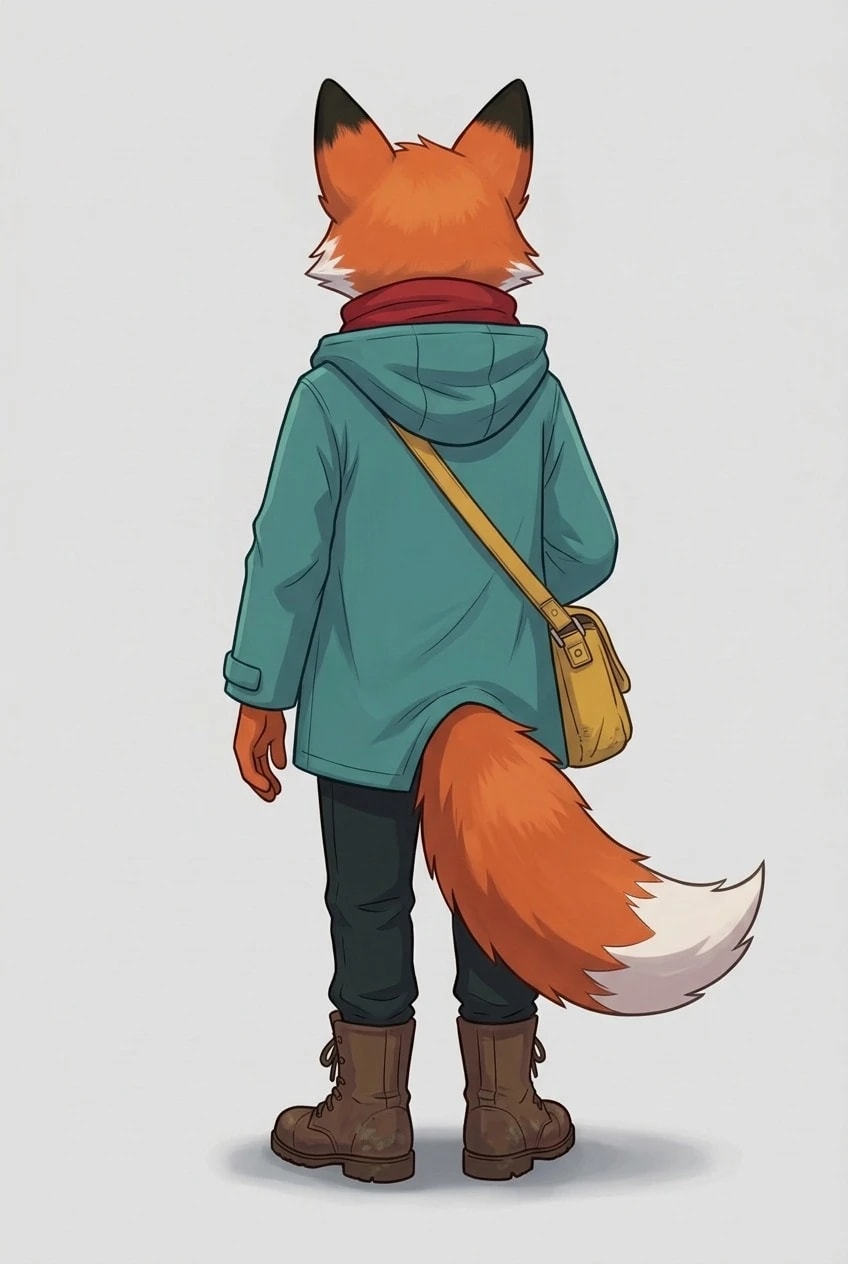
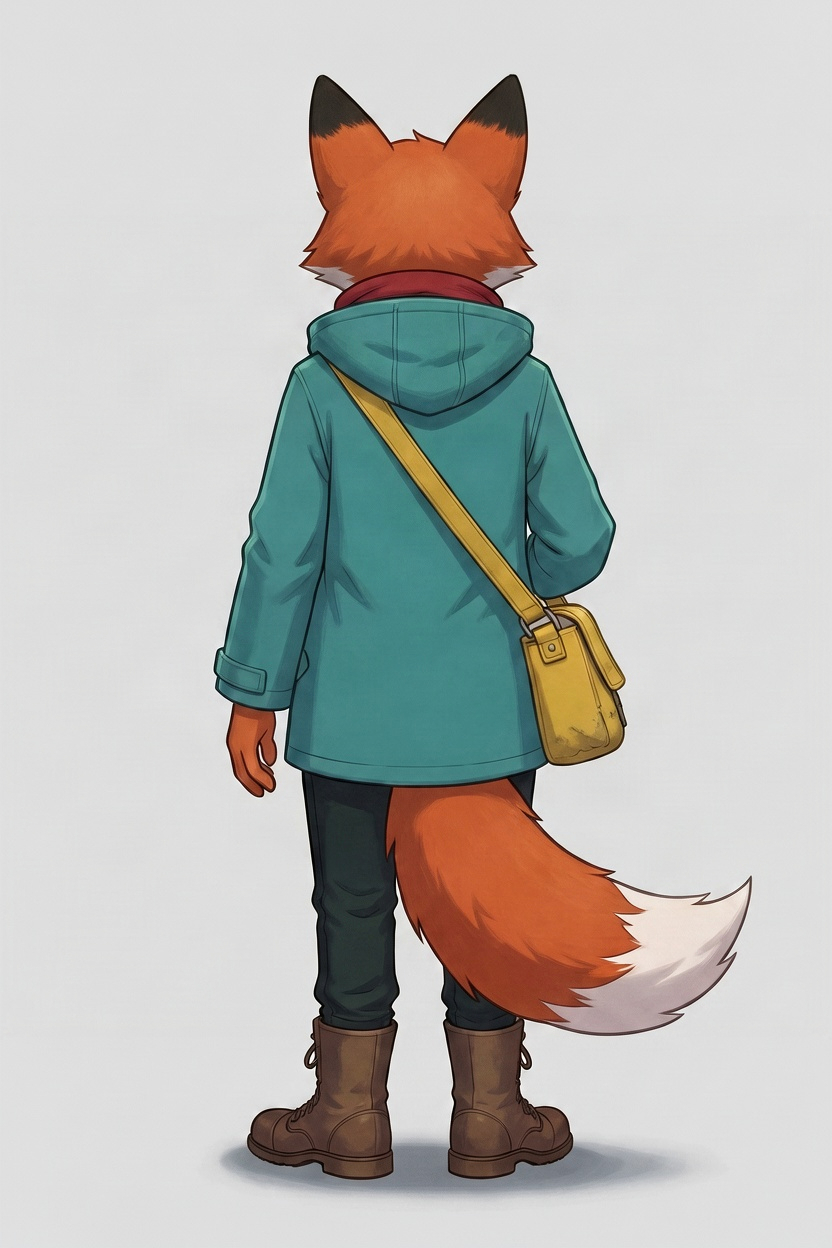
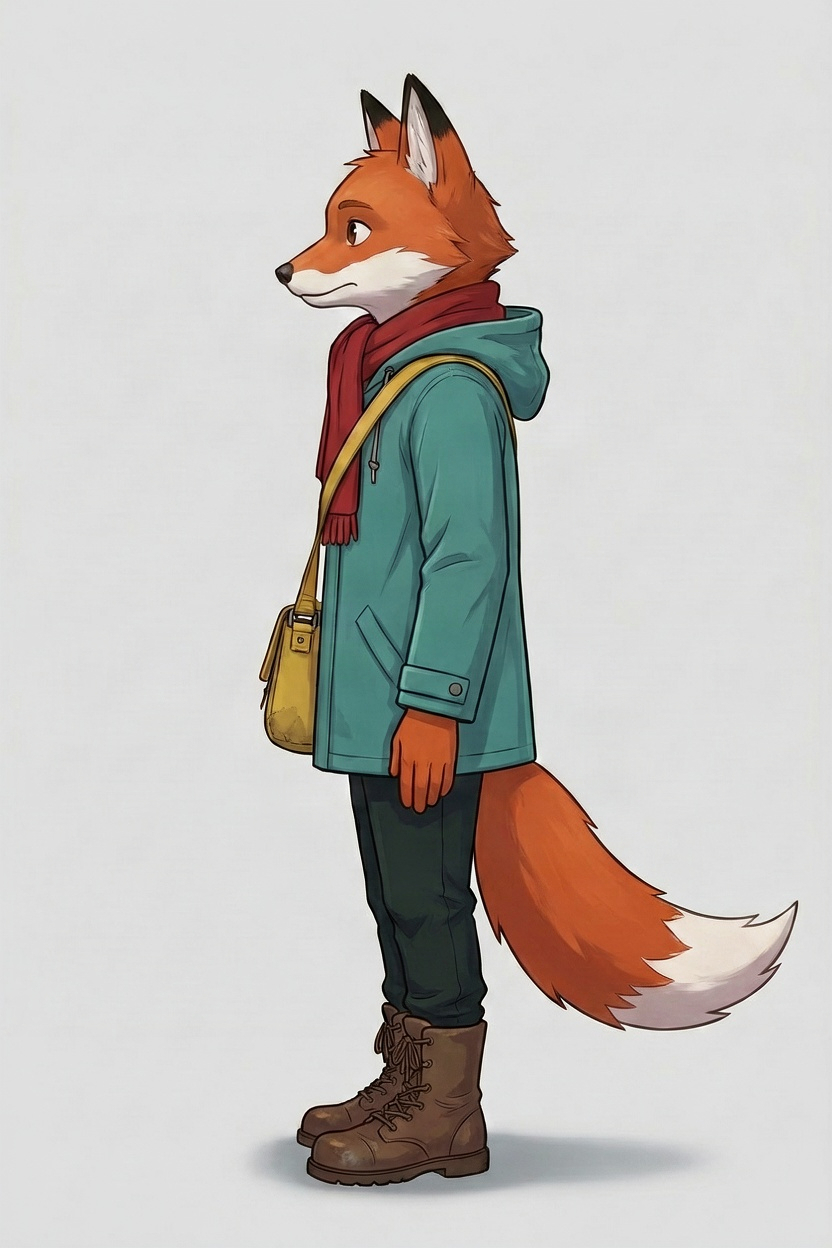
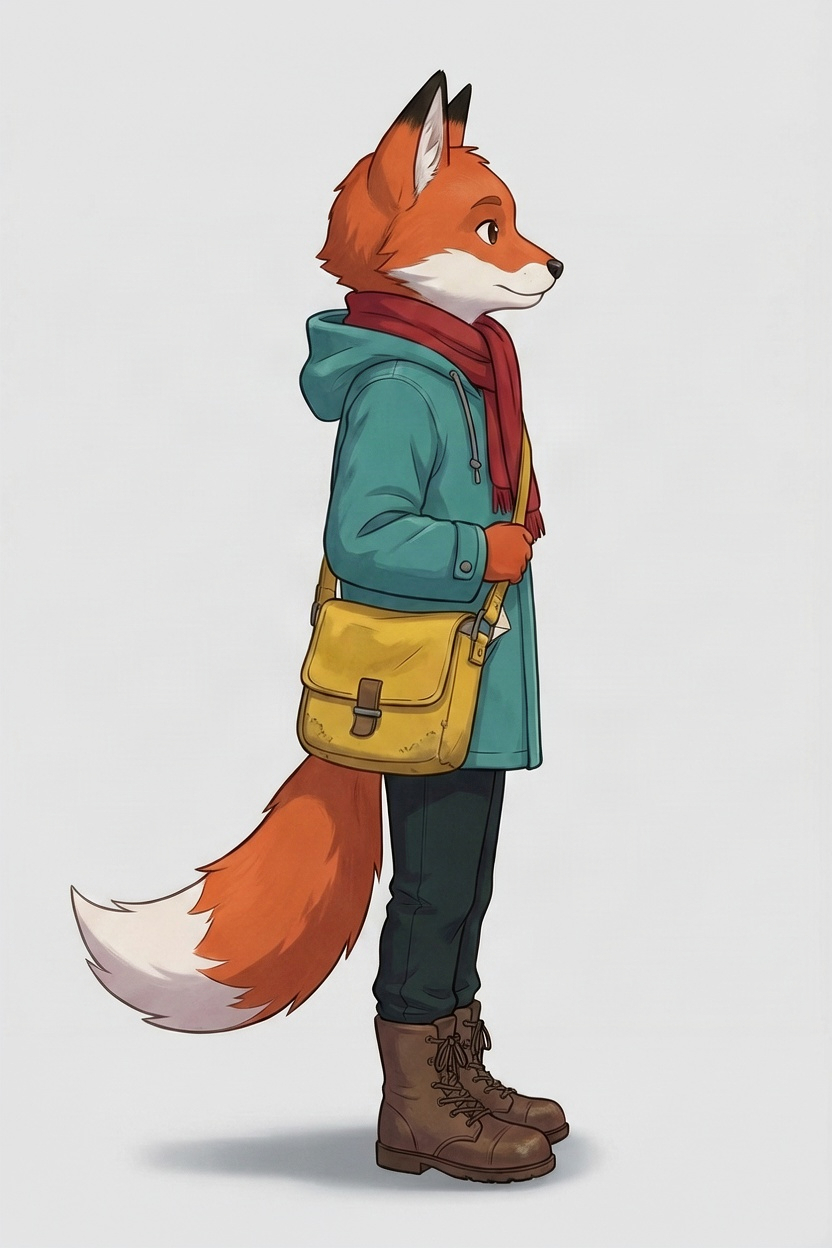
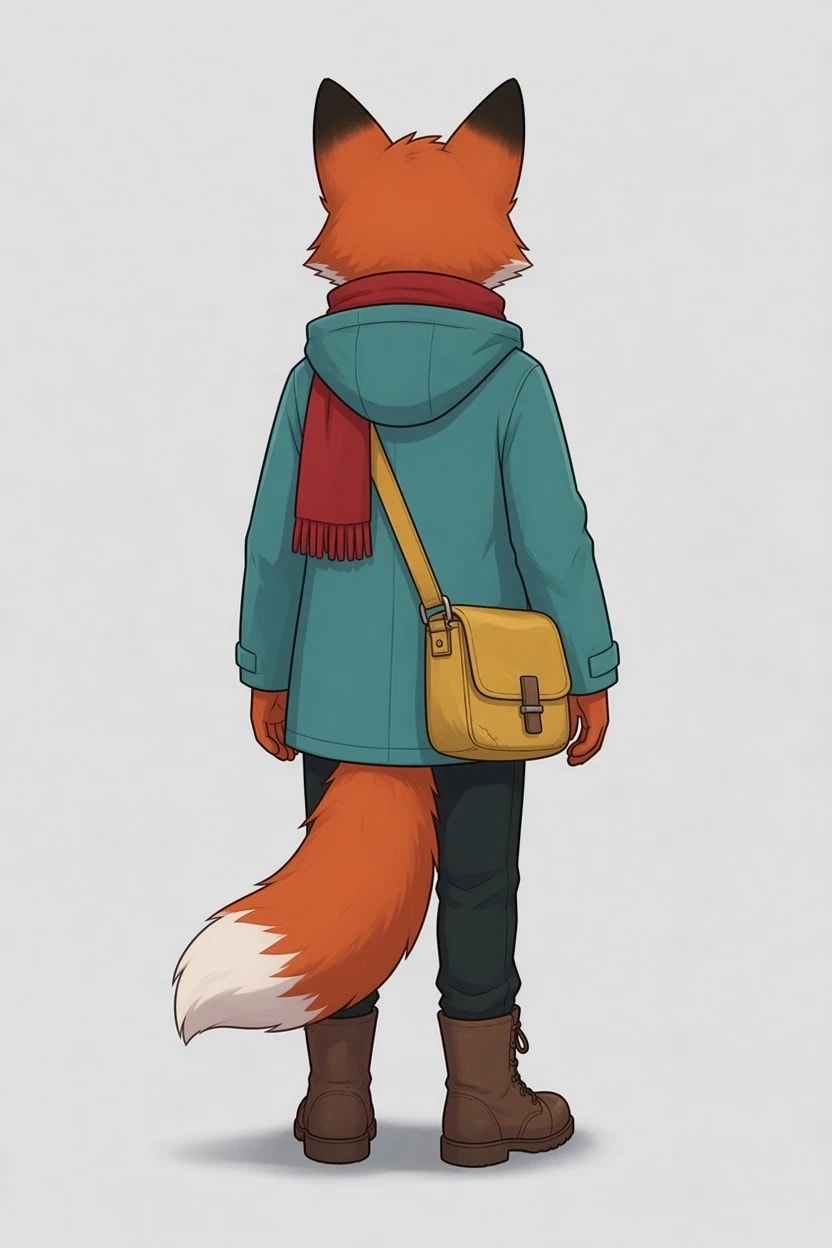
The fox wears its satchel on its right hip, with the strap over its left shoulder. From behind, that puts the satchel on the right of the picture; from the left side, the strap crosses the near shoulder and the satchel sits on the far hip.
The frontNano Banana 2.1, from the brief
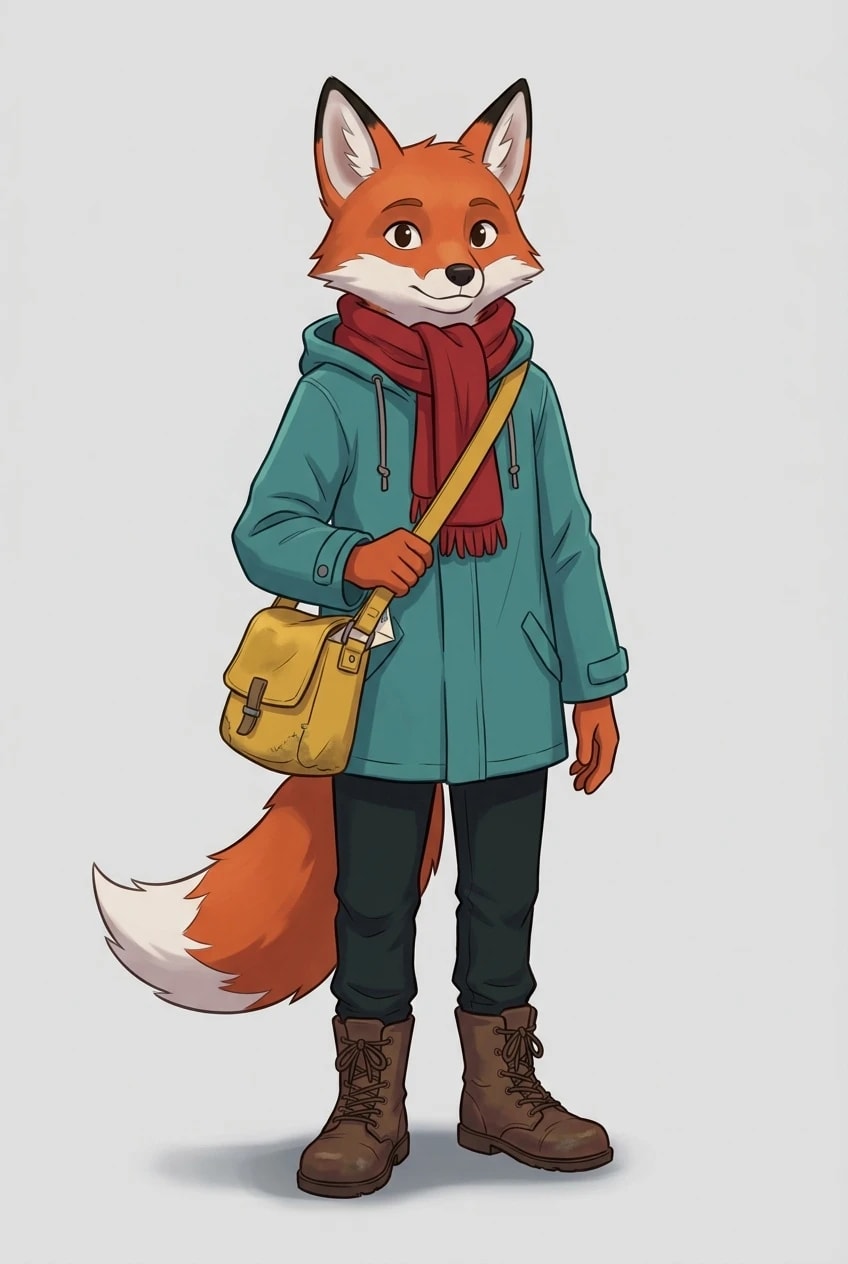
FrontJPEG, 848 × 1264
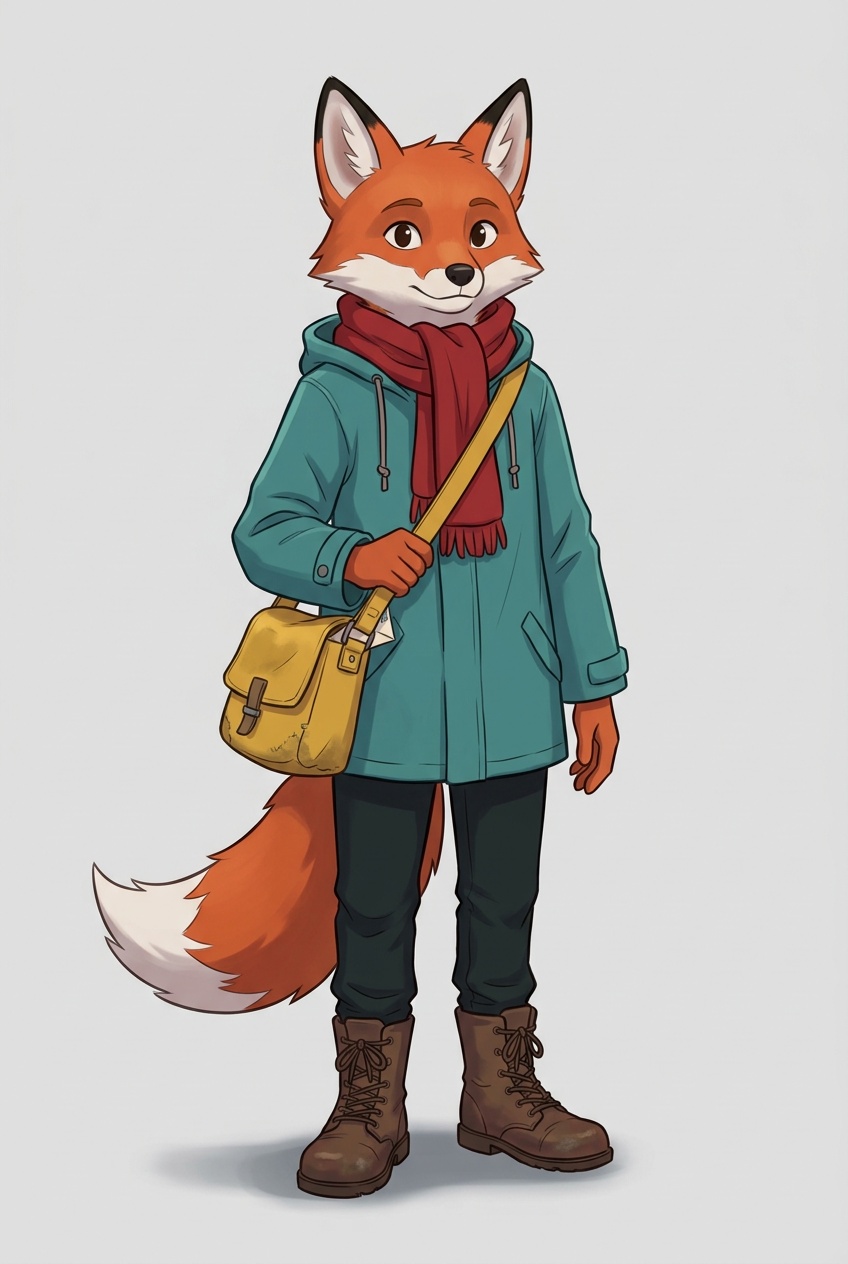
FLUX.3 Klein Edit
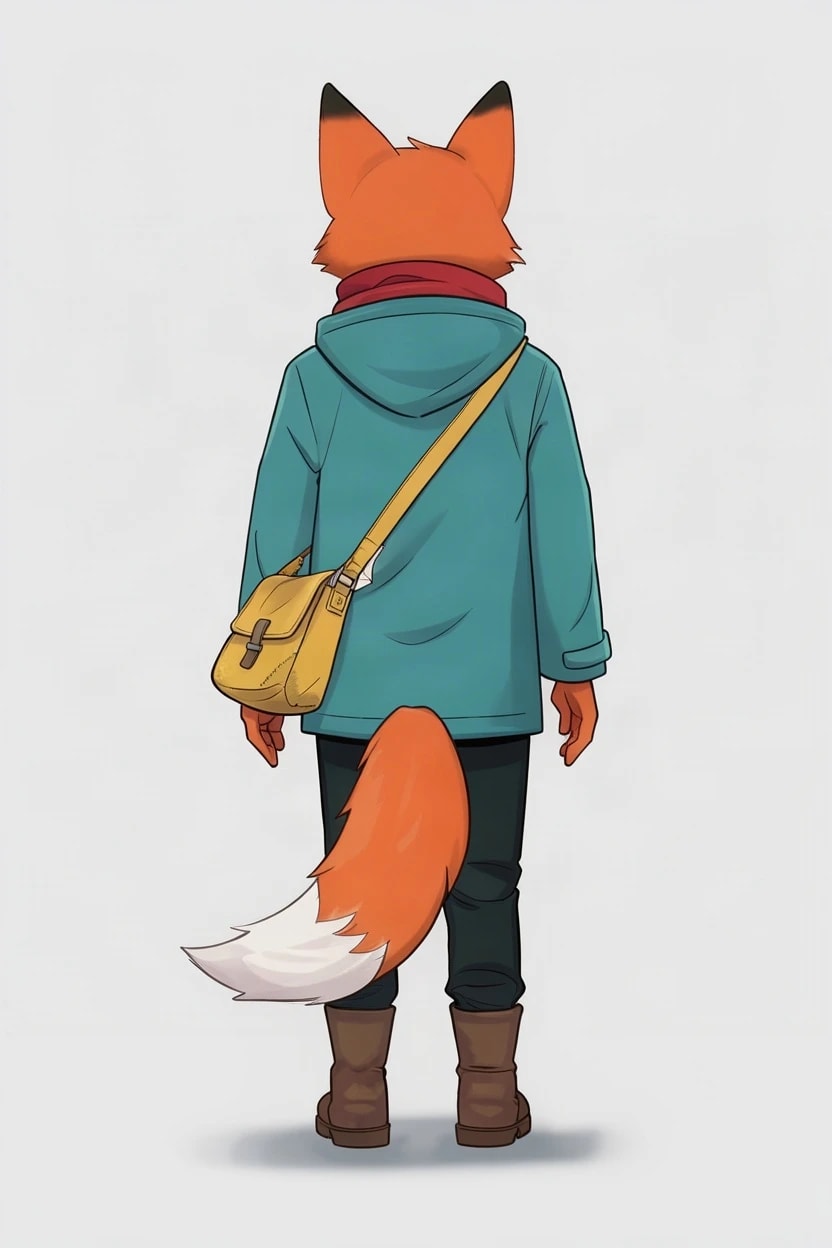
From behindJPEG, 832 × 1248
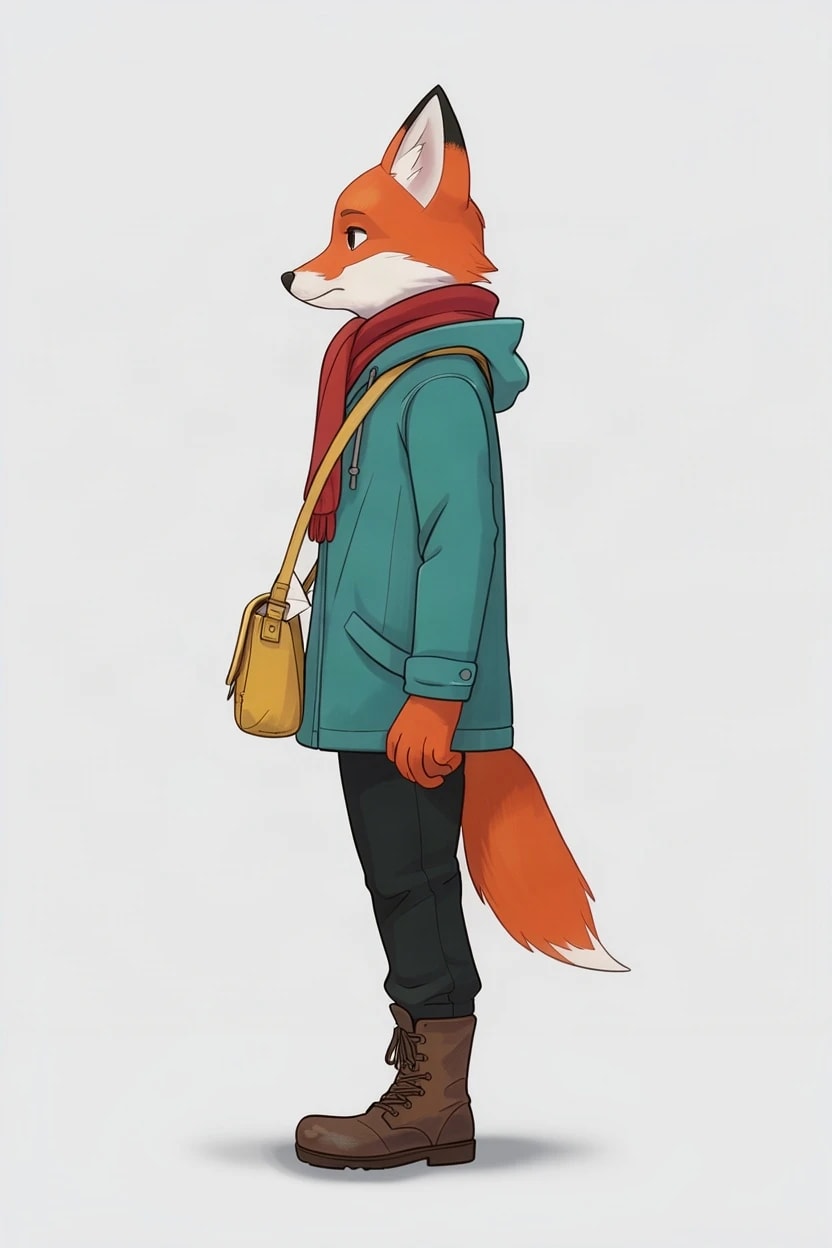
Left sideJPEG, 832 × 1248
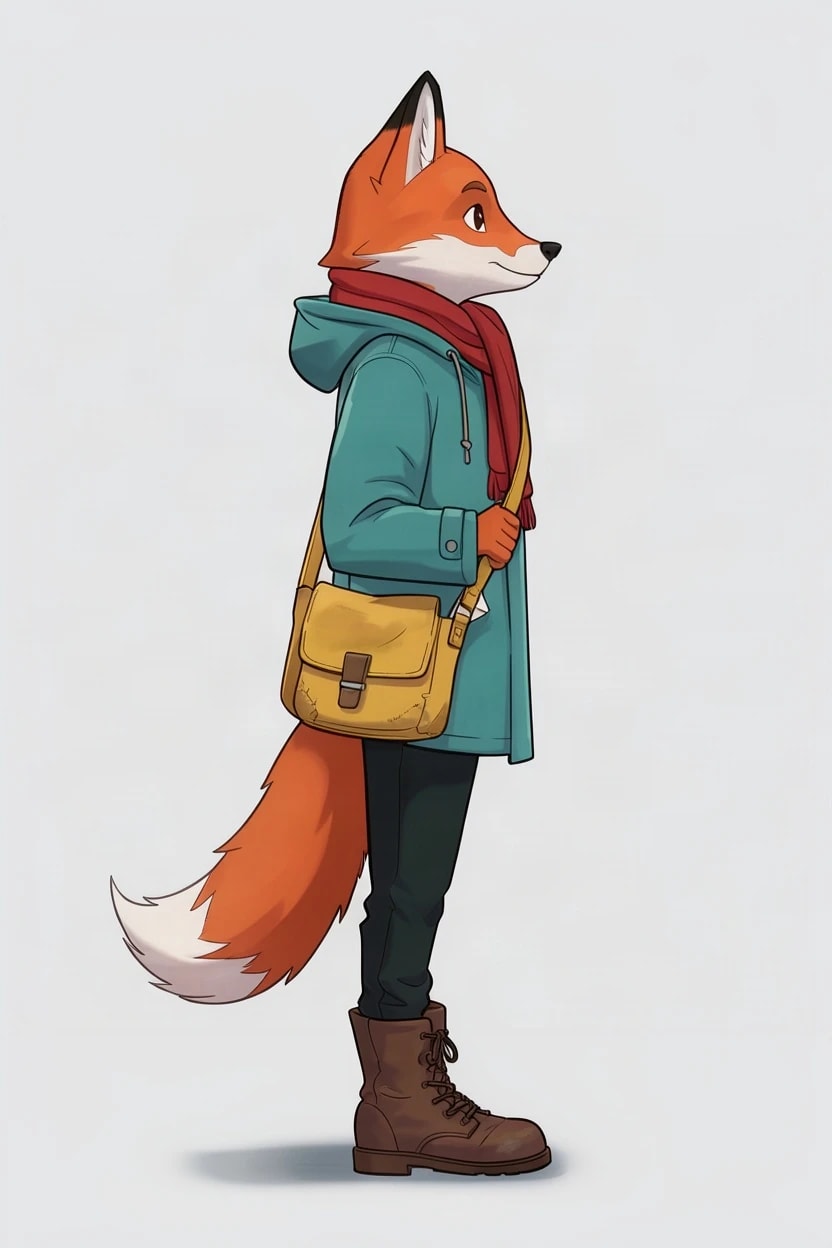
Right sideJPEG, 832 × 1248
GPT Image 2.5 Edit
From behindJPEG, 832 × 1248
Left sideJPEG, 832 × 1248
Right sideJPEG, 832 × 1248
Nano Banana 2.1 Edit
From behindJPEG, 848 × 1264
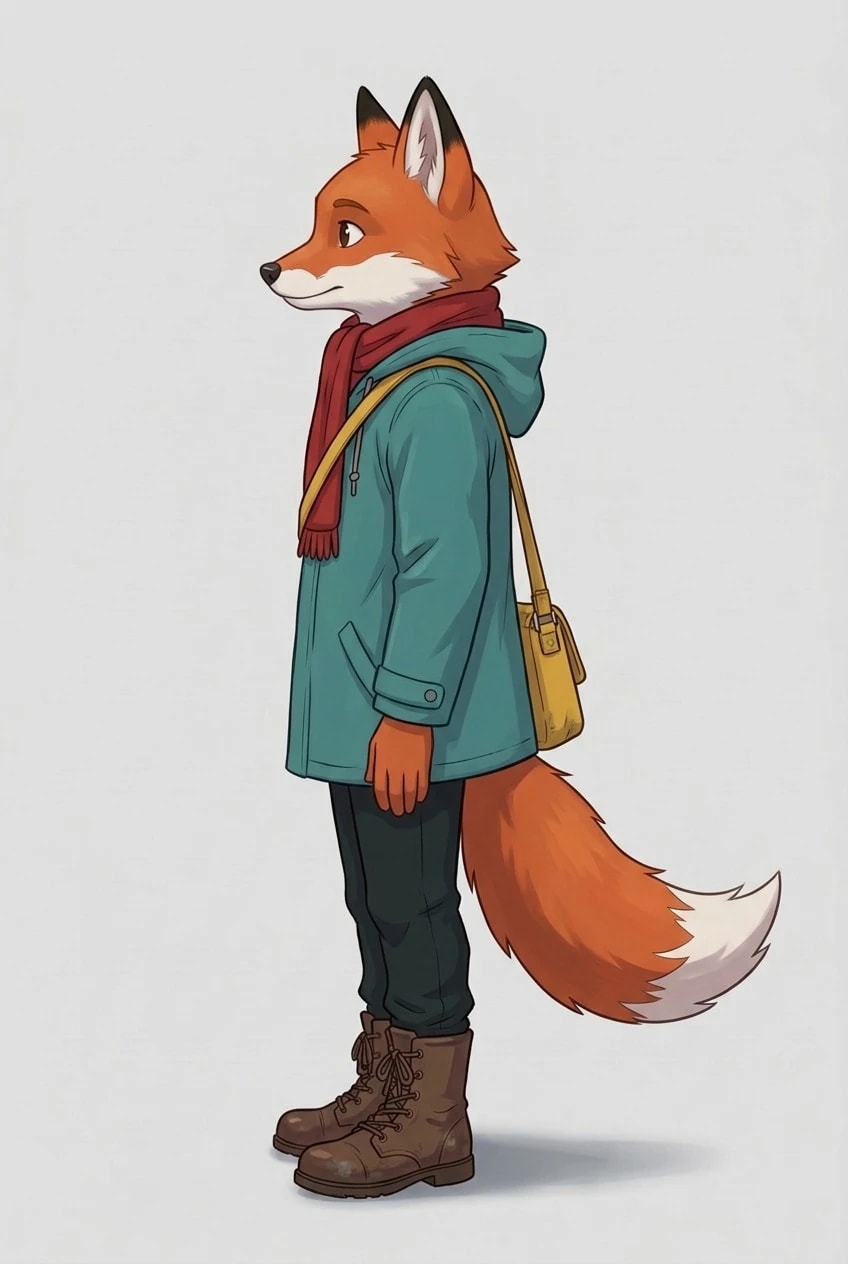
Left sideJPEG, 848 × 1264
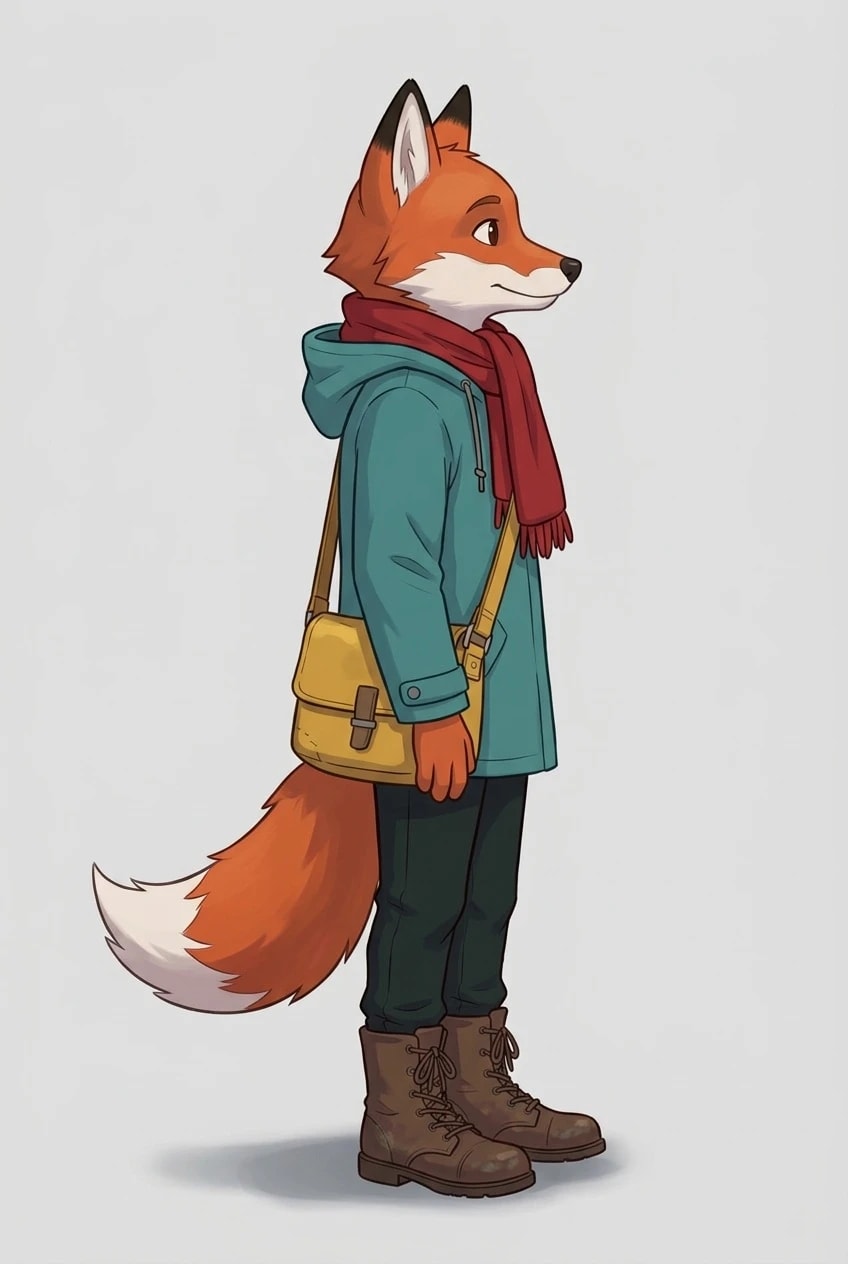
Right sideJPEG, 848 × 1264
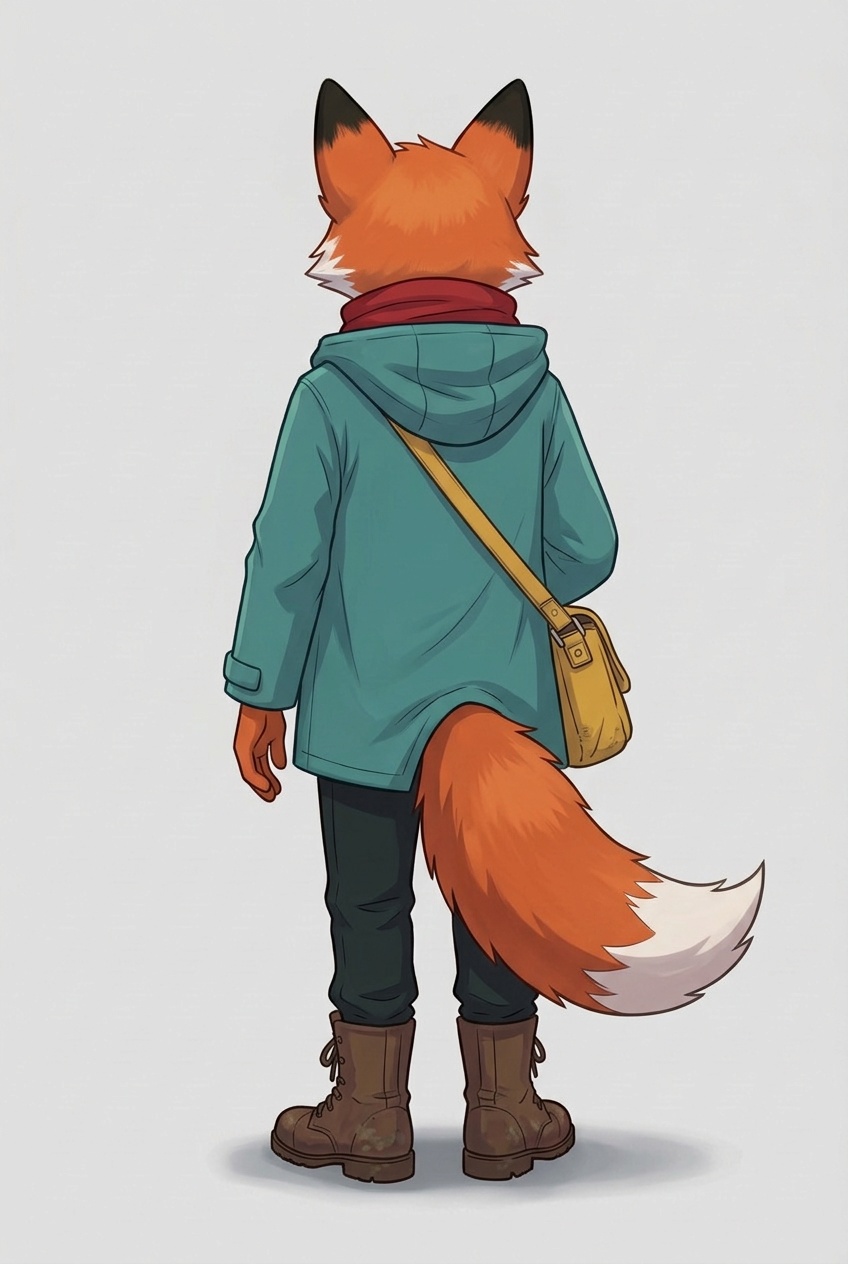
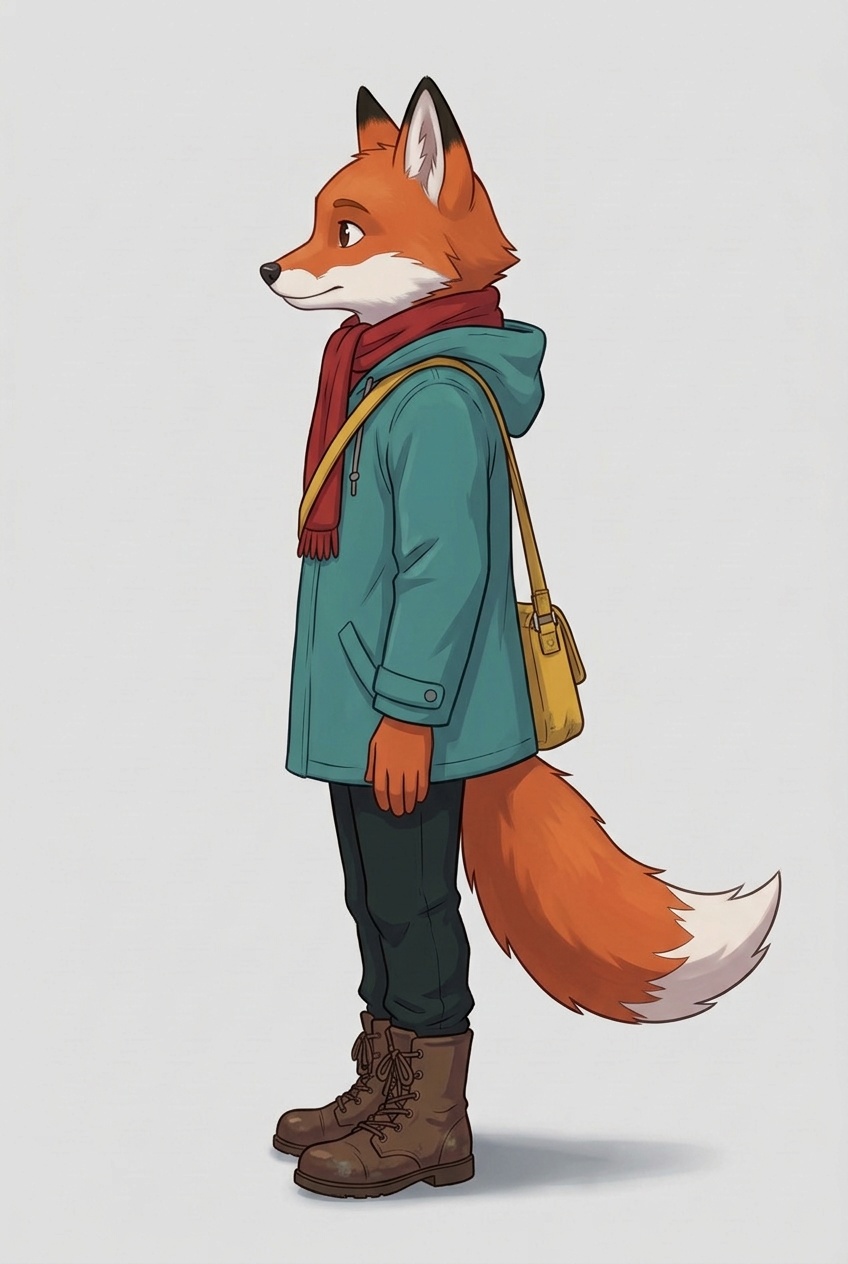
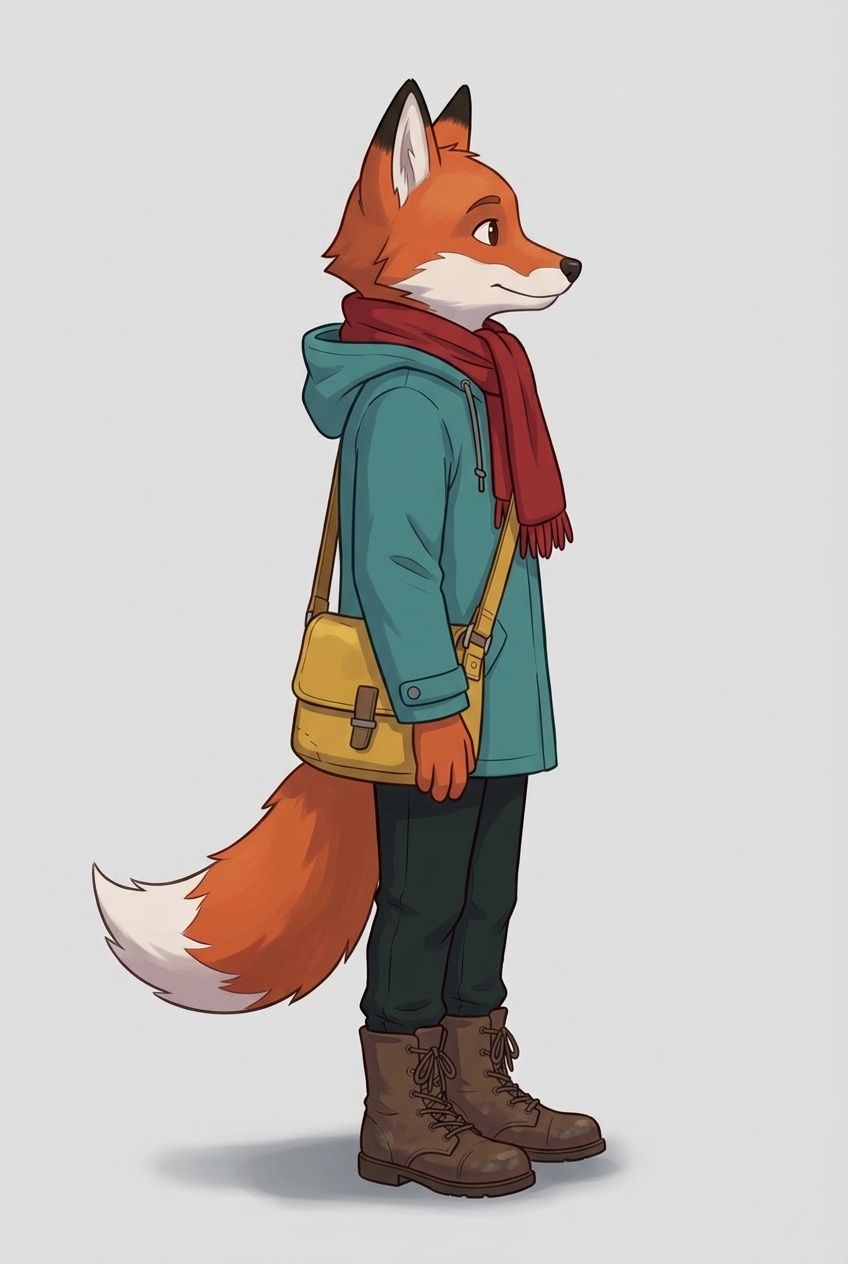
Krea 3 Edit
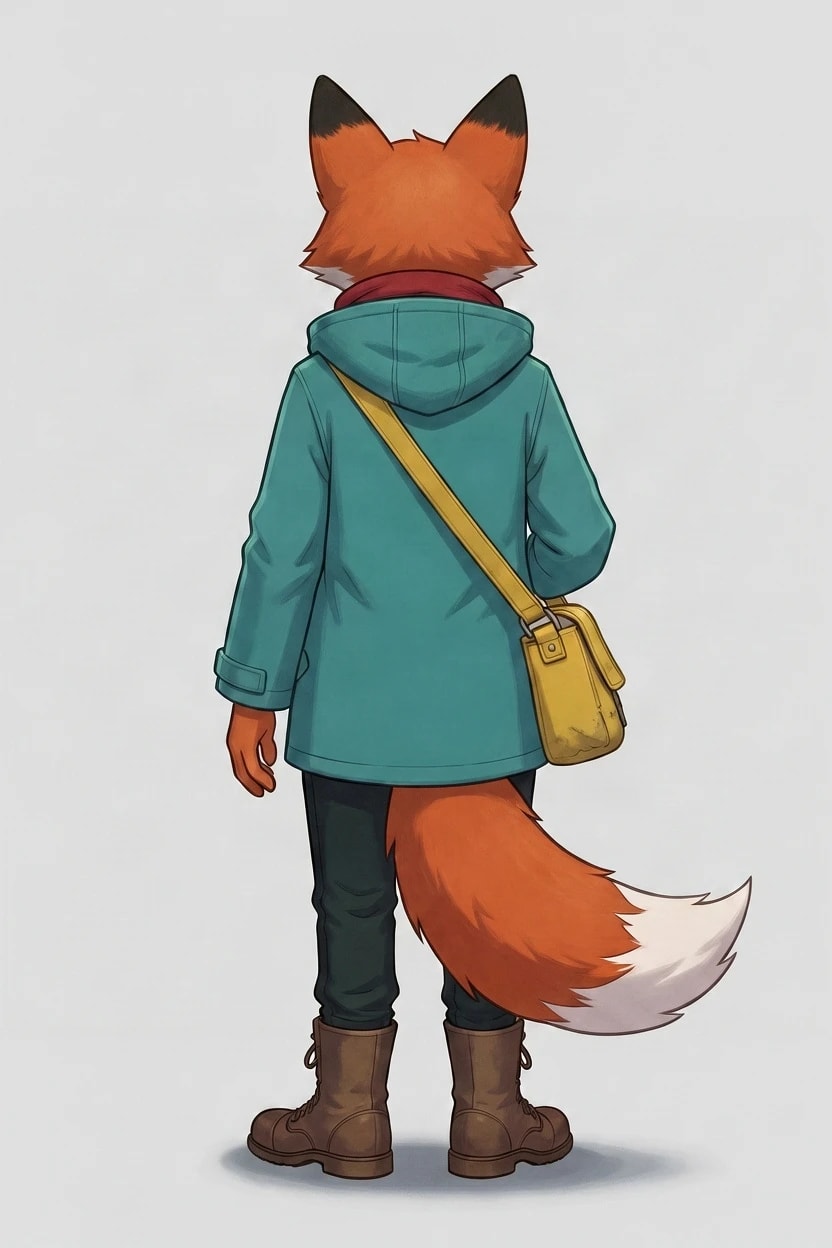
From behindJPEG, 832 × 1248
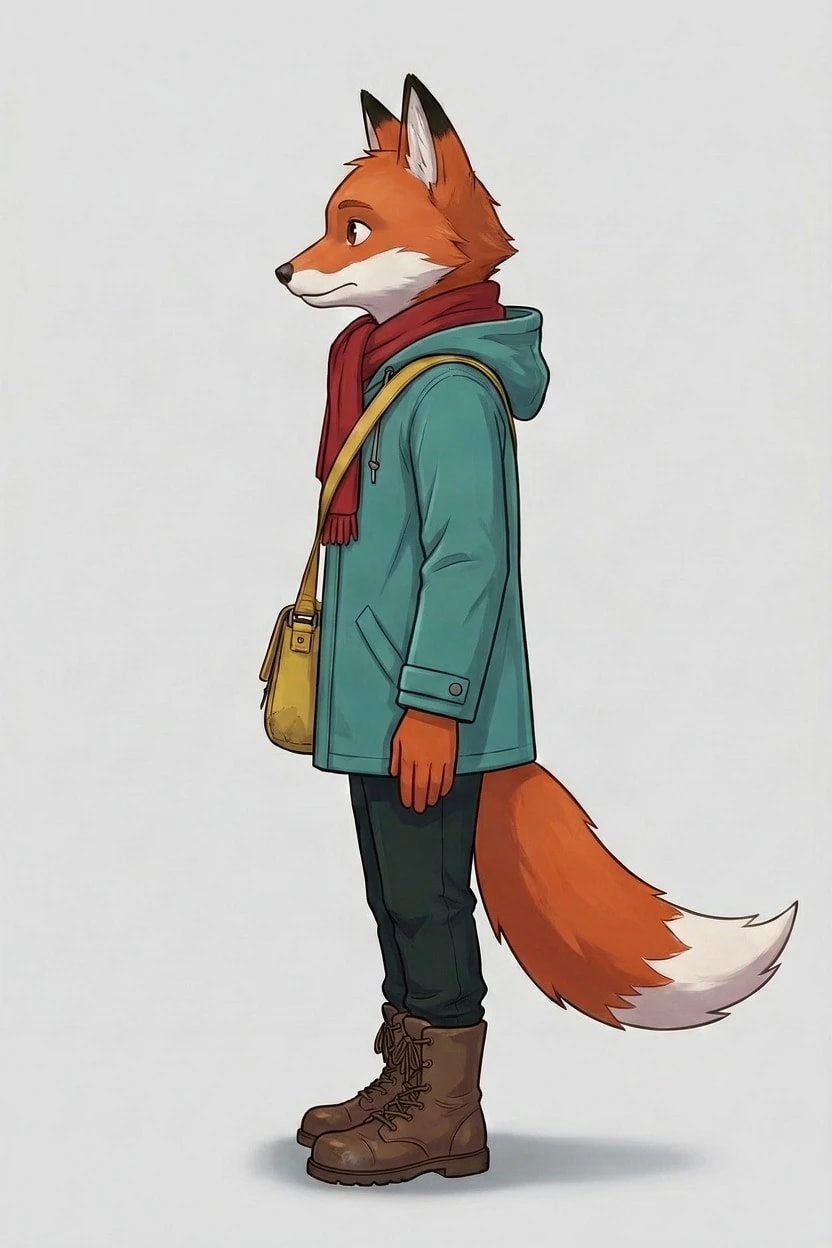
Left sideJPEG, 832 × 1248
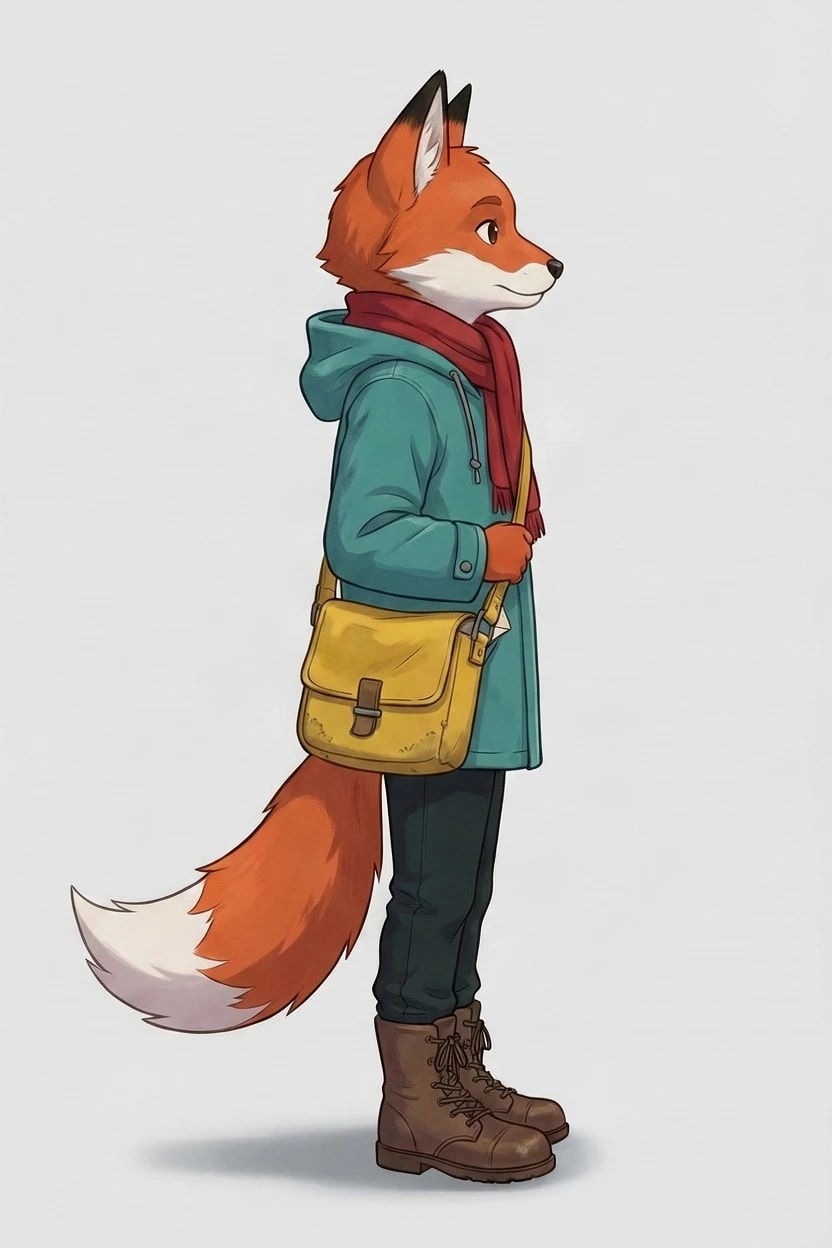
Right sideJPEG, 832 × 1248
Grok Imagine 2.0 Edit
From behindJPEG, 832 × 1248
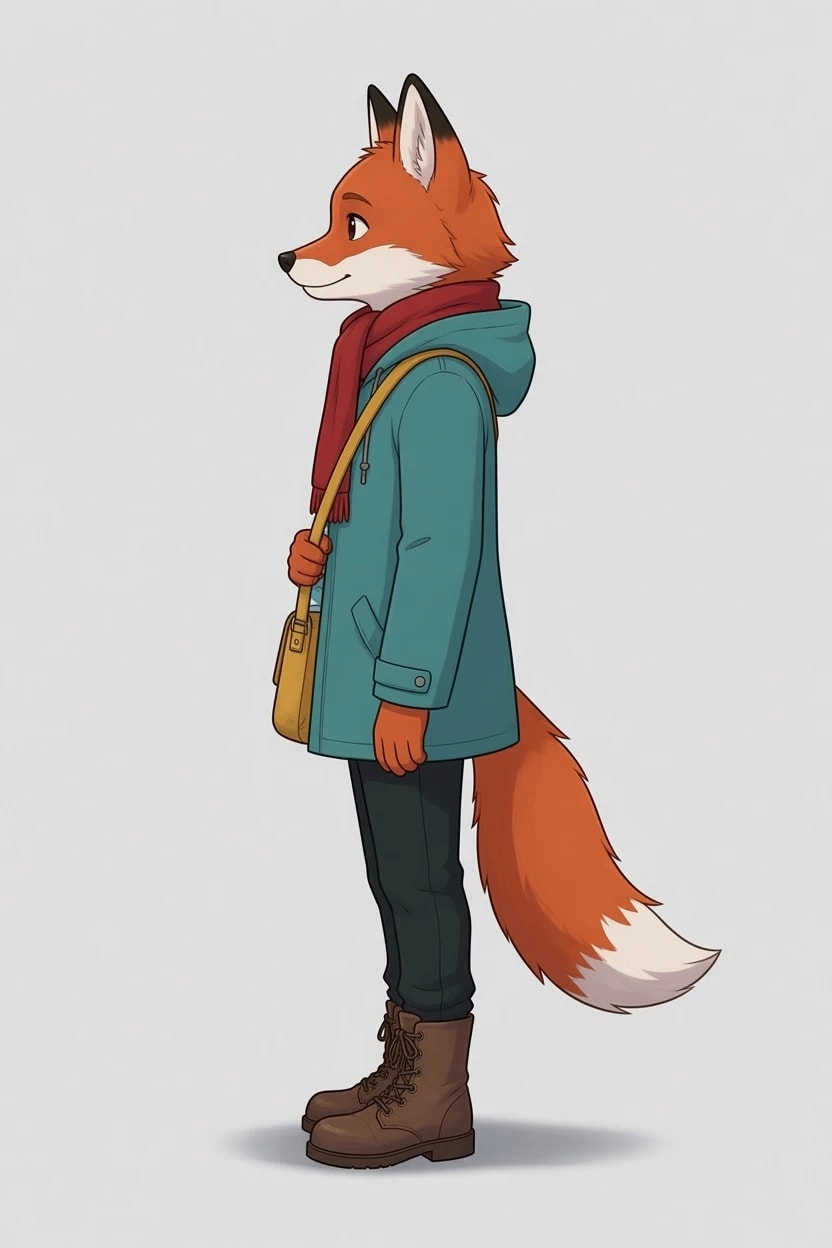
Left sideJPEG, 832 × 1248
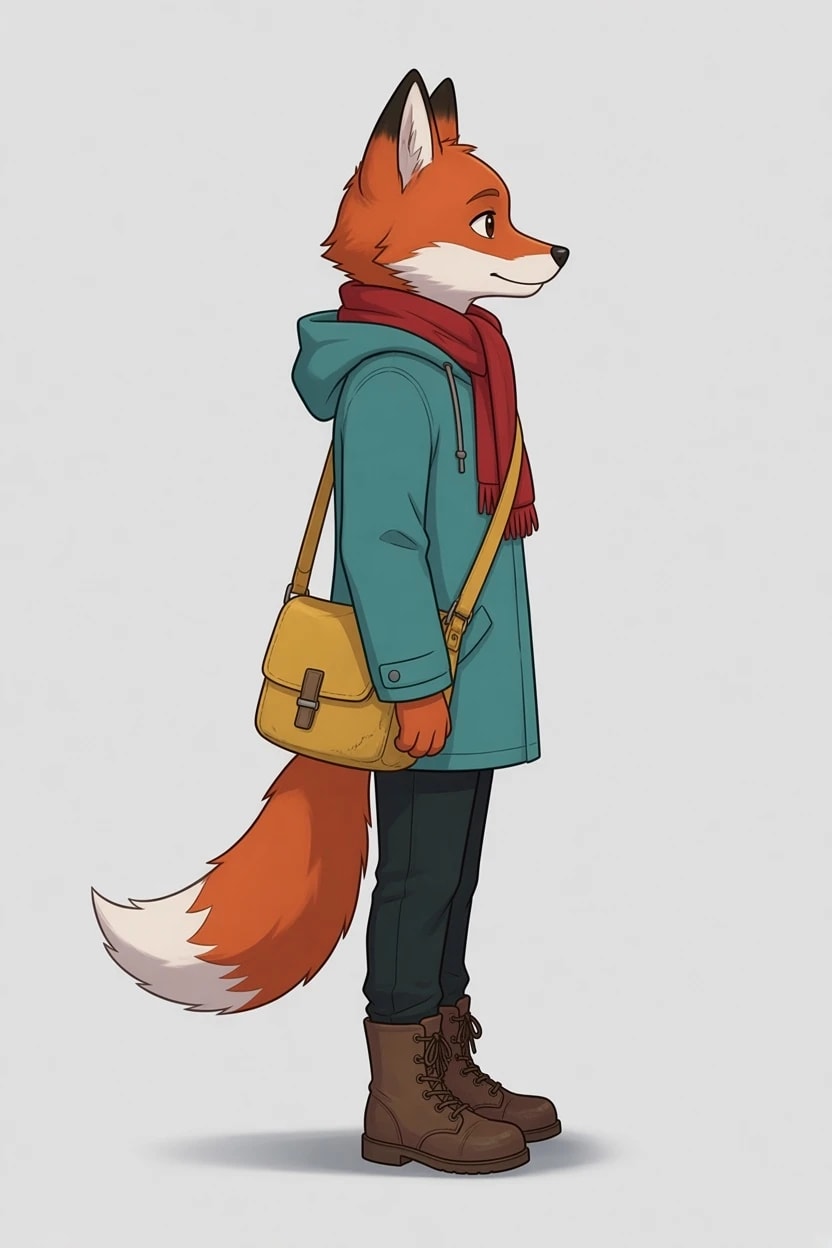
Right sideJPEG, 832 × 1248
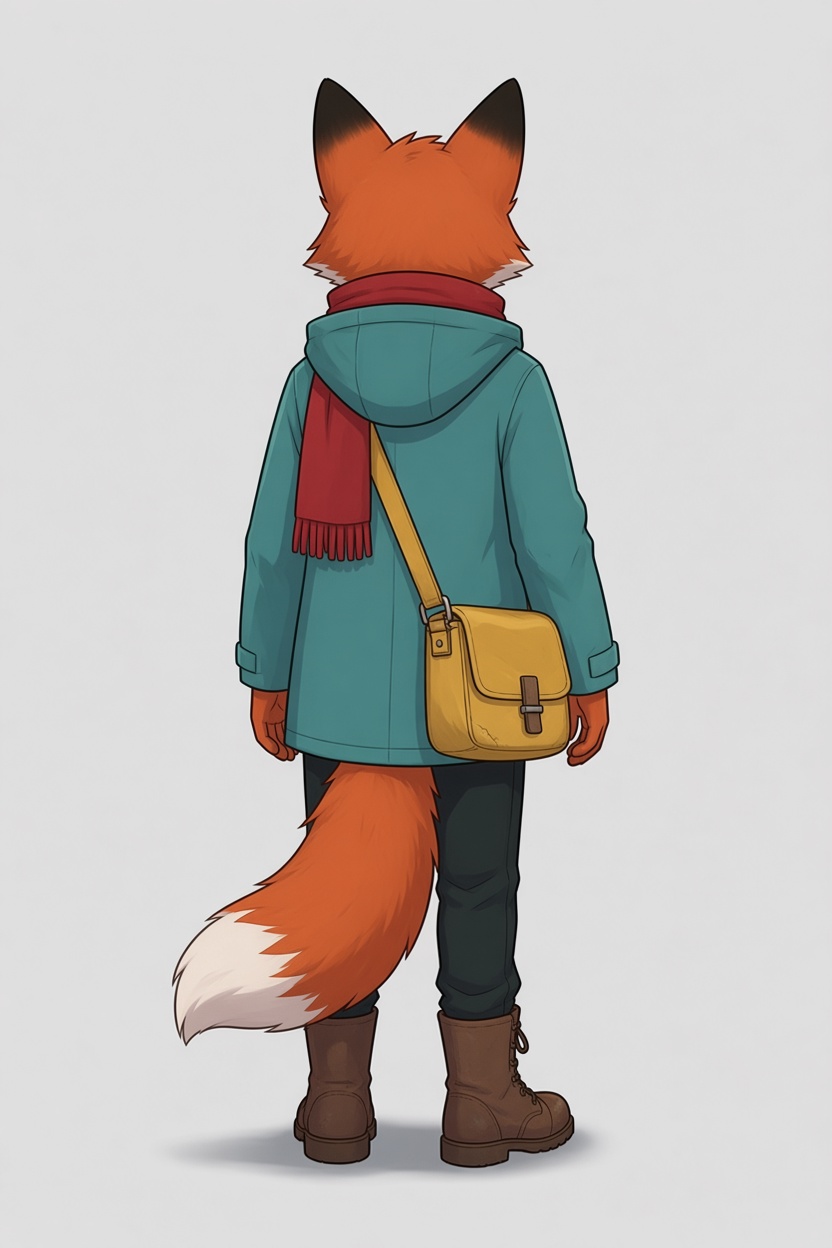
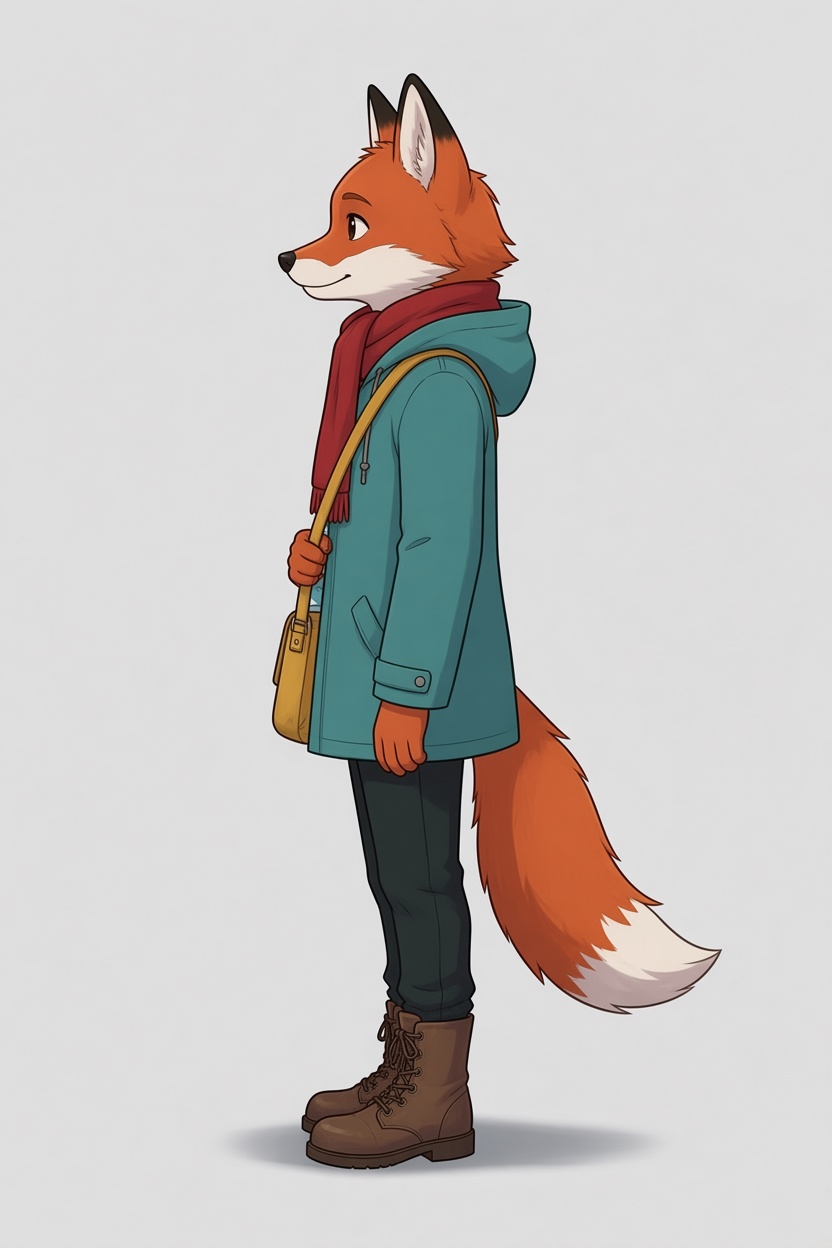
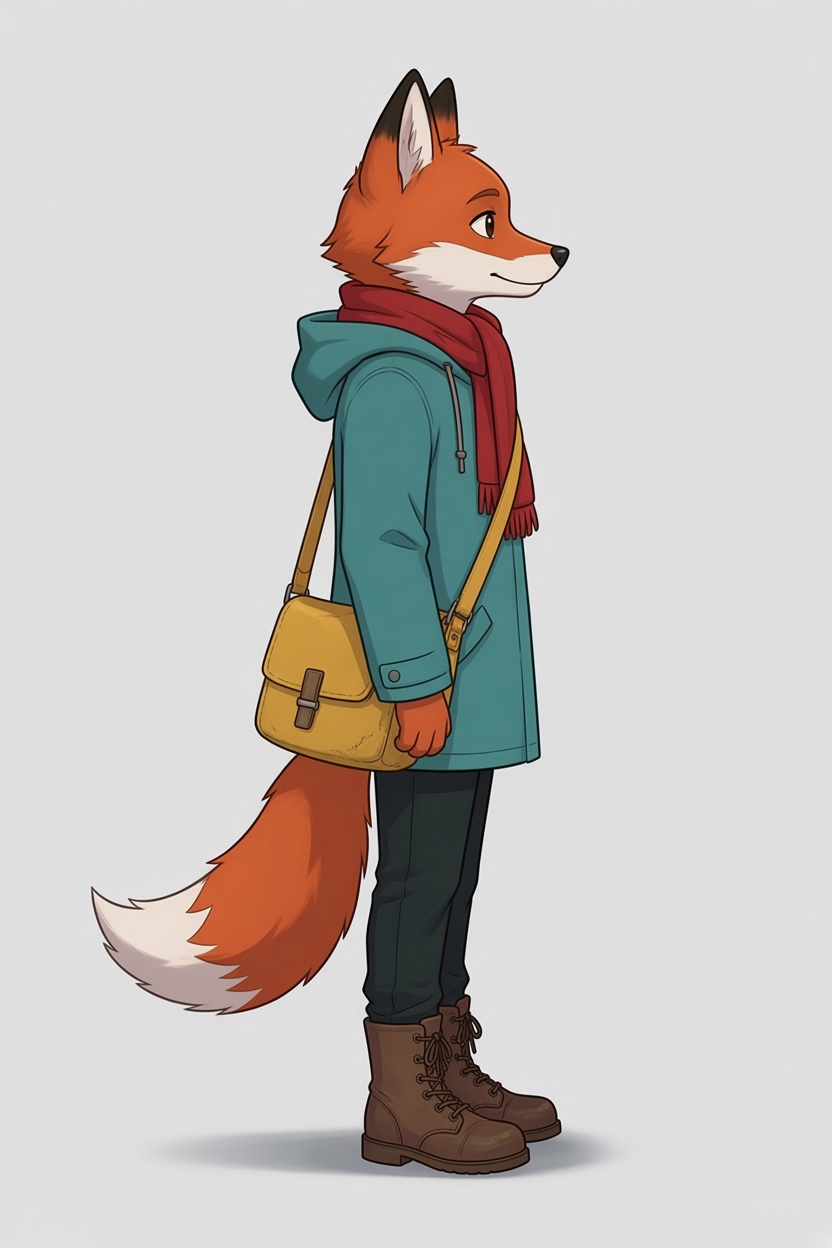
Every model kept the fox recognisably the same: the jacket’s colour and pockets, the scarf, the boots and the tail. FLUX.3 Klein Edit drew the back as a mirror image of the front, so the satchel crossed to the other hip. Nano Banana 2.1 Edit swung the satchel round behind the hip in its left view, which is possible but not what the front shows. Grok Imagine 2.0 Edit added a detail of its own, the end of the scarf hanging down the back.
Test 2: a painted ranger, with a note
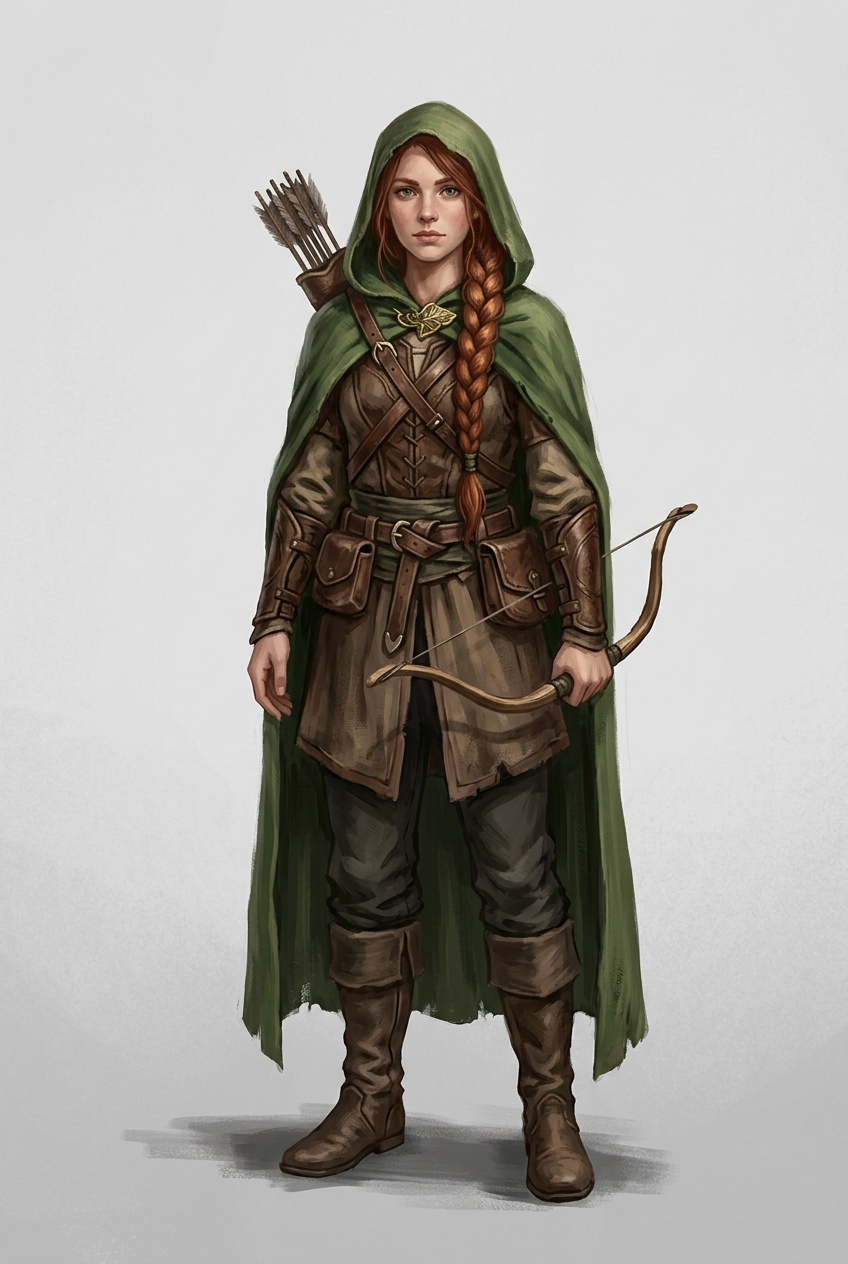
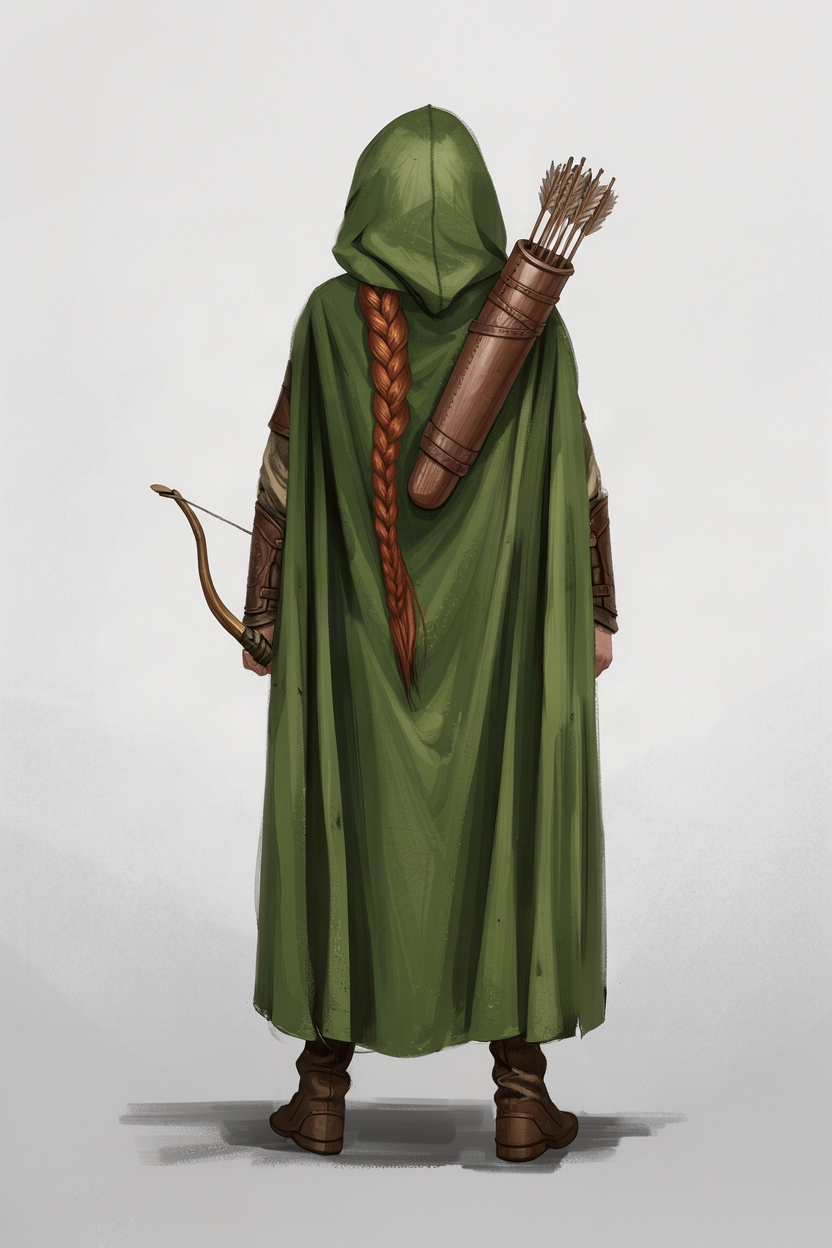
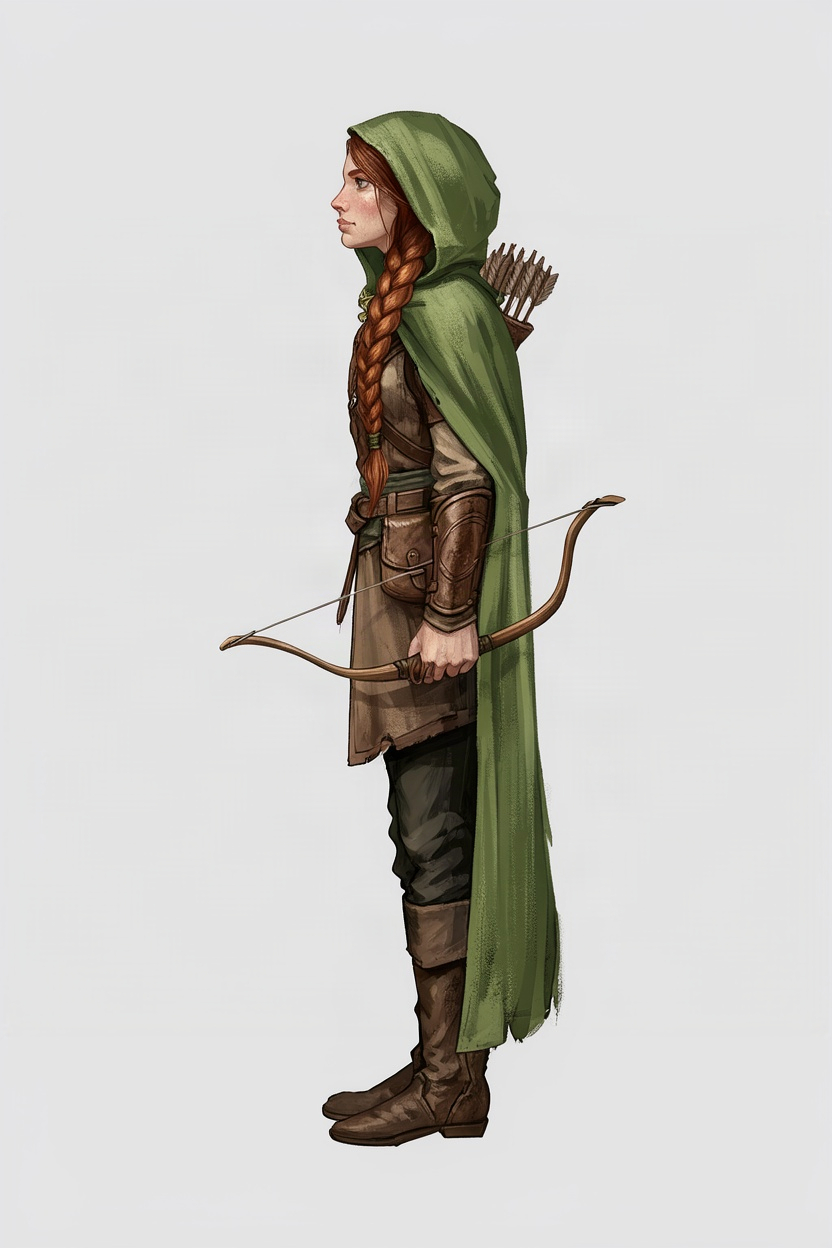
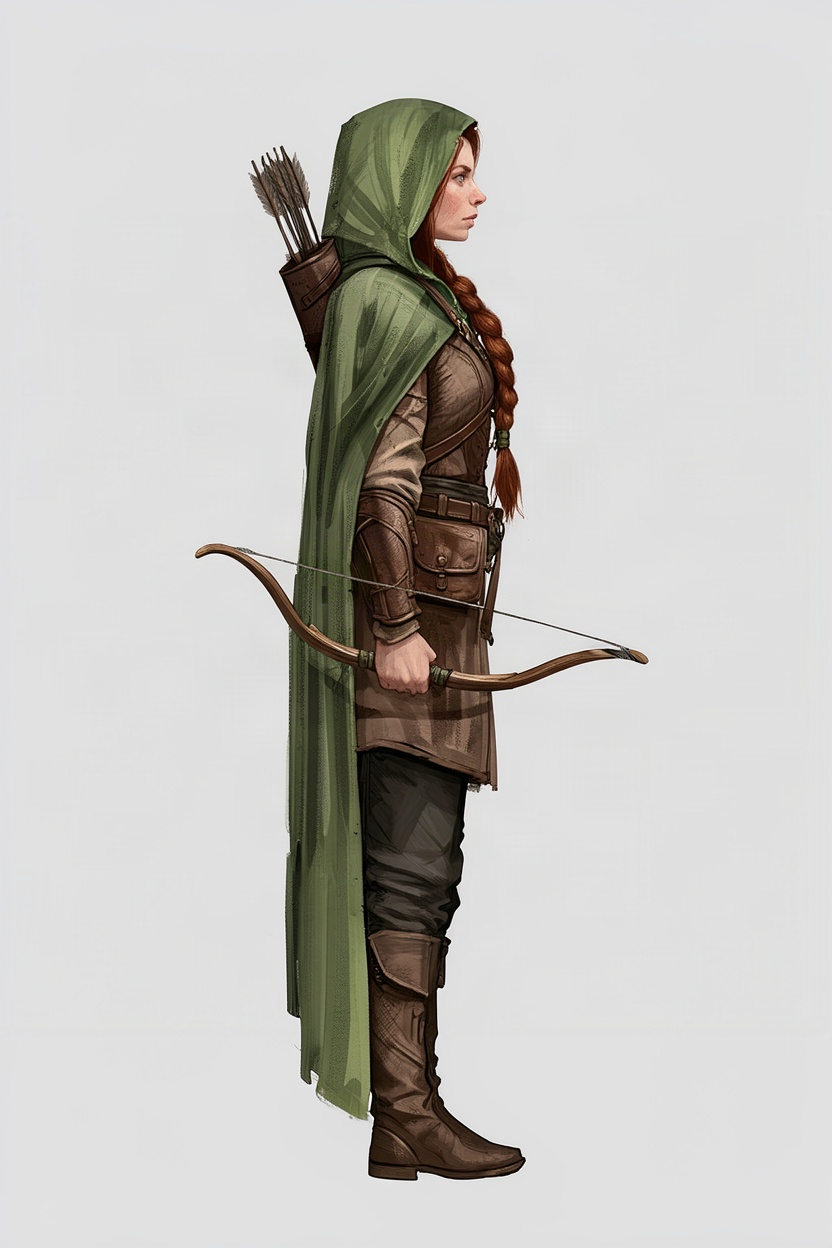
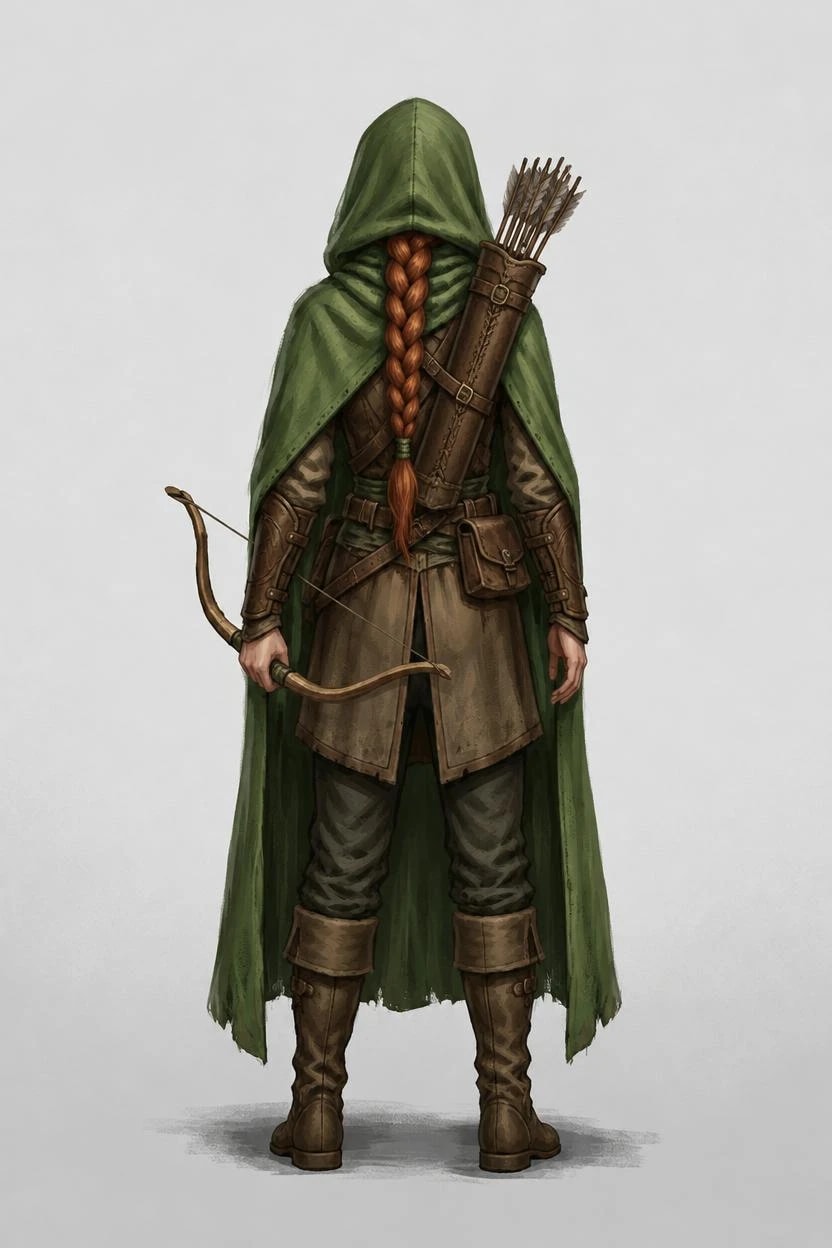
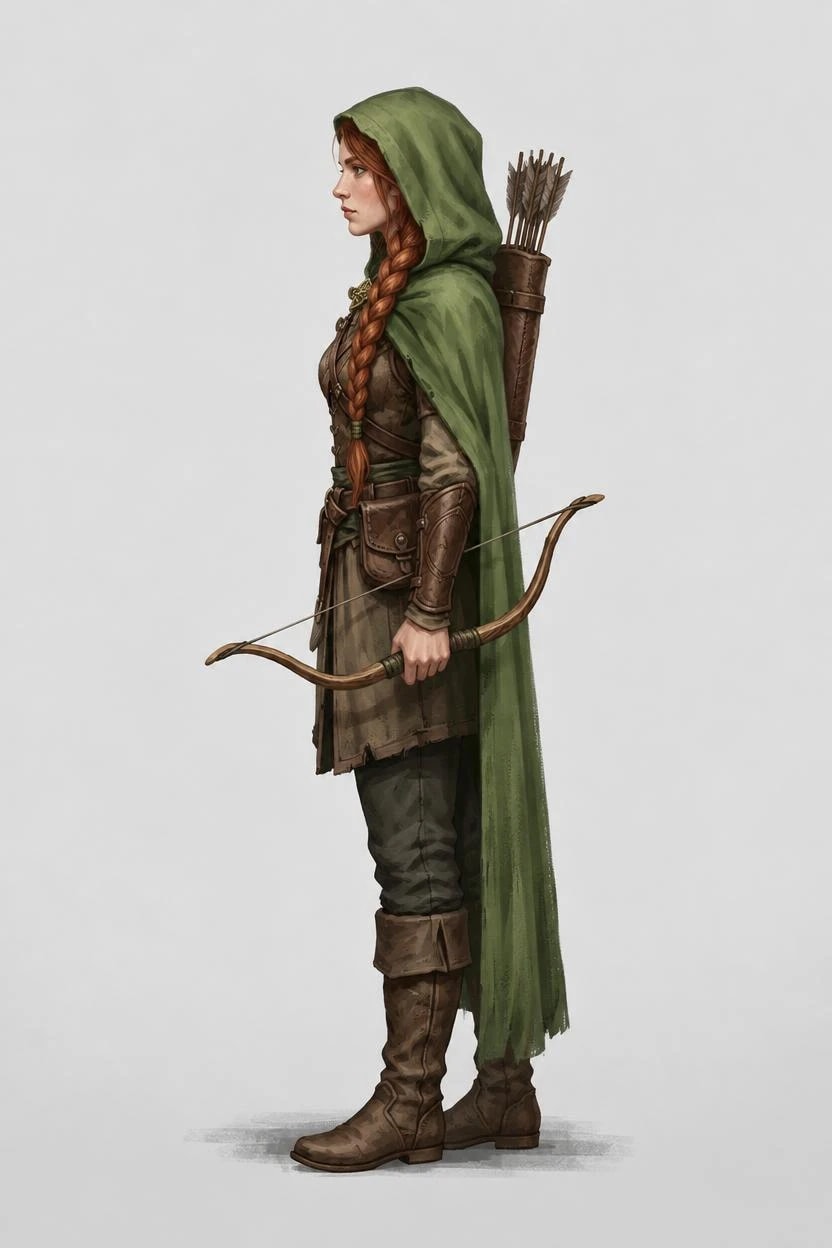
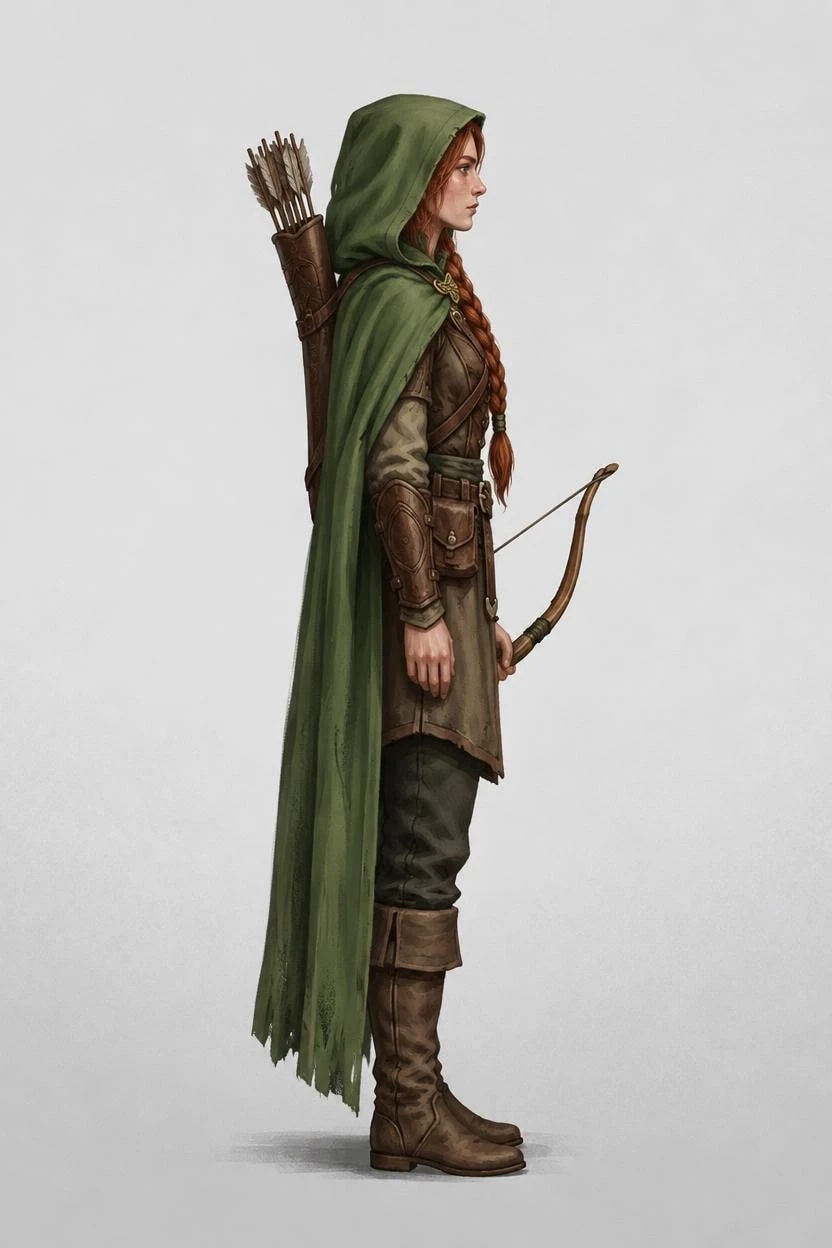
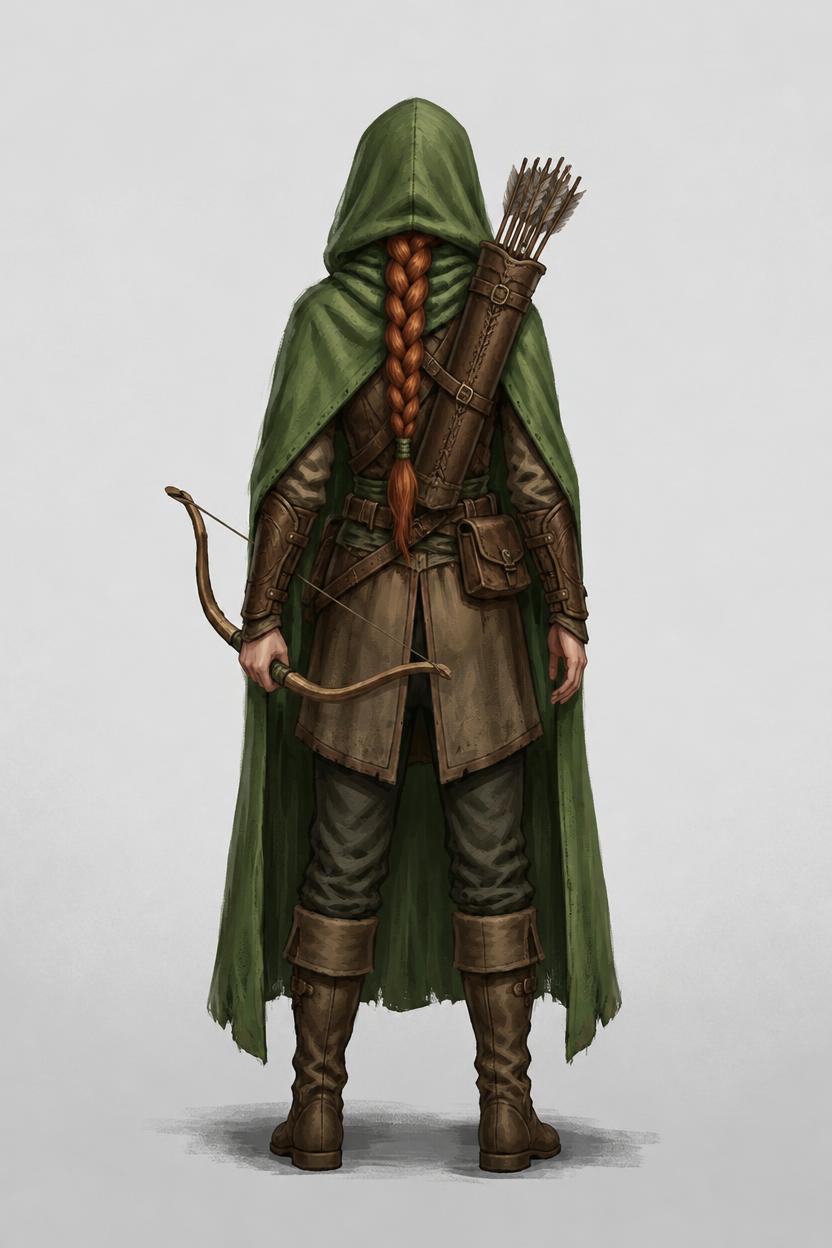
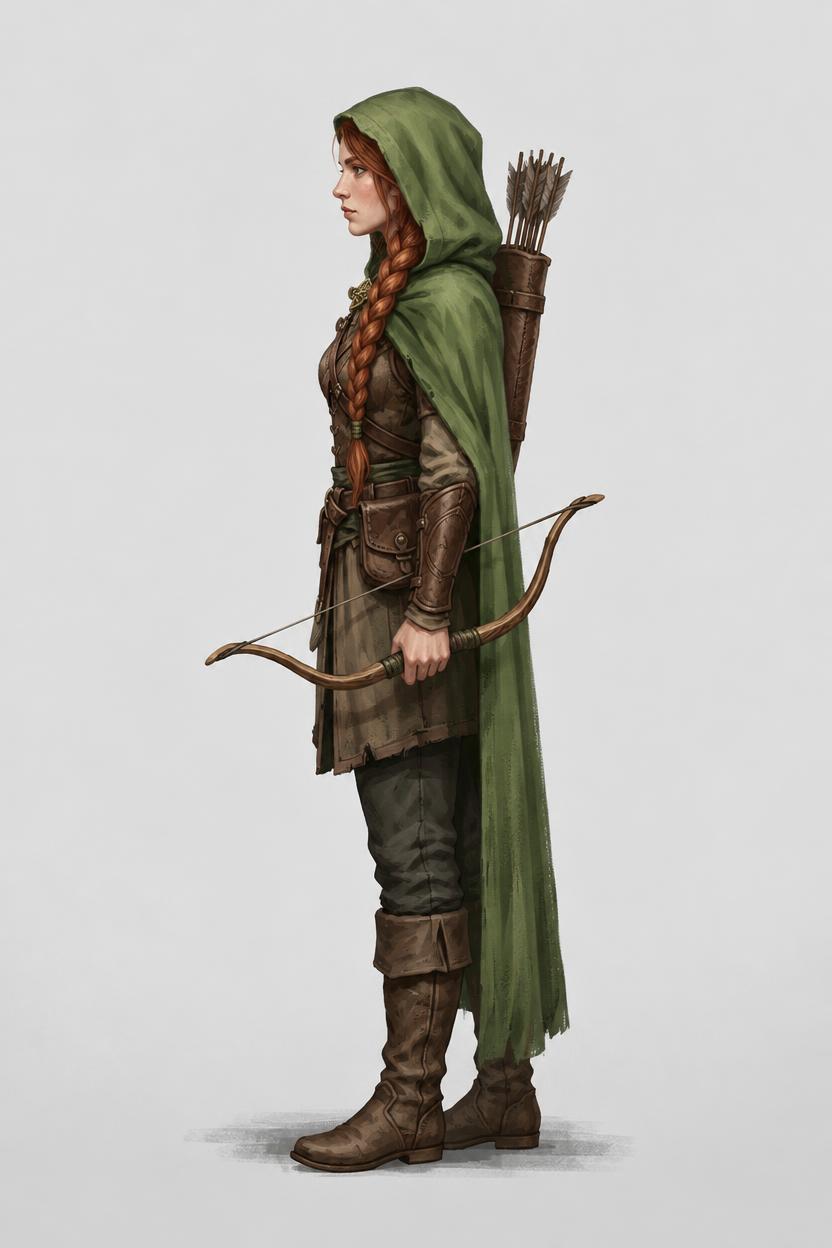
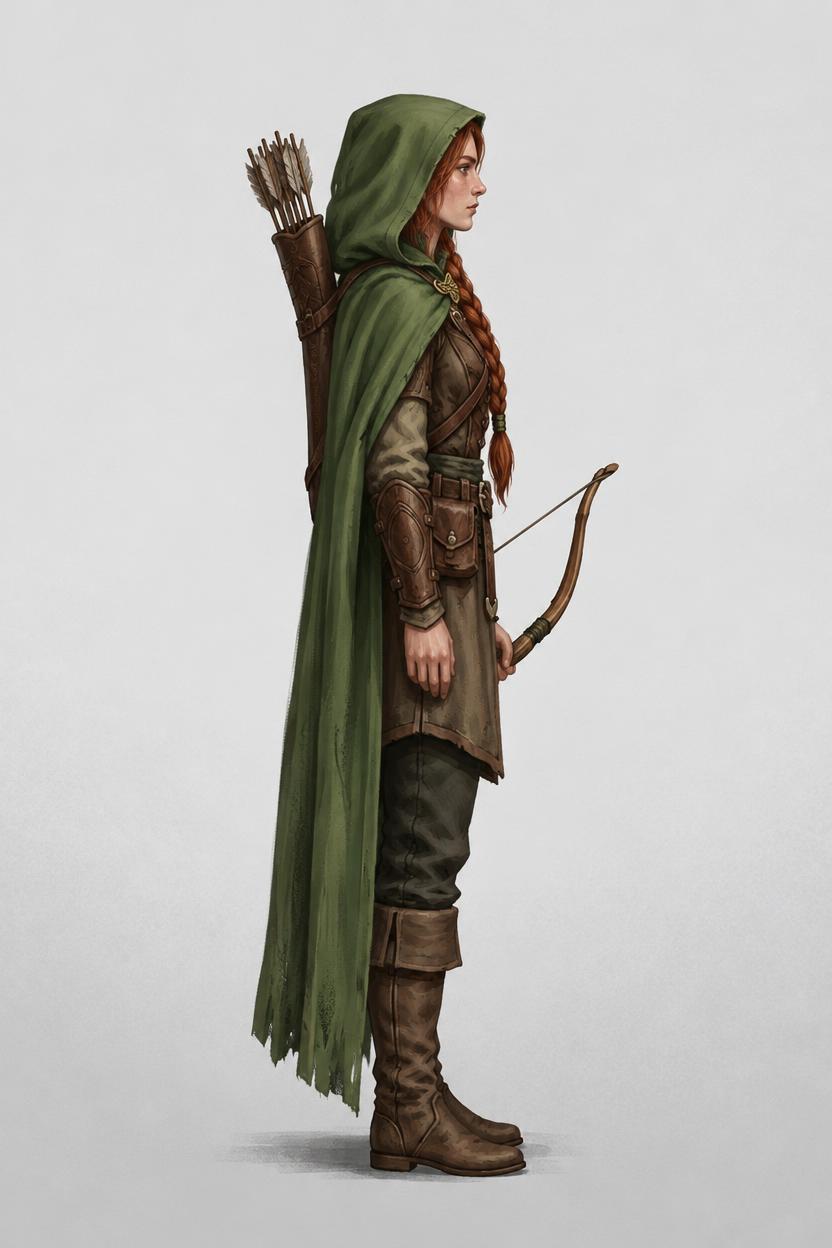
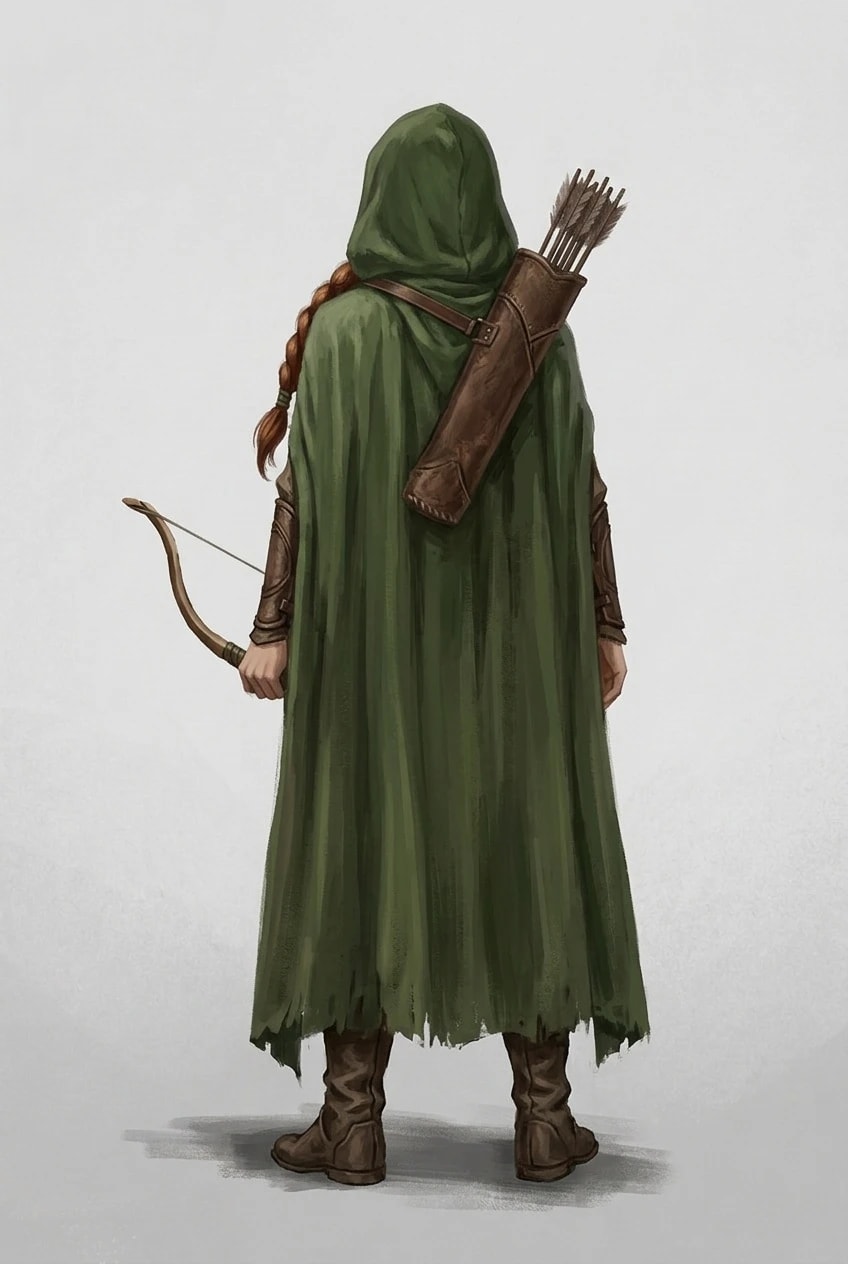
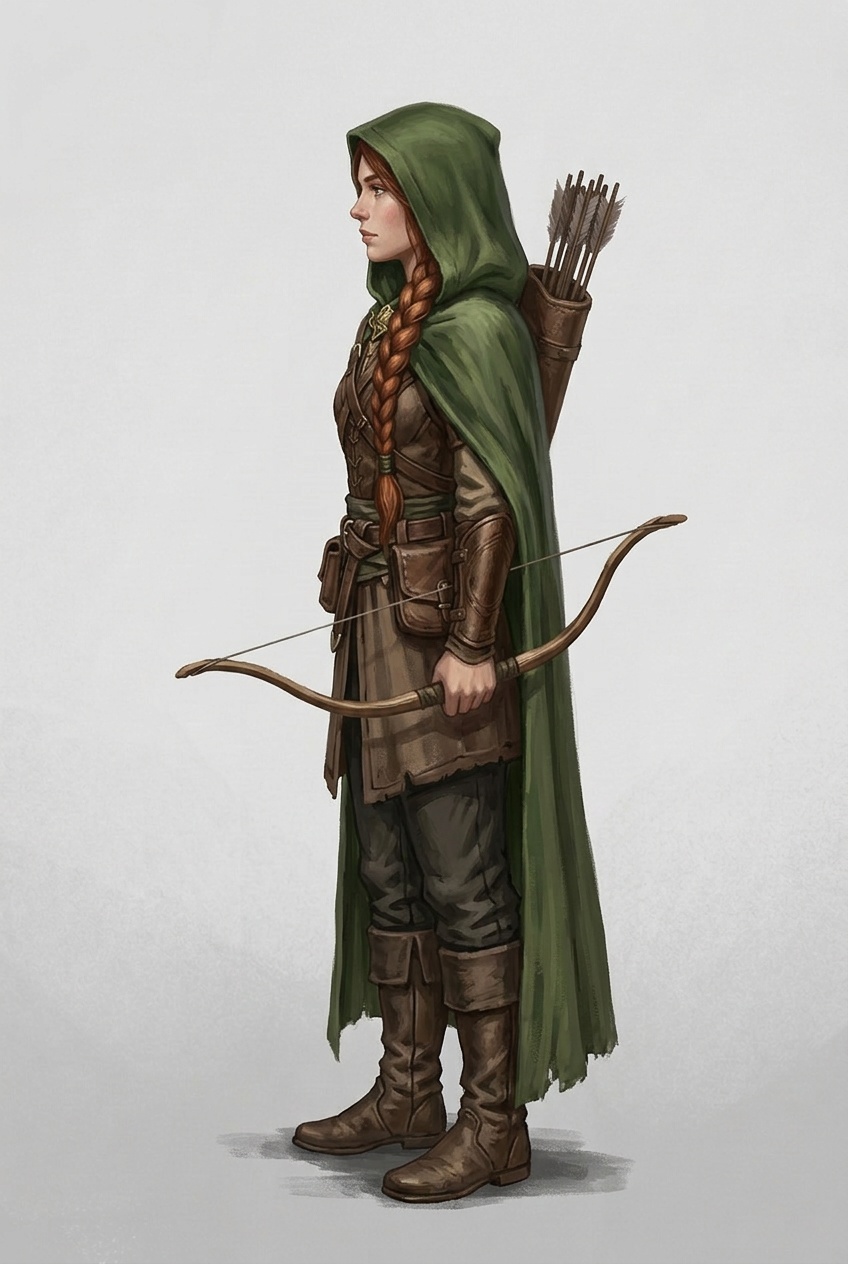
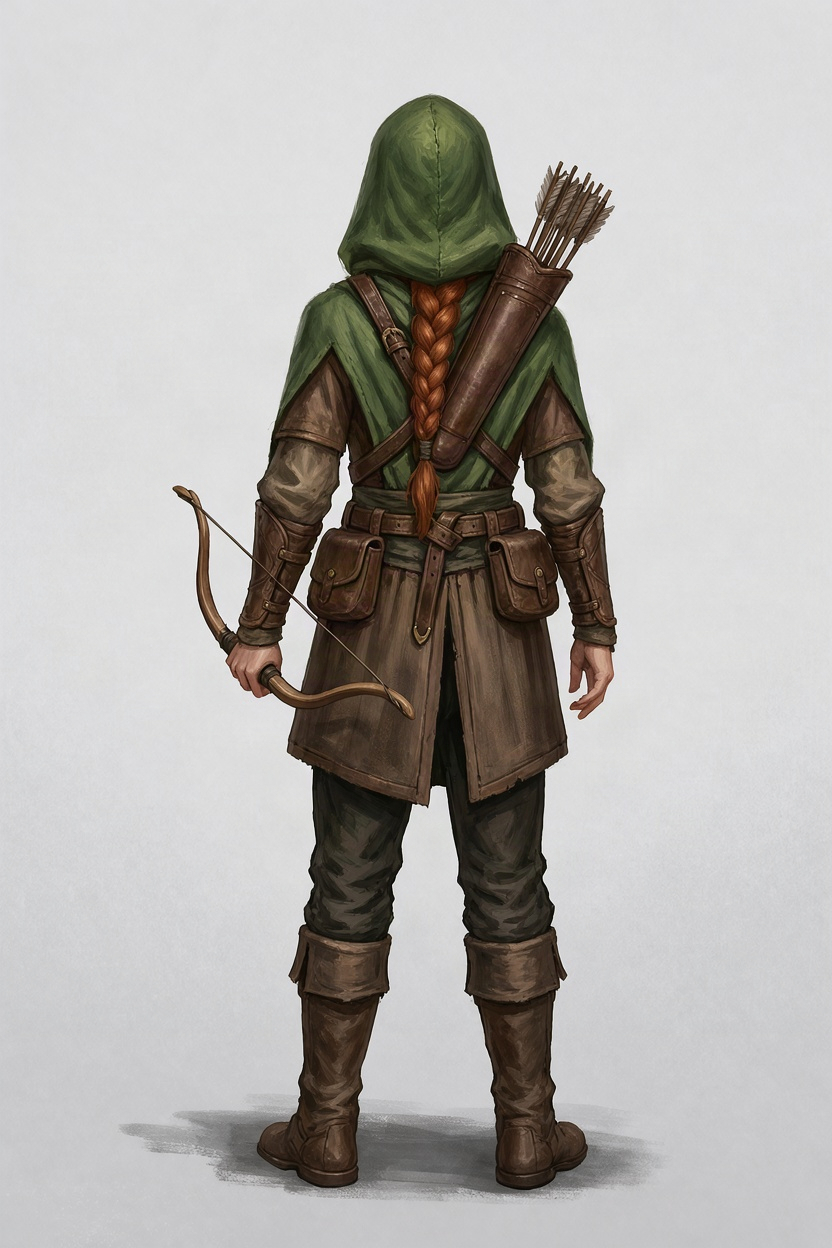
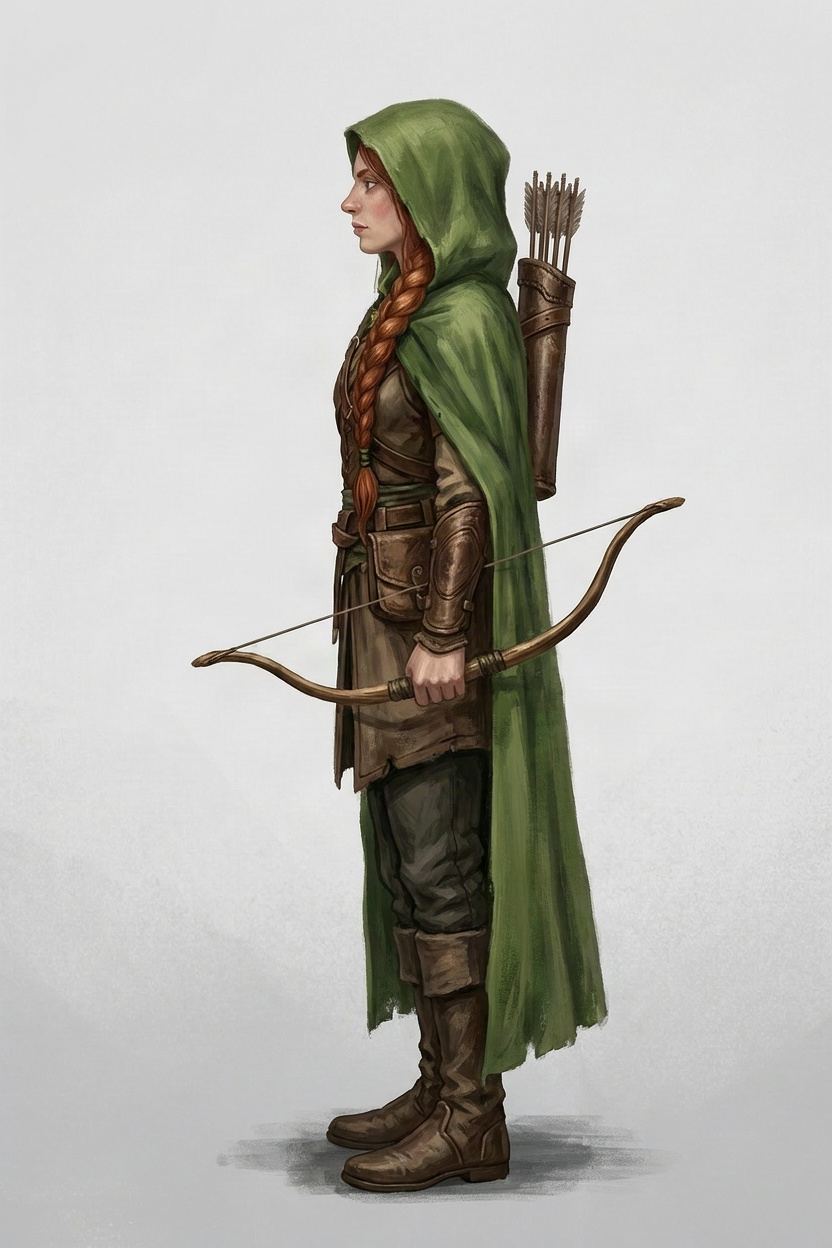
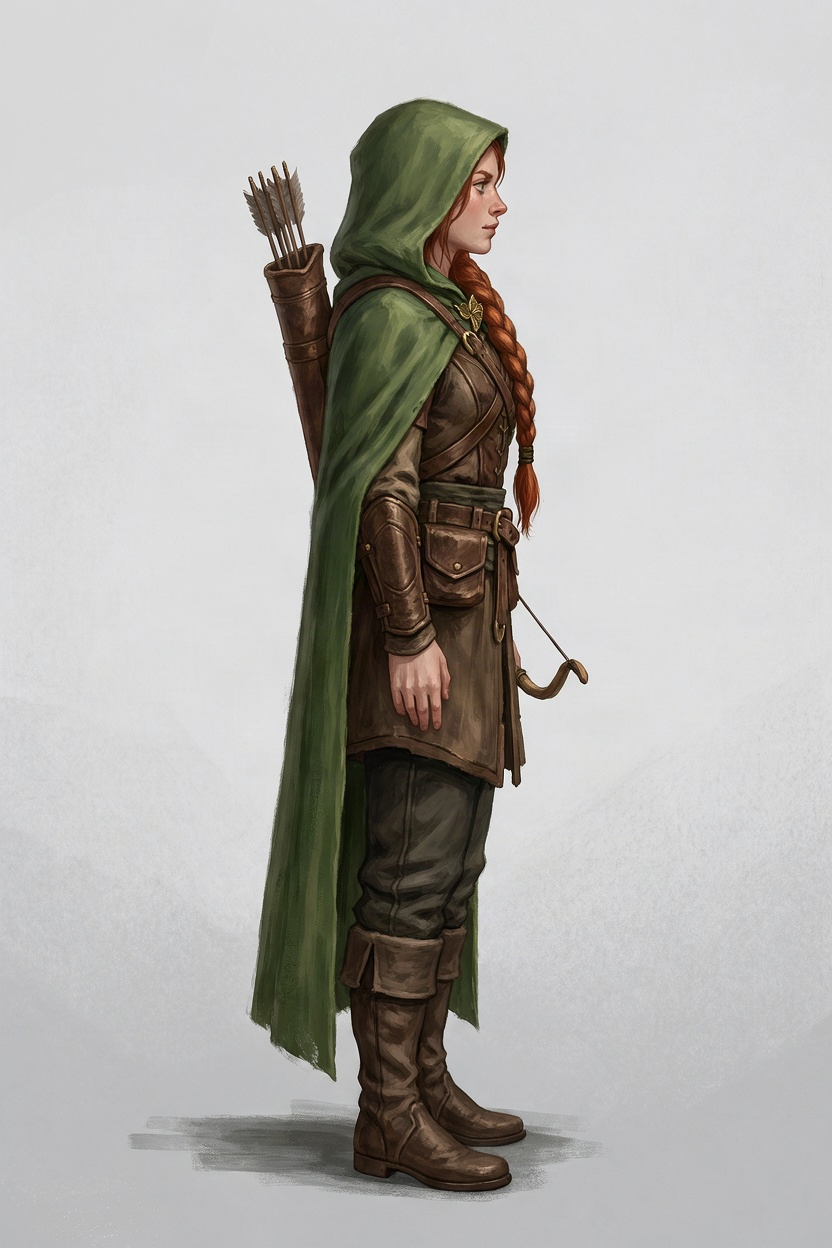
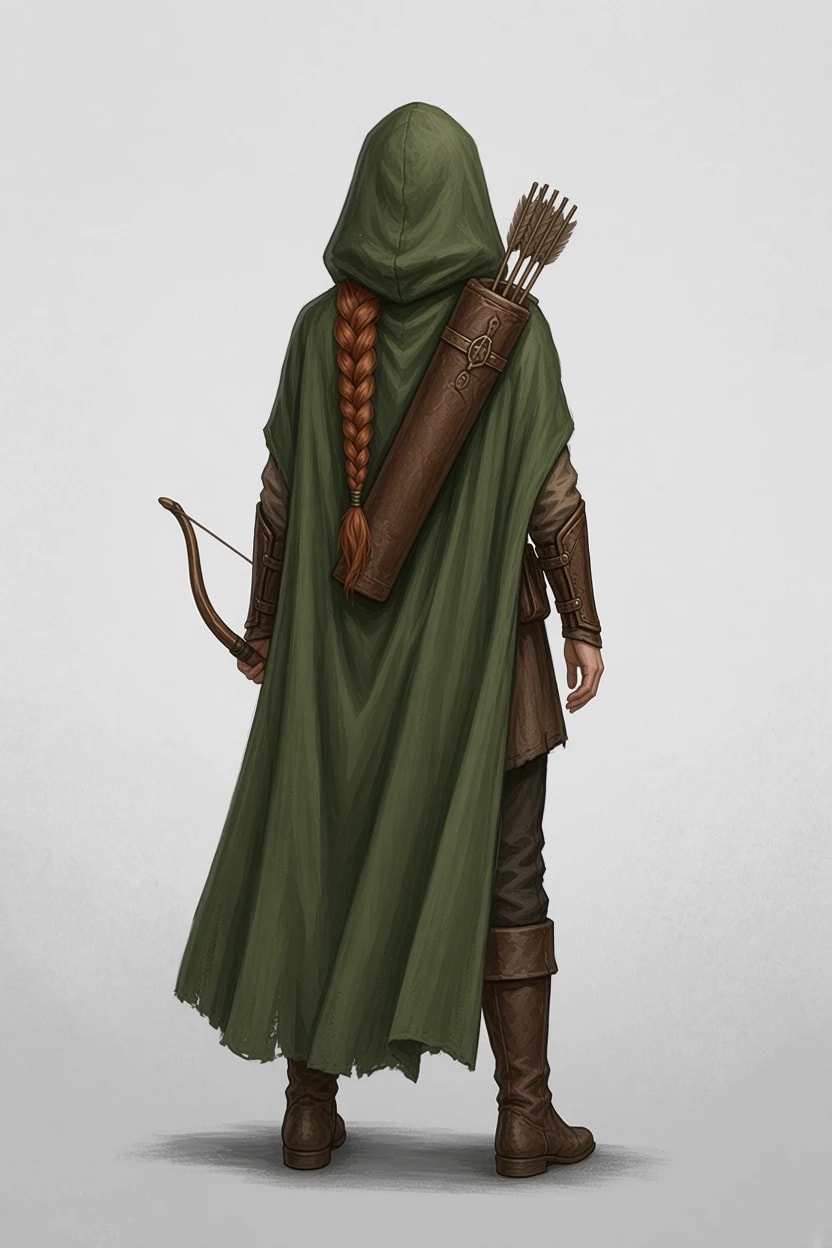
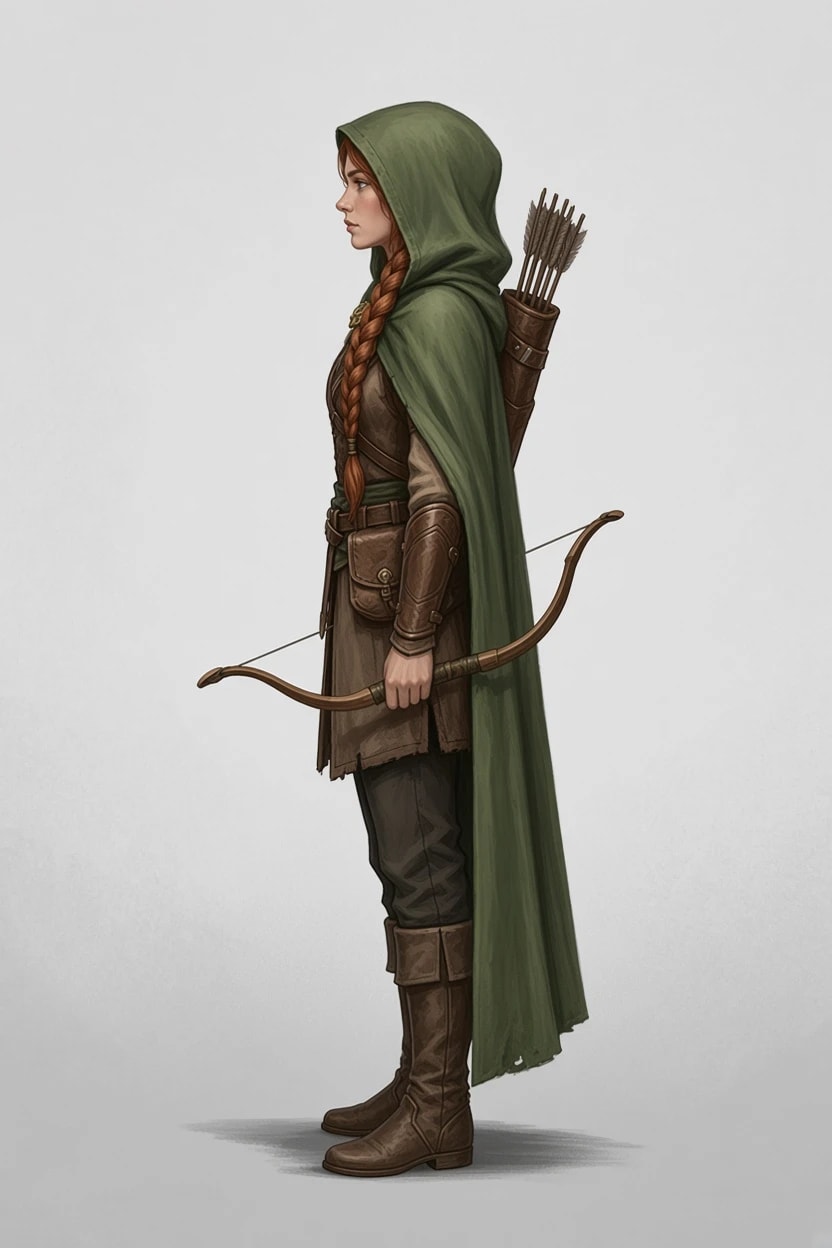
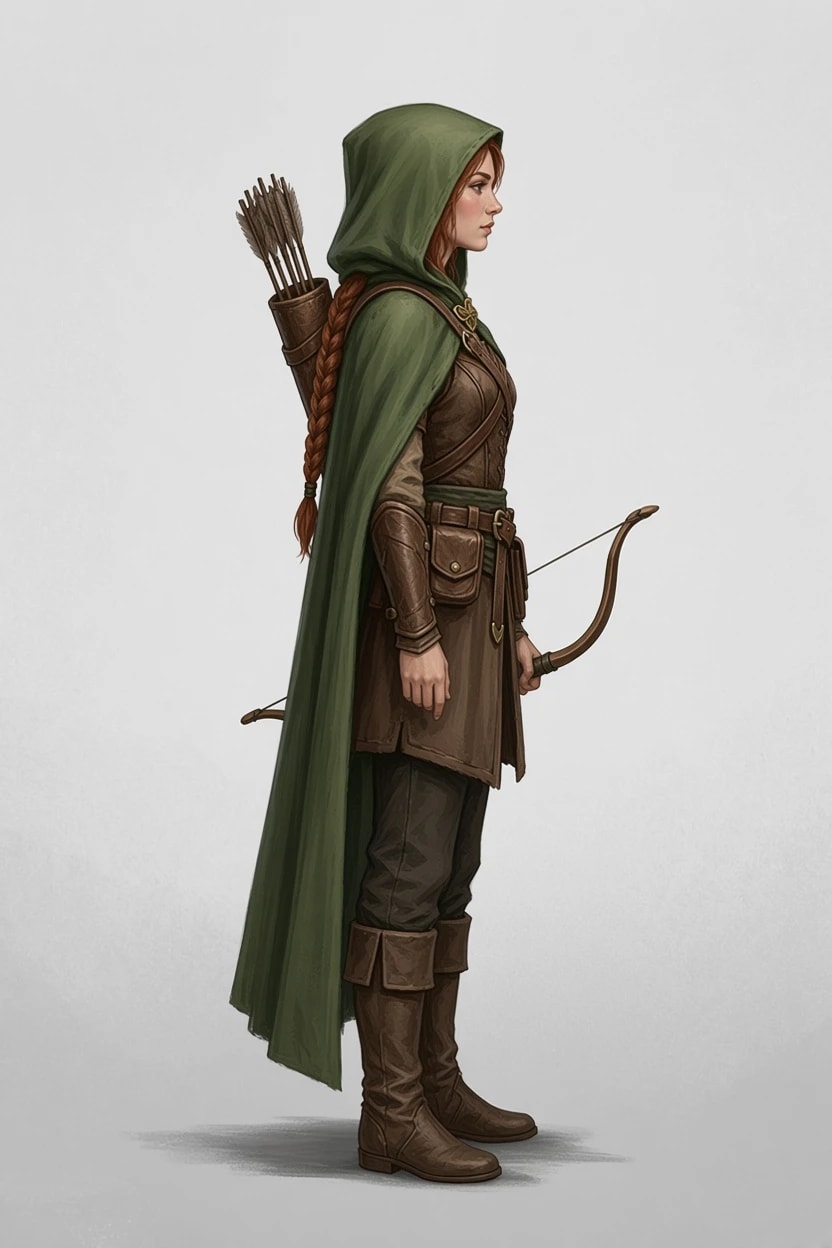
The ranger holds a short bow in her left hand, with the quiver on her back and the arrows over her right shoulder. The front cannot show what is behind her, so the turnaround had this note: A long auburn braid and a leather quiver of arrows down her back.
The frontNano Banana 2.1, from the brief
FrontJPEG, 848 × 1264
FLUX.3 Klein Edit
From behindJPEG, 832 × 1248
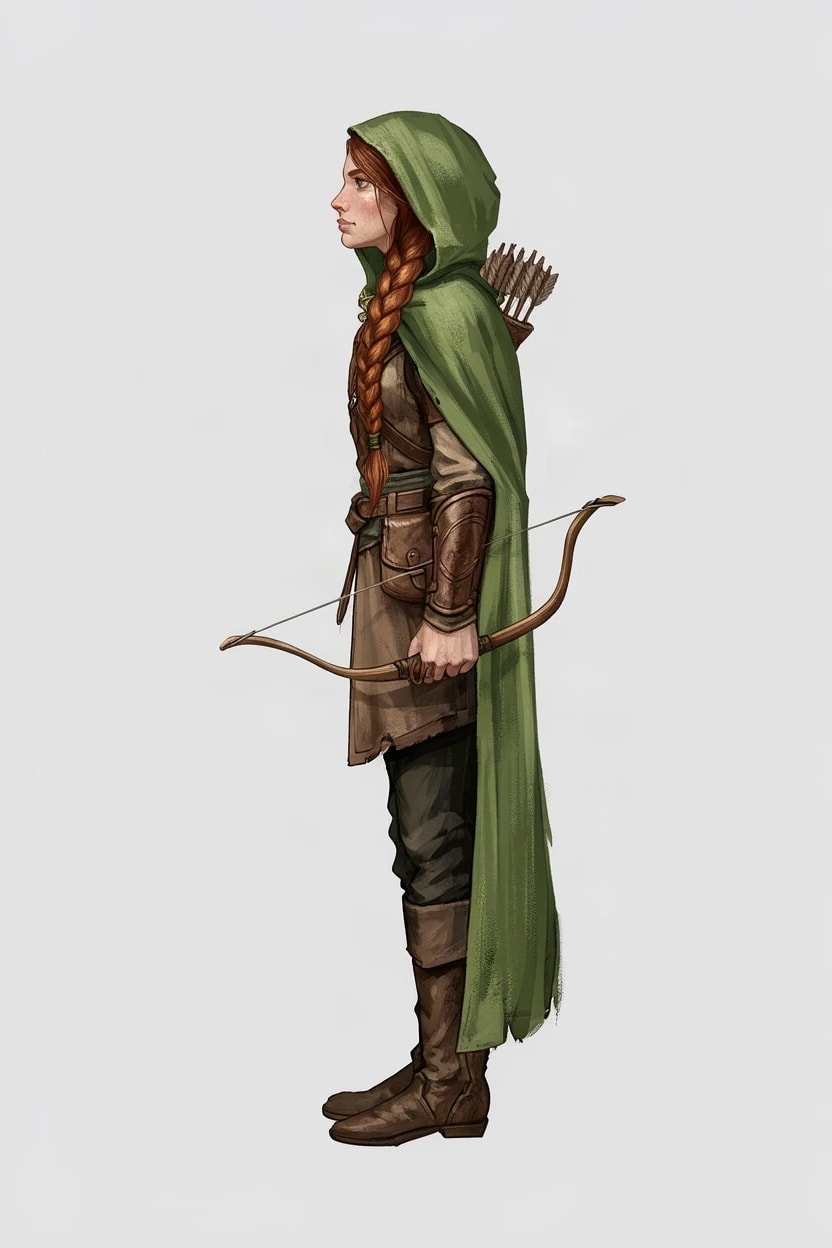
Left sideJPEG, 832 × 1248
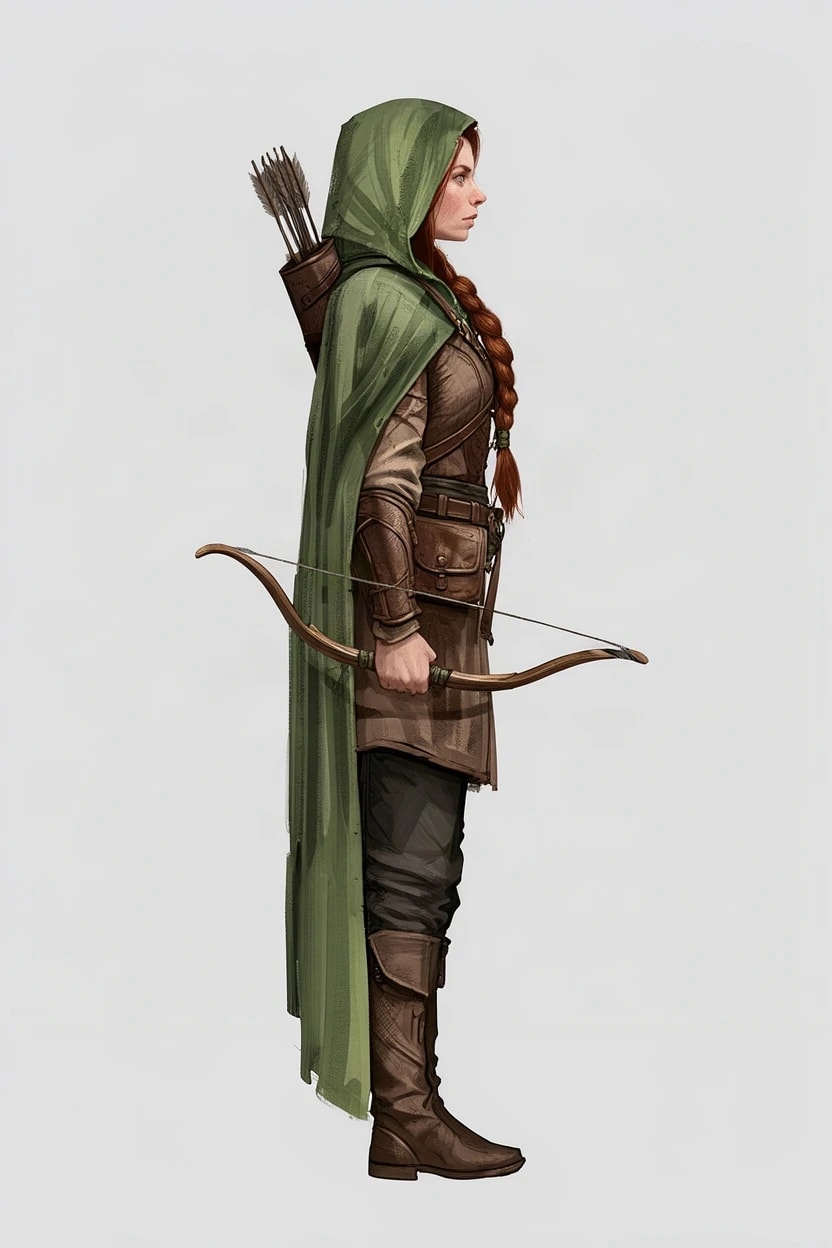
Right sideJPEG, 832 × 1248
GPT Image 2.5 Edit
From behindJPEG, 832 × 1248
Left sideJPEG, 832 × 1248
Right sideJPEG, 832 × 1248
Nano Banana 2.1 Edit
From behindJPEG, 848 × 1264
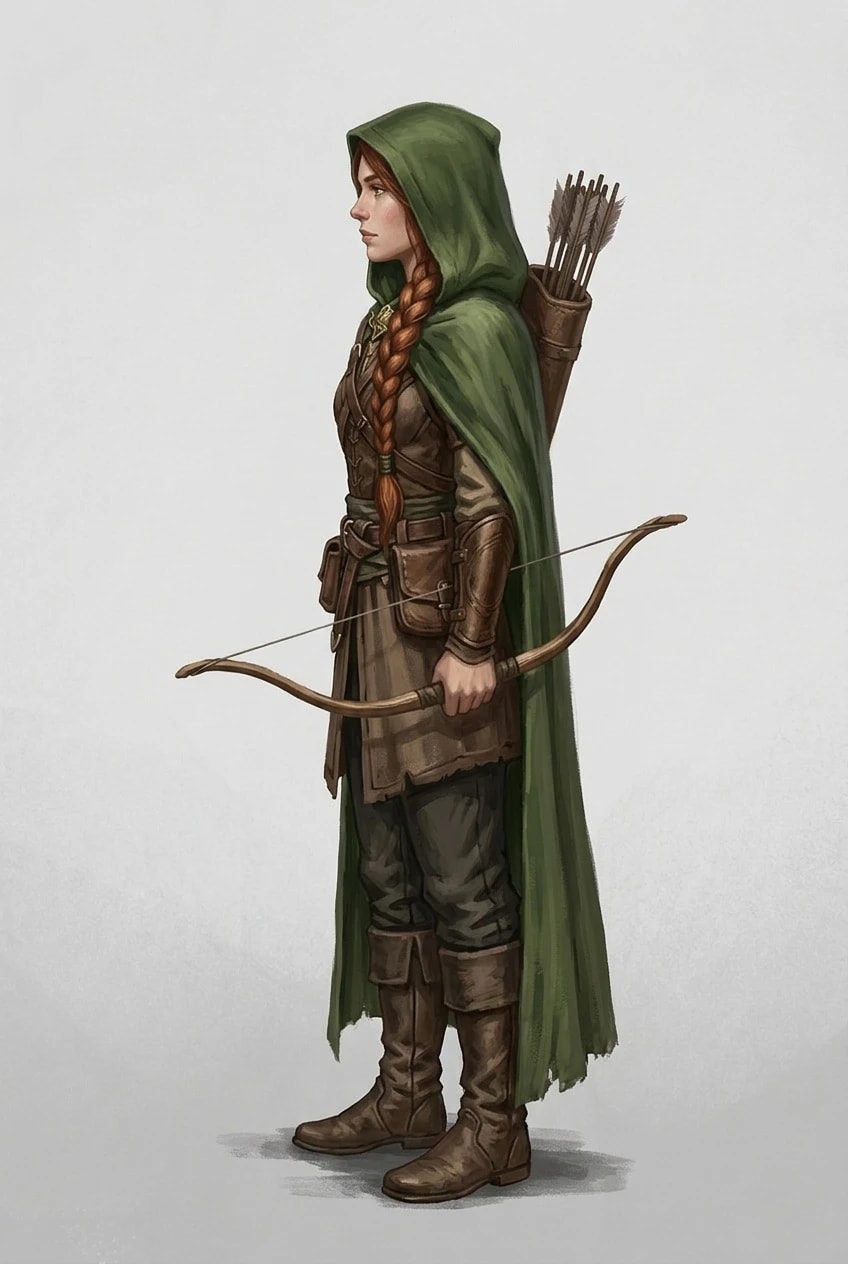
Left sideJPEG, 848 × 1264
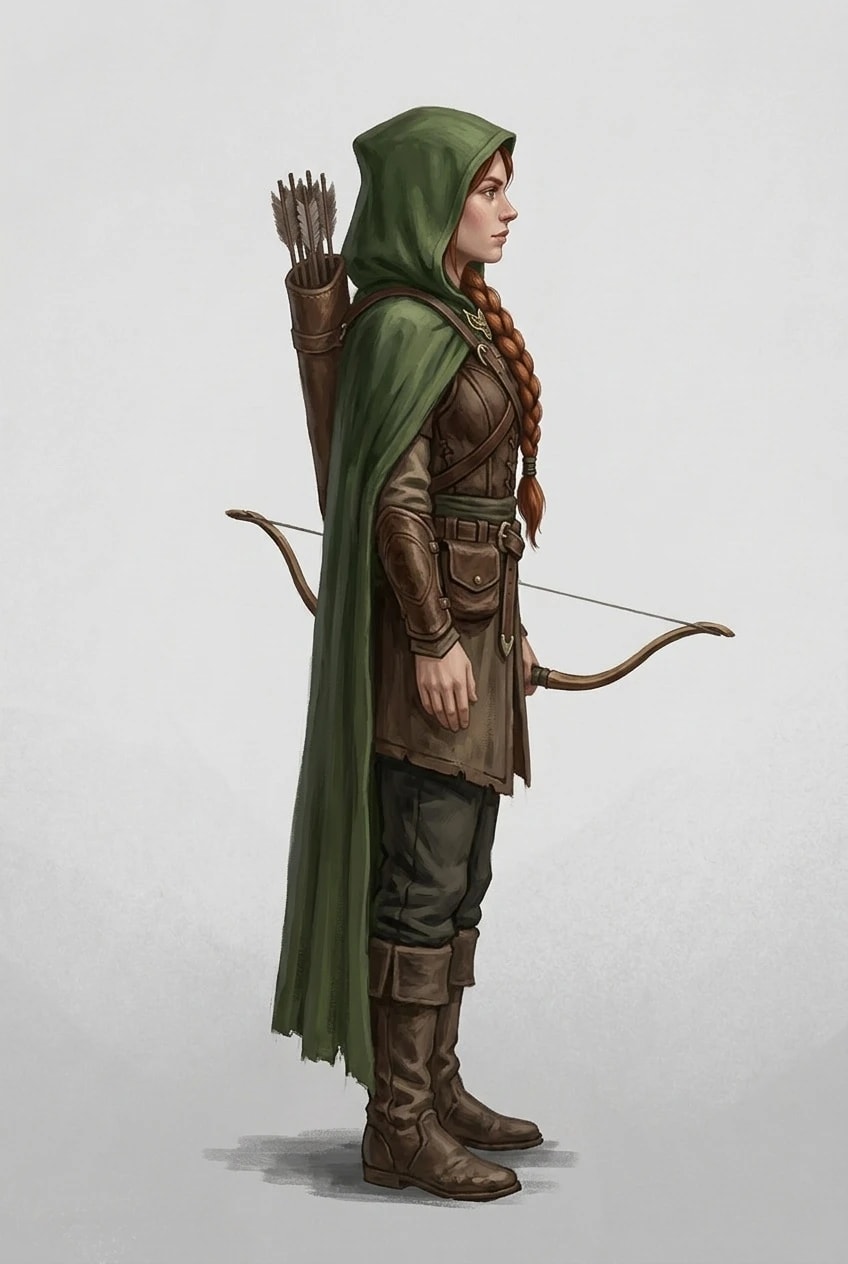
Right sideJPEG, 848 × 1264
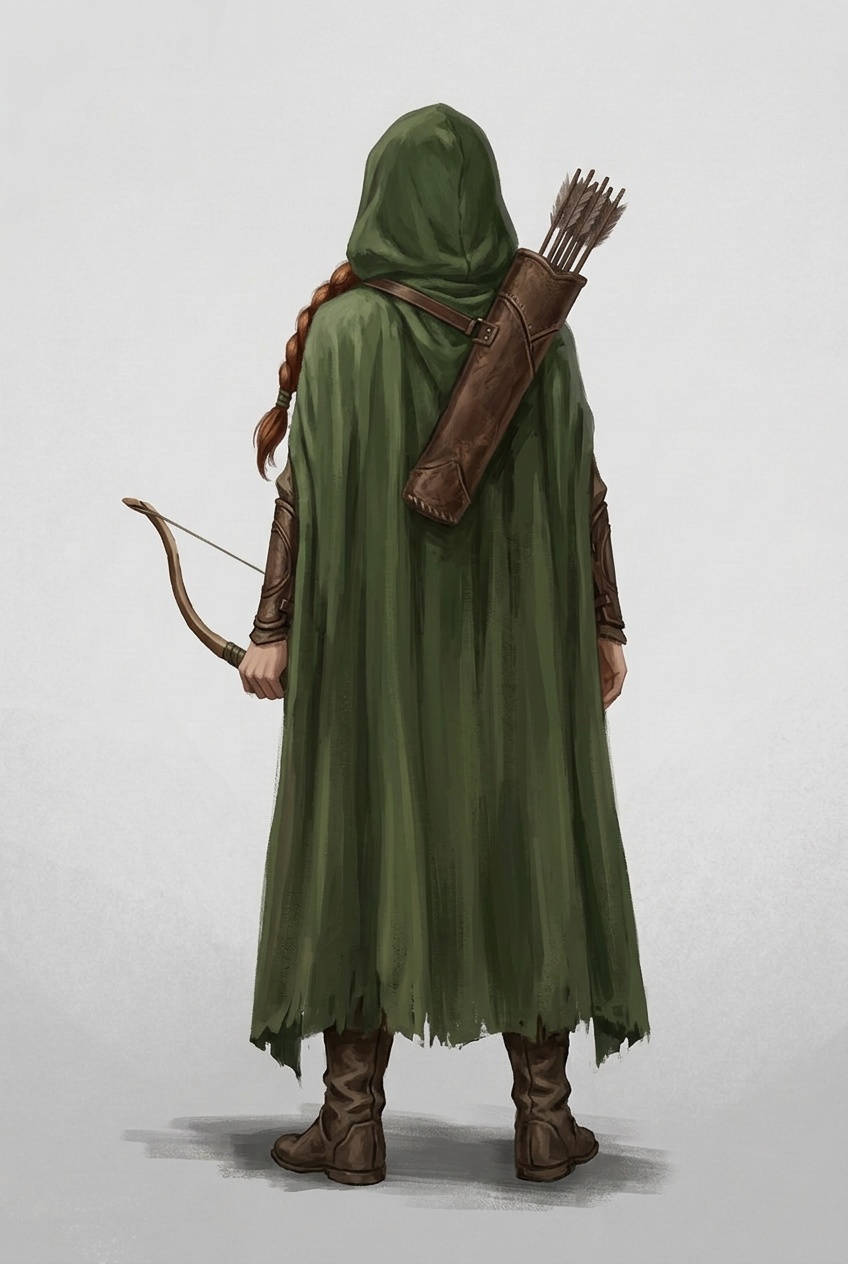
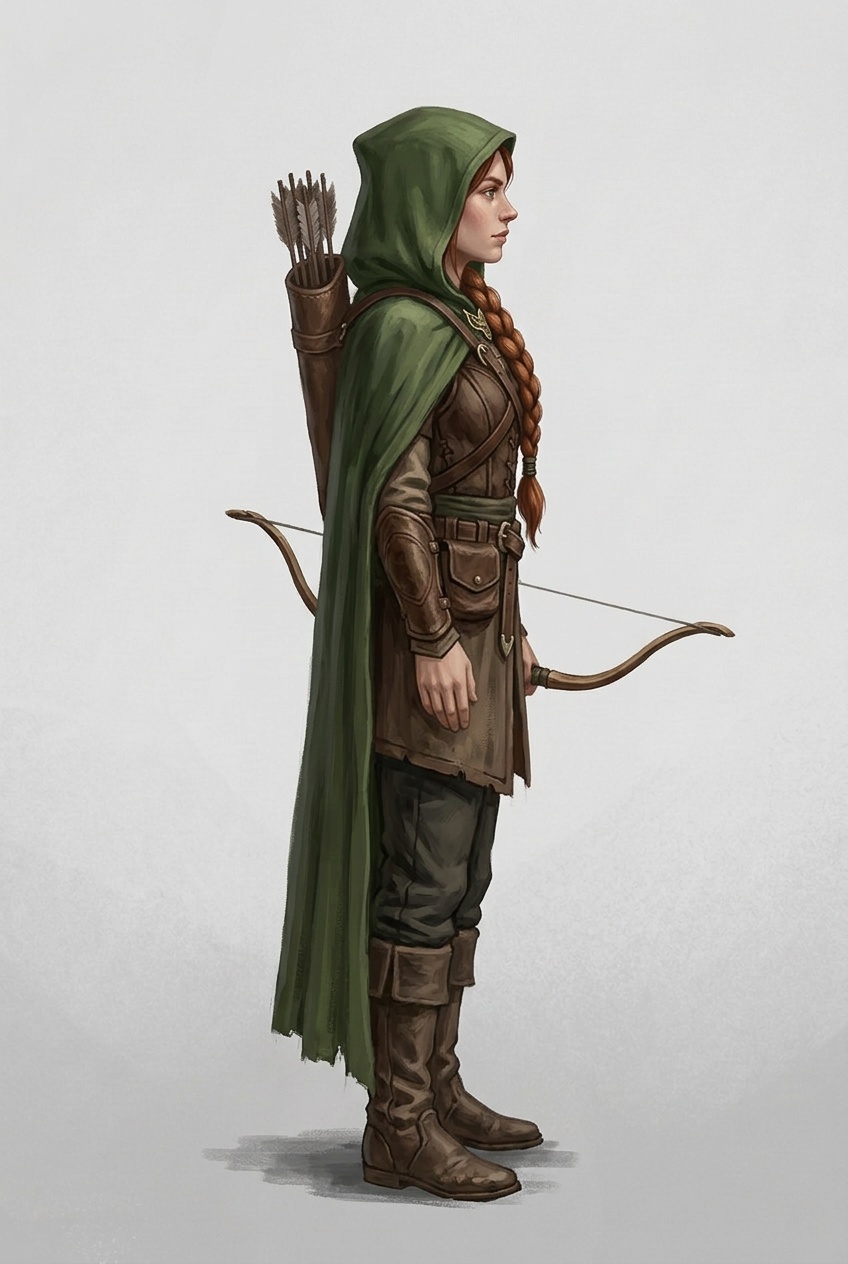
Krea 3 Edit
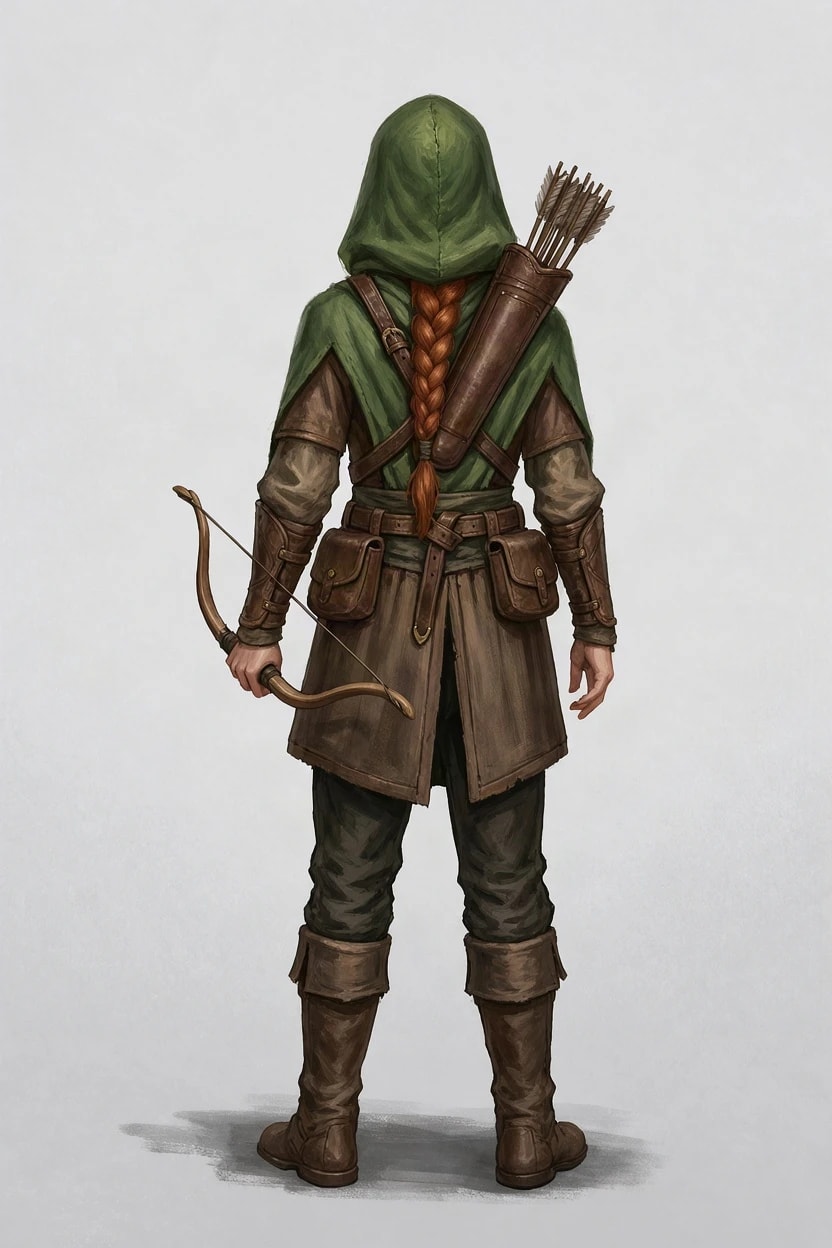
From behindJPEG, 832 × 1248
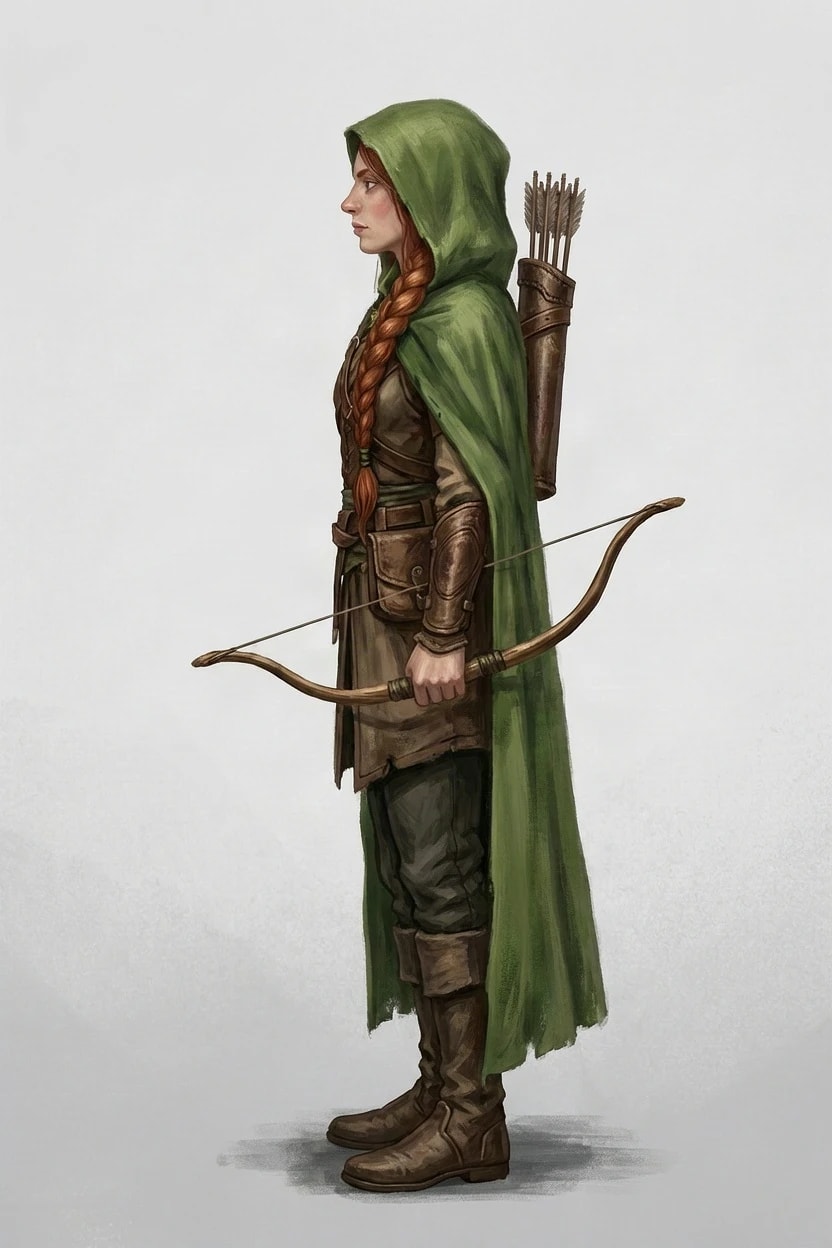
Left sideJPEG, 832 × 1248
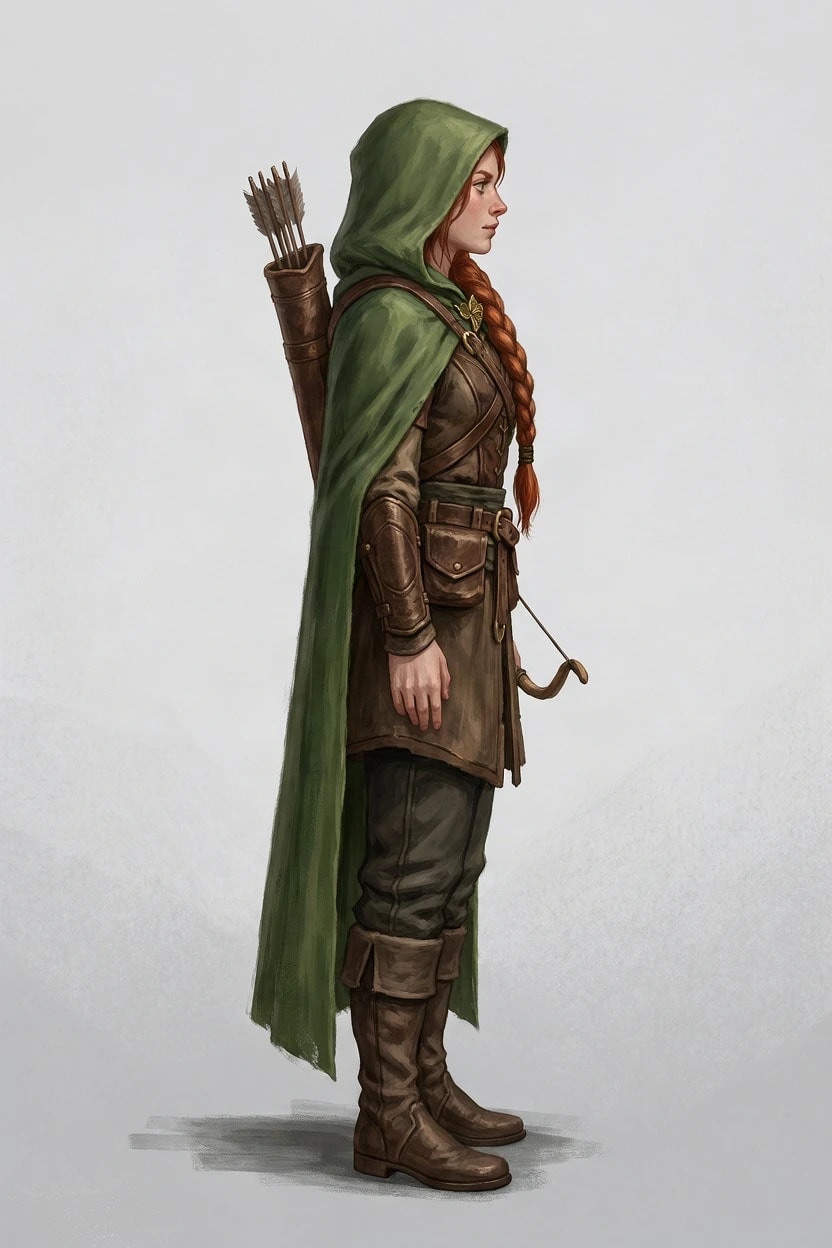
Right sideJPEG, 832 × 1248
Grok Imagine 2.0 Edit
From behindJPEG, 832 × 1248
Left sideJPEG, 832 × 1248
Right sideJPEG, 832 × 1248
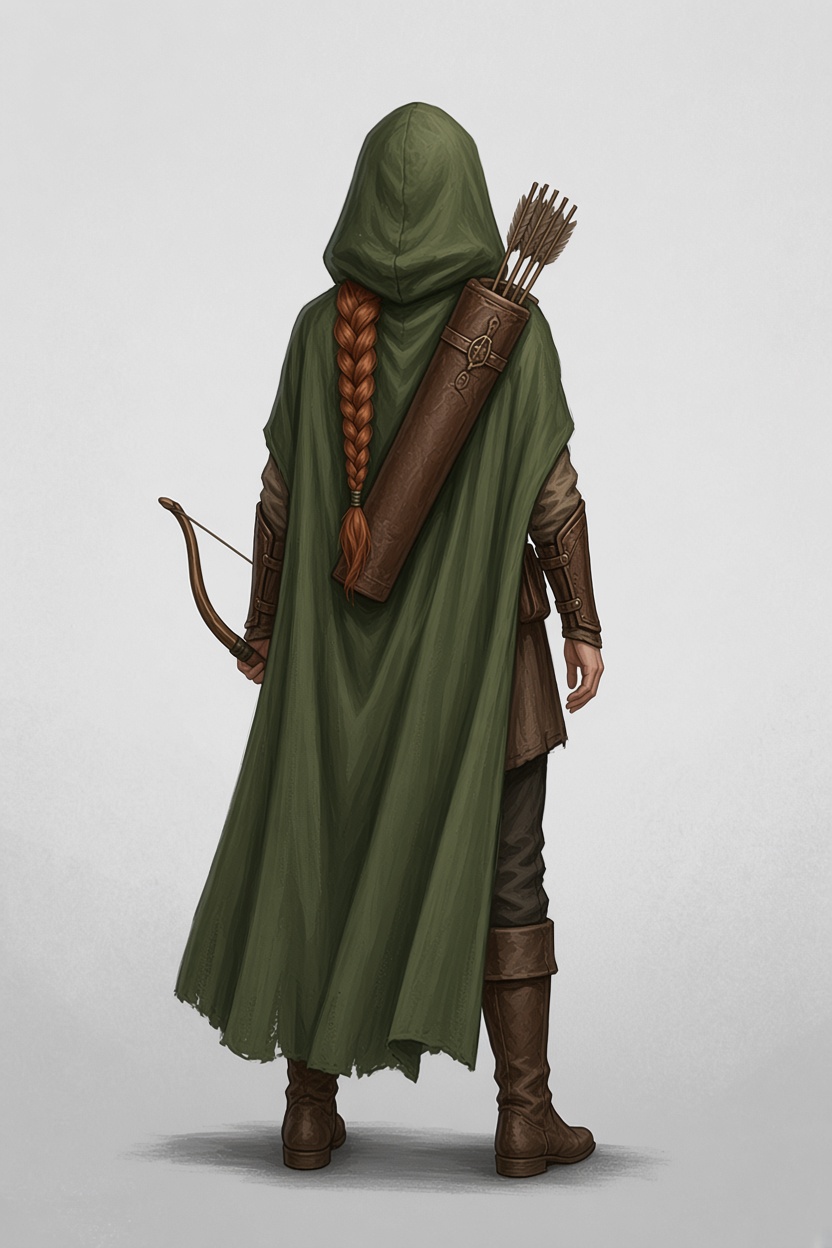
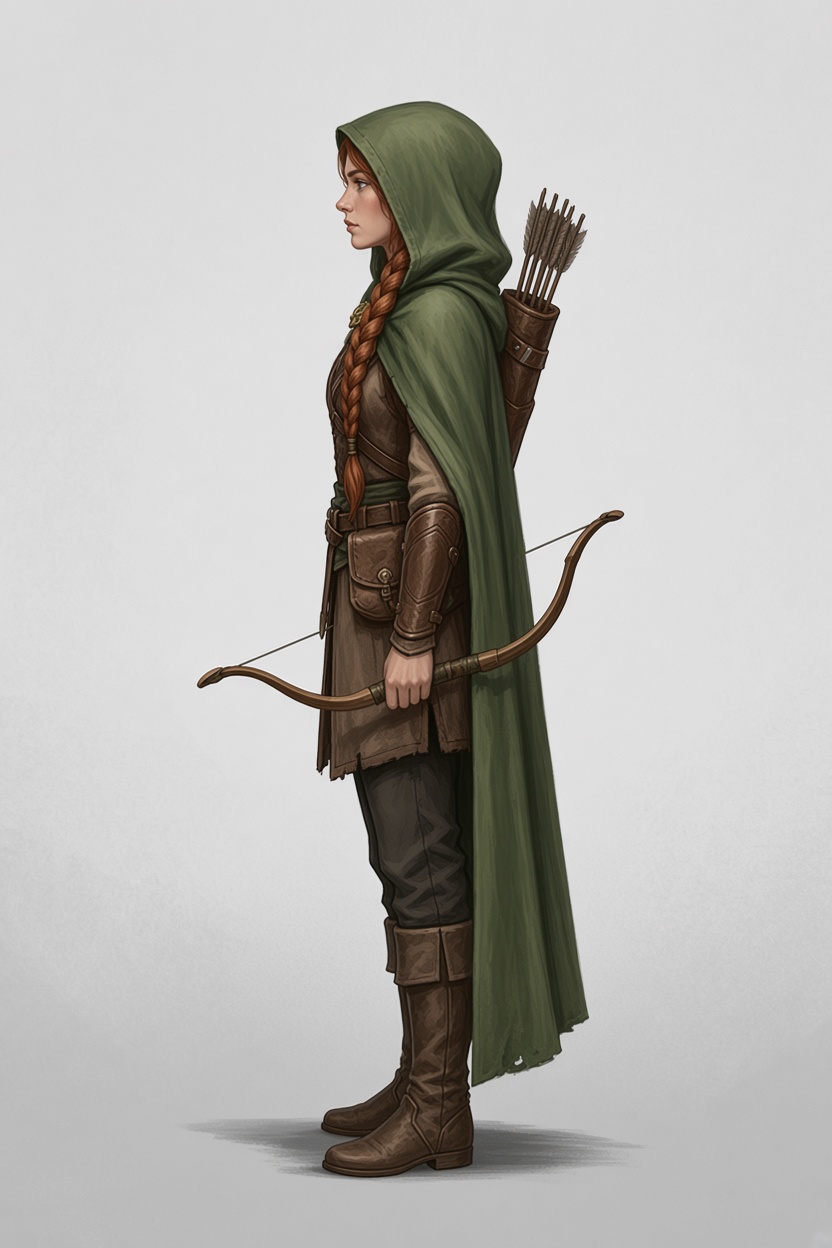
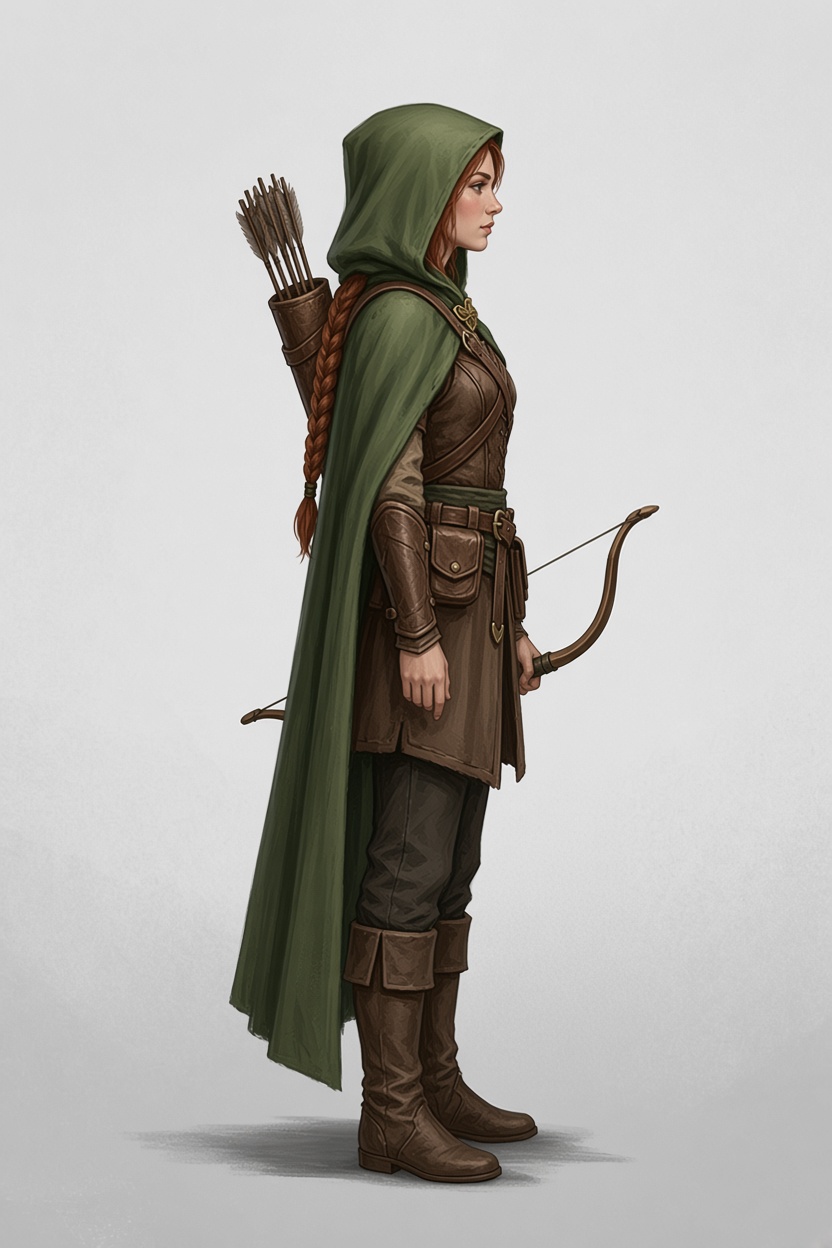
From behind, all five kept the bow in her left hand and the arrows over her right shoulder, and all five hung the braid down her back as the note said. That is a lesson about notes as much as models. The front shows the braid over her left shoulder, the side views kept it there, and only the back followed the note. A note works best when it describes what the front hides, not something the front already shows differently.
The models disagreed most about the cloak. FLUX.3 Klein Edit, Grok Imagine 2.0 Edit and Nano Banana 2.1 Edit let it cover her back completely; GPT Image 2.5 Edit and Krea 3 Edit drew it shorter, showing the tunic and belt pouches underneath. Nothing in the front decides this, which is exactly the kind of detail to settle with a note.
Why side views come out at 45 degrees
Asked for a character’s side, most image models draw a three-quarter view: the body turned about 45 degrees, both eyes and both feet showing. Most illustrations they learned from are posed that way, because it flatters a face. A turnaround needs a true profile, where the head, shoulders, hips, legs and feet all point at the edge of the picture and the near arm and leg hide the far ones.
Our first wording asked for a profile and said which edge to face: Show this exact character in profile with their left side towards the camera, so they face the left edge of the image.
GPT Image 2.5 Edit drew true profiles with it, but Krea 3 Edit and Nano Banana 2.1 Edit mostly did not. Nano Banana turned the head into profile and left the body and feet three-quarter. Adding the cues of a drafted model sheet fixed it: one eye visible, the nose pointing at the edge, the shoulders and hips side-on, one foot in front of the other.
Krea 3 EditLeft side
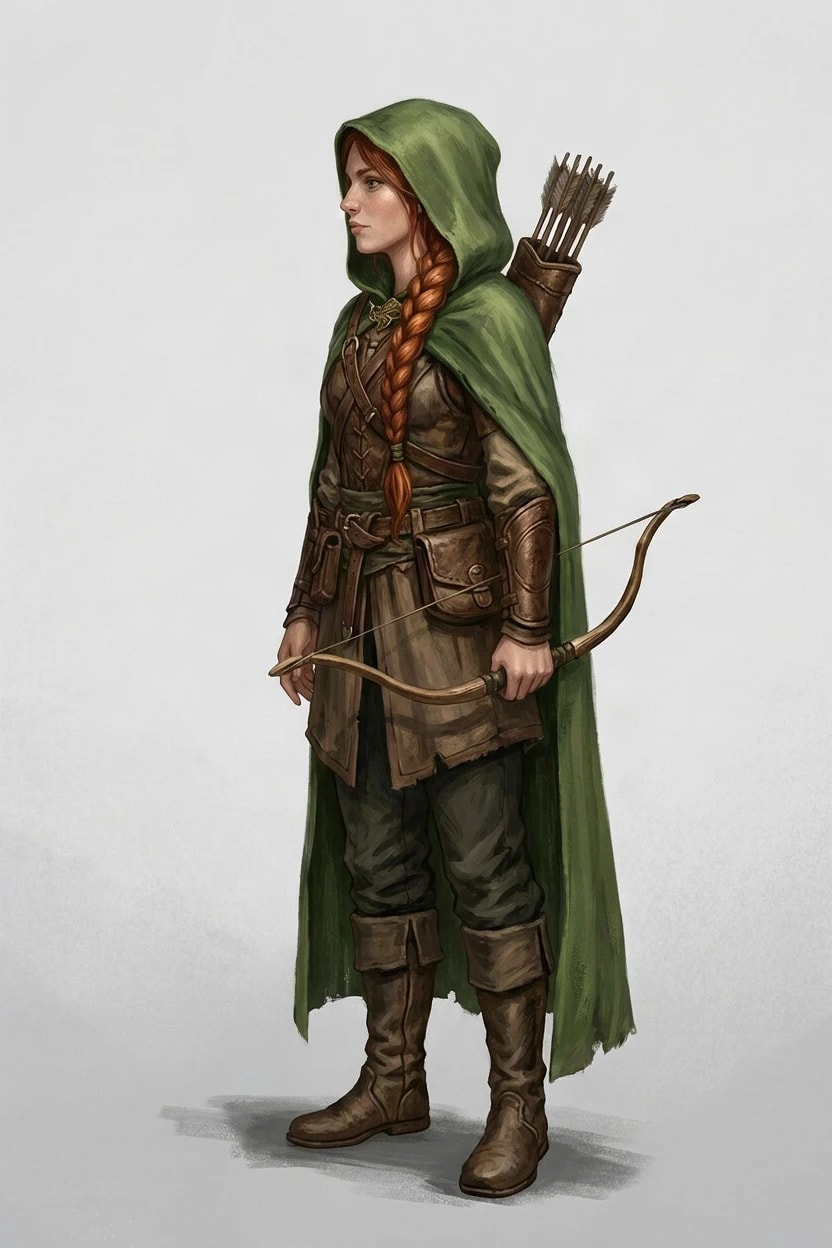
First wordingJPEG, 832 × 1248
Final wordingJPEG, 832 × 1248
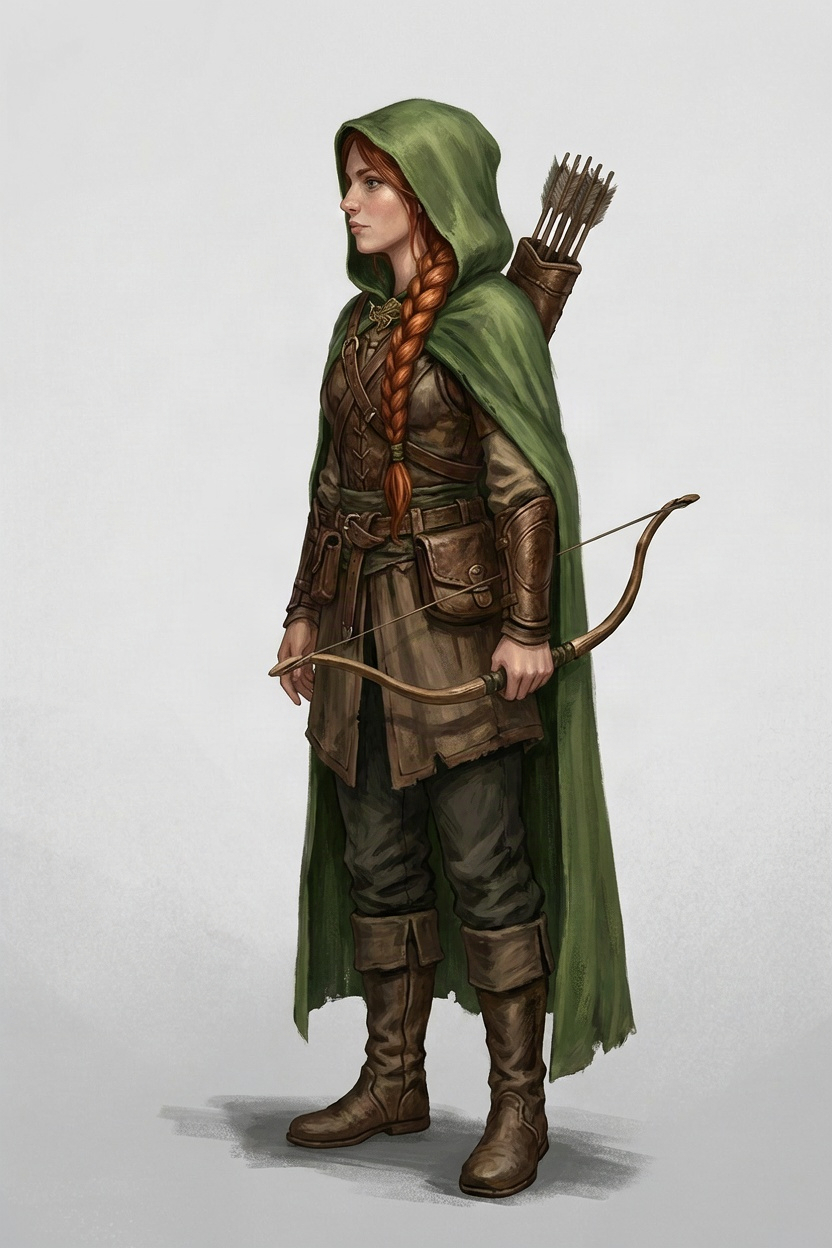
Nano Banana 2.1 EditRight side
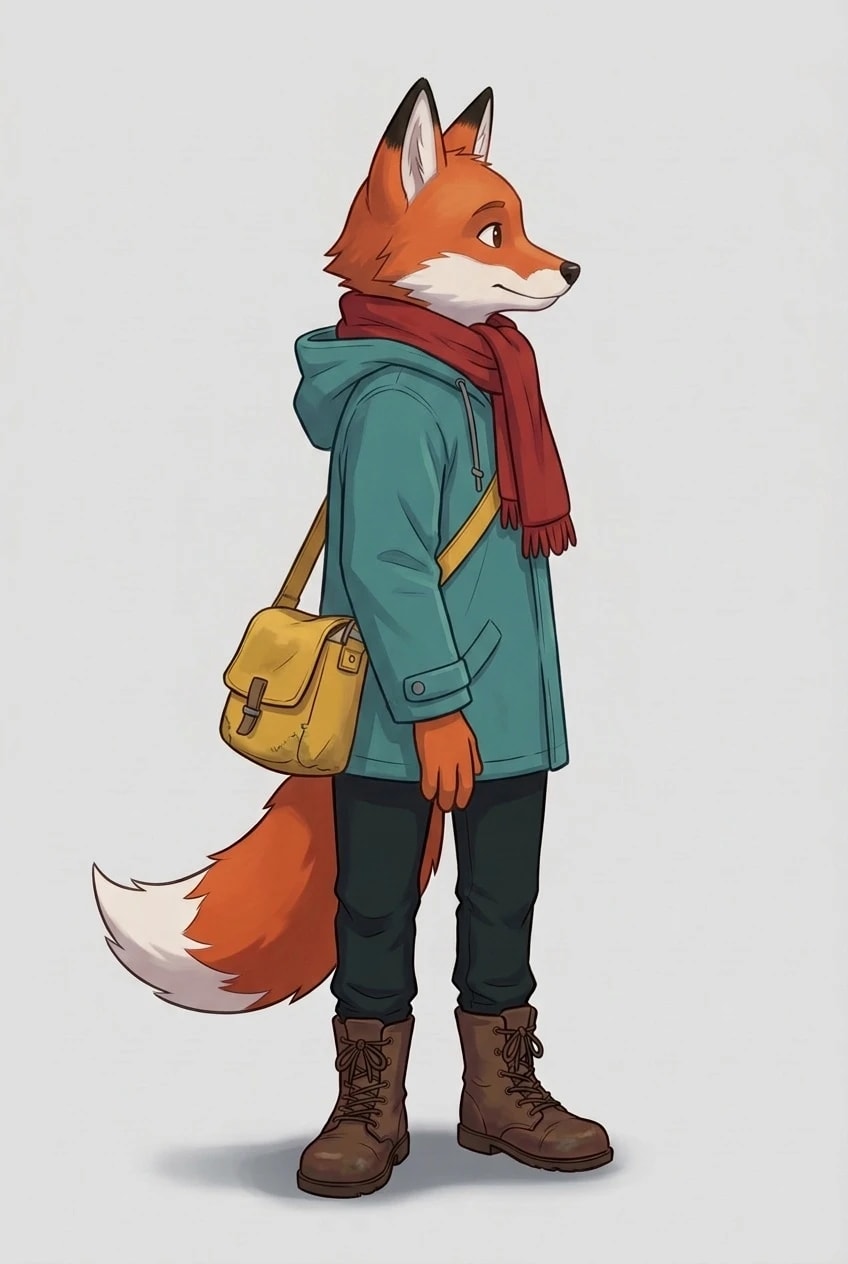
First wordingJPEG, 848 × 1264
Final wordingJPEG, 848 × 1264
What we would take from this
- Start from a clean front. A full-body, front-facing picture on a plain background gives every model the most to work from.
- Check which side things are on. Bags, weapons, a parting or a scar are where turnarounds go wrong. Compare each view with the front before you use it.
- For consistency, GPT Image 2.5 Edit kept every accessory on the right side of both characters. FLUX.3 Klein Edit is the cheapest and fastest but mirrored twice in six views.
- Use the note for what is hidden, such as a logo on the back of a jacket, and keep it consistent with the front.
- Make a weak view again on its own. Each view is separate, so one wrong view does not mean starting again.
Make a turnaround in Pickframe
- Open a picture of your character from your account. A full-body front view works best.
- Choose Turn around, then the views you want: from behind, left side and right side.
- Add a note on anything the front cannot show, and tick up to four edit models. The button shows the credit cost first.
- Each view appears next to the original, named by model and view, so you can compare them and make any one again.
A character you uploaded, or one made from an upload, needs your confirmation first that it is yours to use and not a photo of a real person. To start from a written description, see how to write an AI image prompt that works across models. Every original, the exact briefs, the checksums and the cost of this test (about $2.33 in provider fees, both wordings included) are in the public manifest.