How to make an SVG logo with AI
A logo has to work on a business card and on the side of a van, in one colour and in full colour. That is why logos are made as vectors: shapes described by their outlines, which stay sharp at any size and can be recoloured or reshaped. Most AI image models make pixels instead. On 8 November 2026 we gave Pickframe’s vector model three logo briefs, opened the SVG files it made, and measured what is inside them.
How we tested
- Three briefs for invented businesses: an emblem above a name, a symbol with no words, and a badge with curved lettering.
- Each went to Recraft V4.1 Vector, which returns an SVG file, through the same fal.ai route and request as the Pickframe studio.
- For comparison, the same briefs went to GPT Image 2.6 with the studio’s Transparent background. It returns a PNG: pixels with a see-through background, not a vector.
- One result per model and brief: no retries and no retouching. Each SVG passed Pickframe’s own check for vector files and is served exactly as it was made. Select any picture to open the file.
Brief 1: a bakery
Logo for a neighbourhood bakery: a simple ear of wheat inside a circle, above one line of text, exactly as written: "FERNHILL BAKERY". Flat colours, two only: dark brown and warm orange. No other text.
Brief 2: a bookshop
Minimal geometric logo mark for a bookshop: an owl's face made of simple circles and triangles, perched on an open book. Flat colours, three only: navy, mustard yellow and teal. No text.
Brief 3: a cycling club
Circular badge logo for a cycling club: a simple bicycle in the middle, with the club's name curved around the top of the circle, exactly as written: "NORTHBOUND CYCLING CLUB". One colour only: black. No other text.
The briefs follow our advice on getting correct text in AI images: only the exact words go inside quotation marks, and each says that there is no other text.
The results at a glance
Recraft V4.1 Vector spelled both names correctly and kept to the colours asked for. Every file is a real vector, and every one needs some tidying before it is a finished logo.
| Recraft V4.1 Vector | Bakery | Bookshop | Cycling club |
|---|---|---|---|
| Spelling | FERNHILL BAKERY, correct | No text, as asked | NORTHBOUND CYCLING CLUB, correct |
| Colours | The two asked for, on white, plus nine tiny slivers in in-between shades | The three asked for, on off-white | One, a near-black, on white |
| Shapes | 31 shapes, 368 points | 13 shapes, 118 points | 34 shapes, 362 points |
| Holes | 5 white shapes fill the holes in the letters | None | 11 white shapes fill the letters, wheels and frame |
| File size | 34.8 KB | 23.3 KB | 35.9 KB |
| Followed the brief | Yes | Yes, but a very abstract owl | Mostly: the lettering curves, but there is no circle |
“Shapes” are the filled outlines in the file, and “points” the corners and curve ends along them: the handles you would drag in a vector editor. Fewer of both make a logo easier to edit.
Brief 1: an emblem above a name
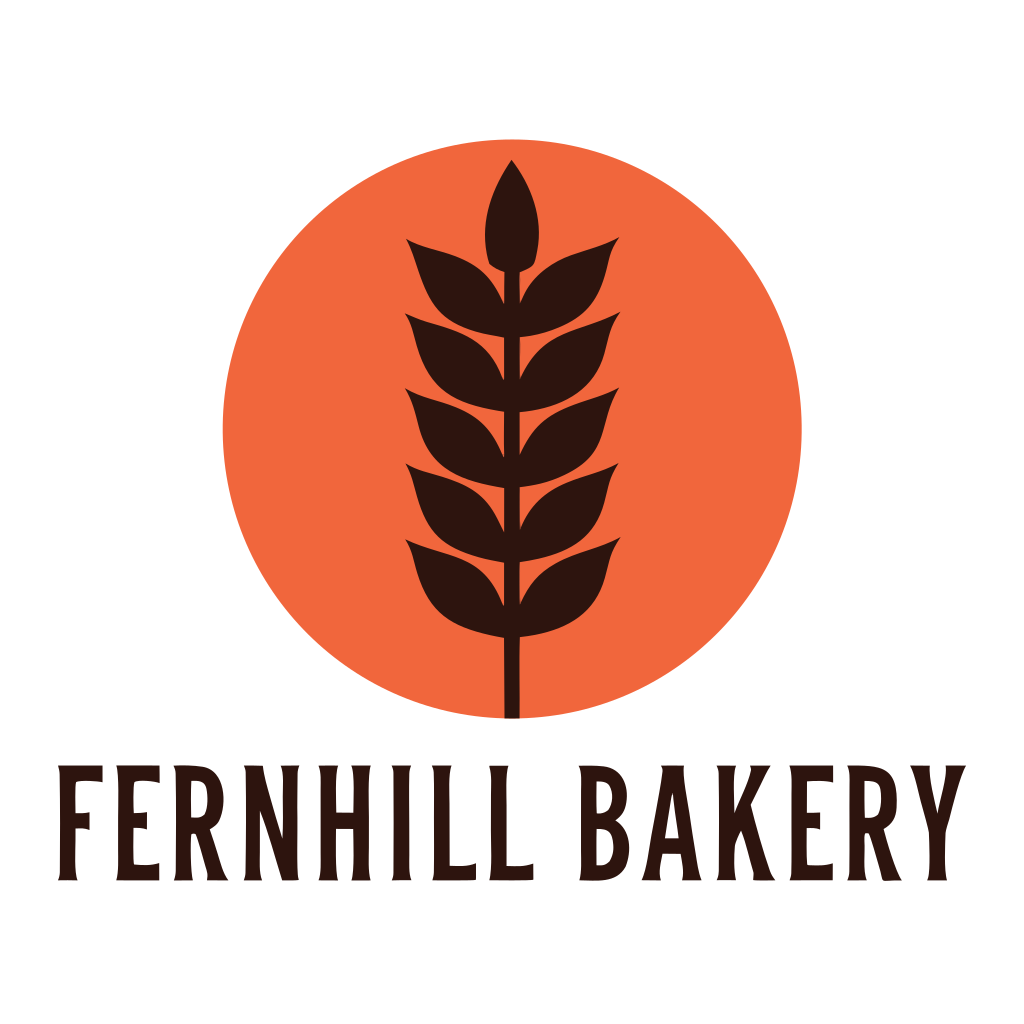
Recraft V4.1 VectorSVG, 34.8 KB
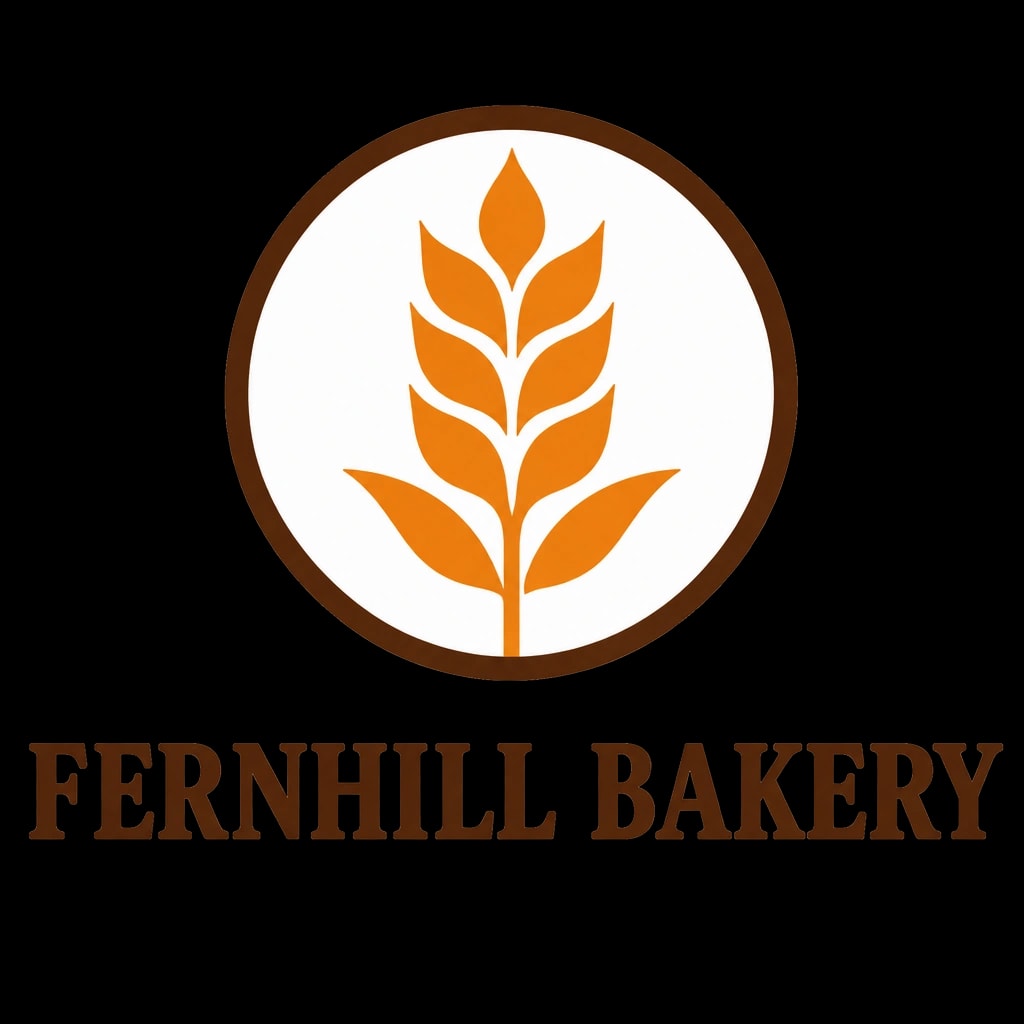
GPT Image 2.6PNG, 1024 × 1024, 872.4 KB
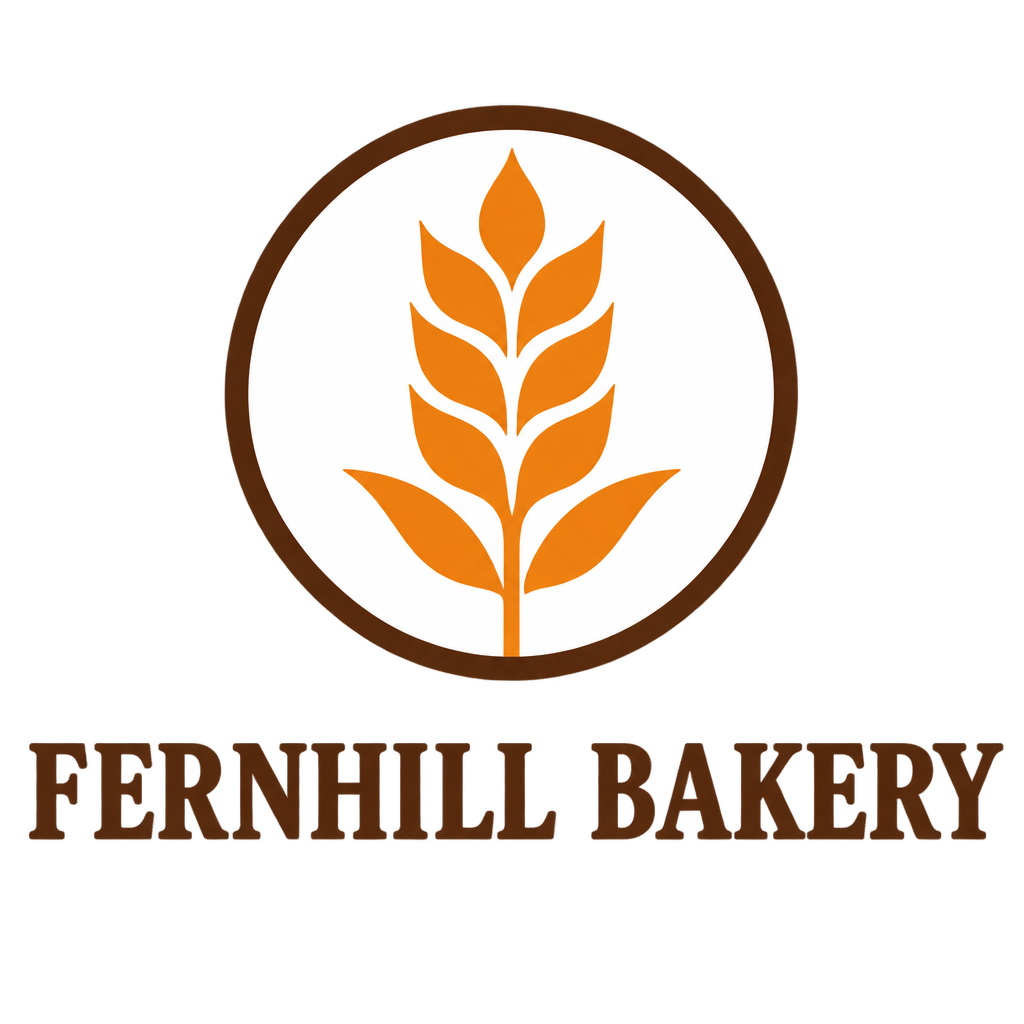
Recraft V4.1 Vector drew a dark brown ear of wheat on an orange circle and set the name below in tall, narrow capitals, spelled correctly. It used the two colours asked for, #2D140E and #F1663C, on a white background shape. The file also holds nine slivers in three in-between shades: together they show in less than a hundredth of a per cent of the picture, too small to see, but they are there to delete. GPT Image 2.6 put an orange ear of wheat inside a brown ring, with the name in a heavy serif, also spelled correctly.
Brief 2: a symbol with no words
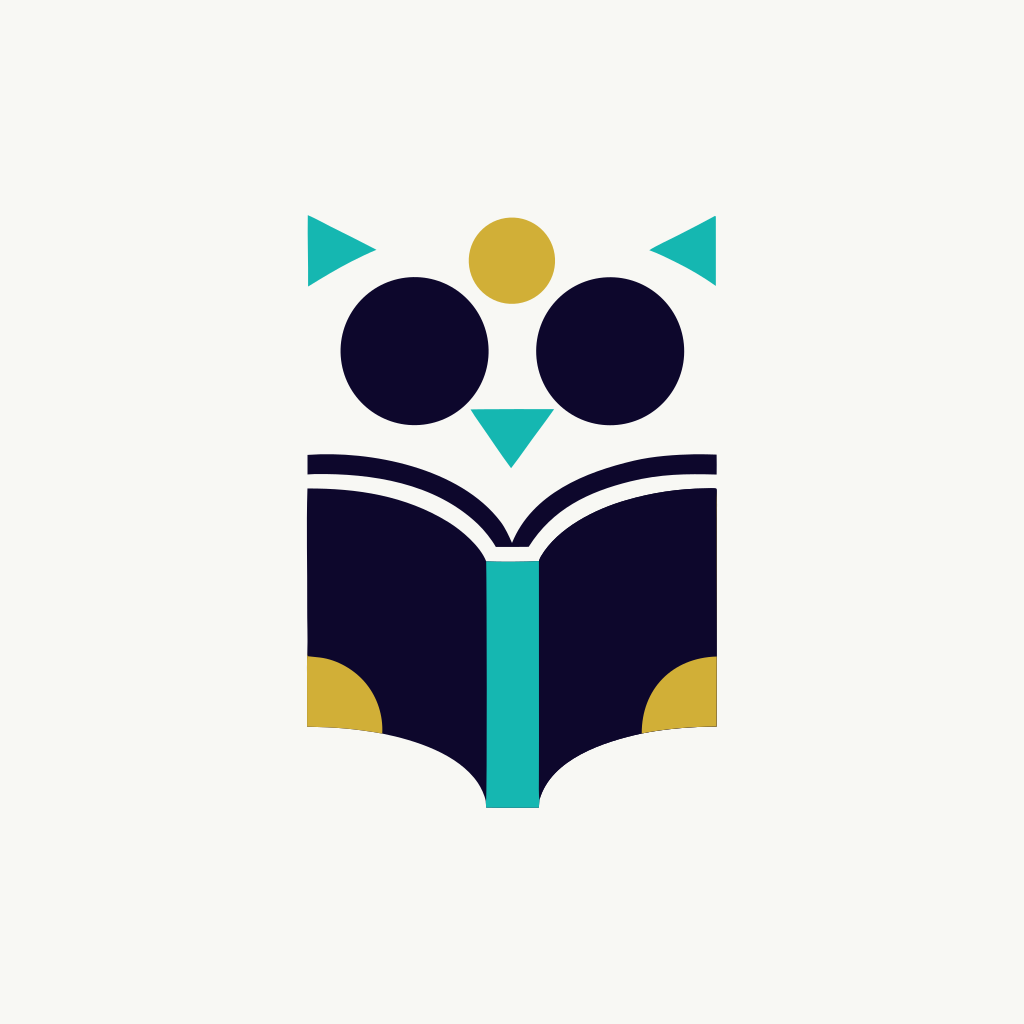
Recraft V4.1 VectorSVG, 23.3 KB
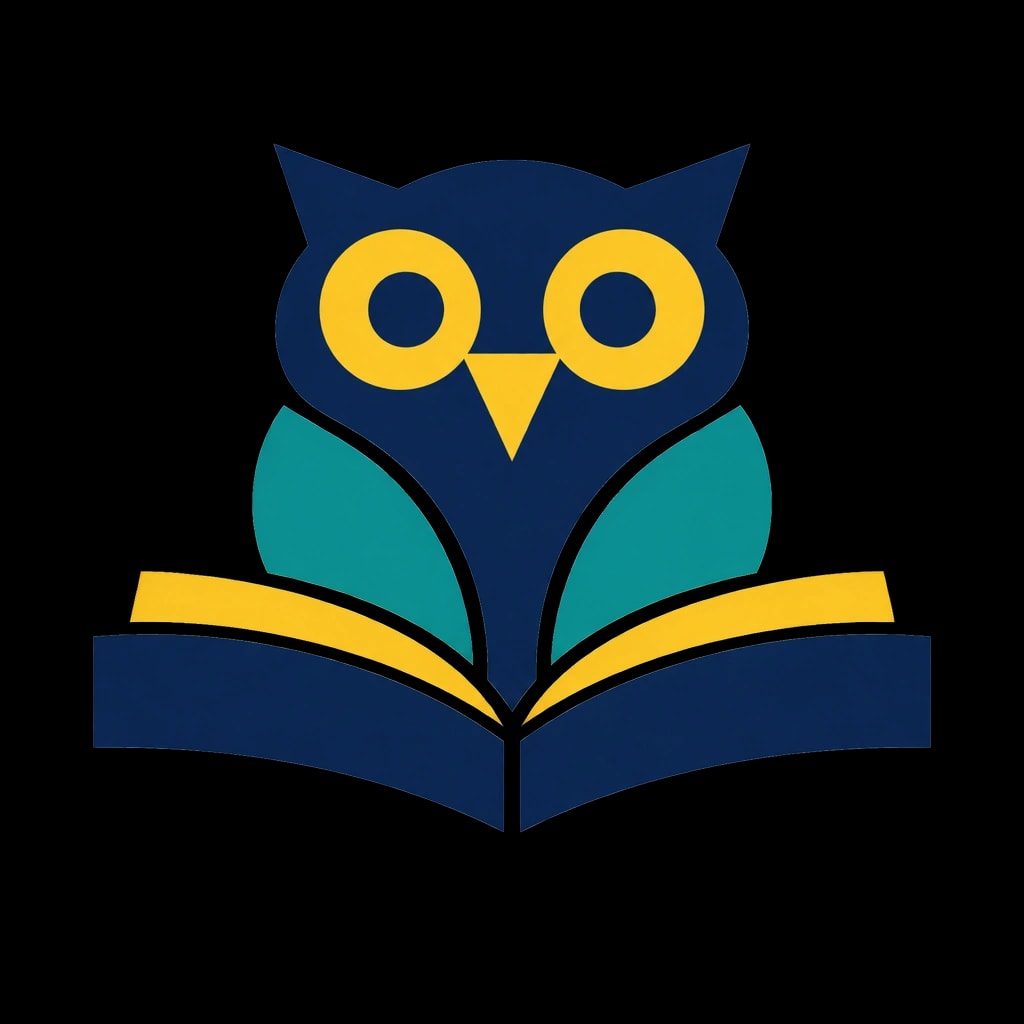
GPT Image 2.6PNG, 1024 × 1024, 888.1 KB
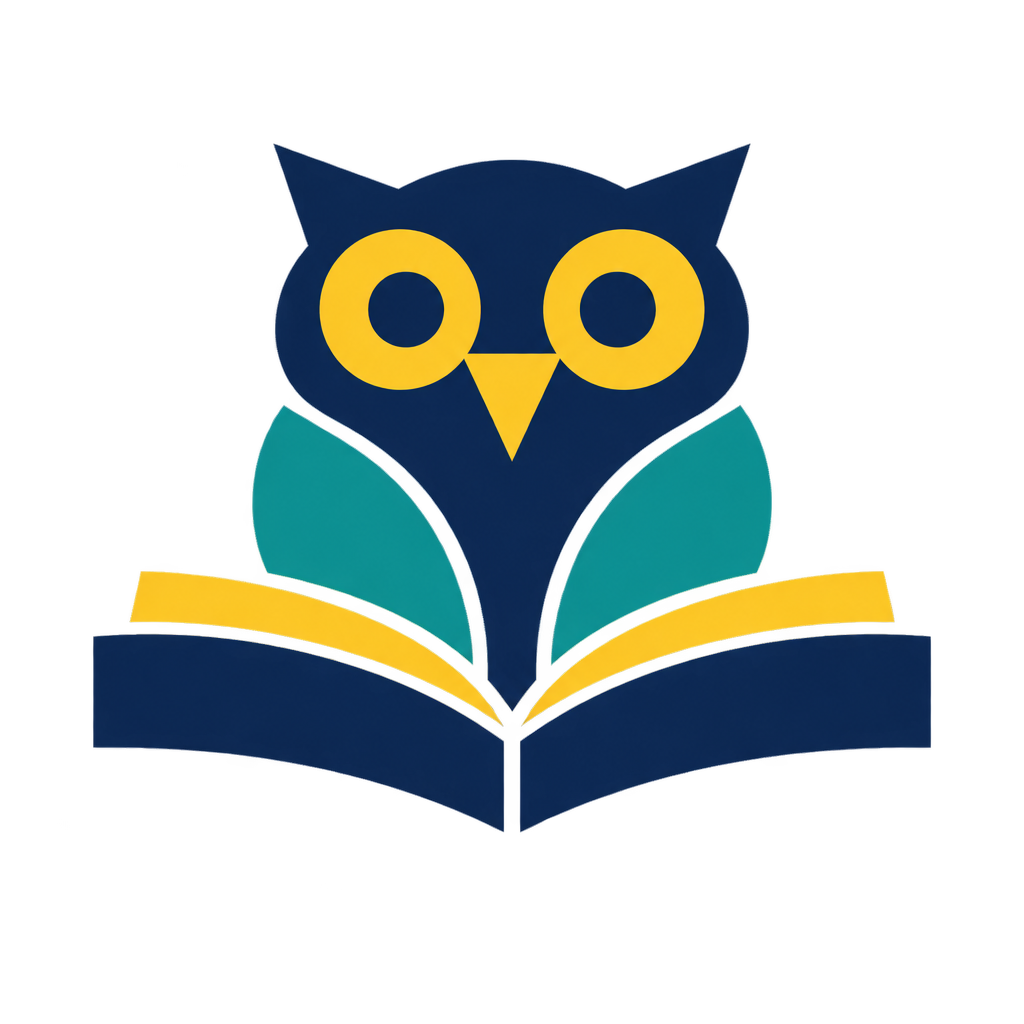
This is the tidiest file: 13 shapes, exactly the three colours asked for (#0D072C, #D1AF37 and #15B7B1), and only 5.6 KB of drawing; the rest of the file is a provenance record, explained below. The owl is very abstract, though: two solid navy circles for eyes, teal triangles for the ear tufts and beak, and a mustard dot between them, over an open book. GPT Image 2.6 drew a recognisable owl with ear tufts, ringed eyes and wings, perched on the book.
Brief 3: a badge with curved lettering
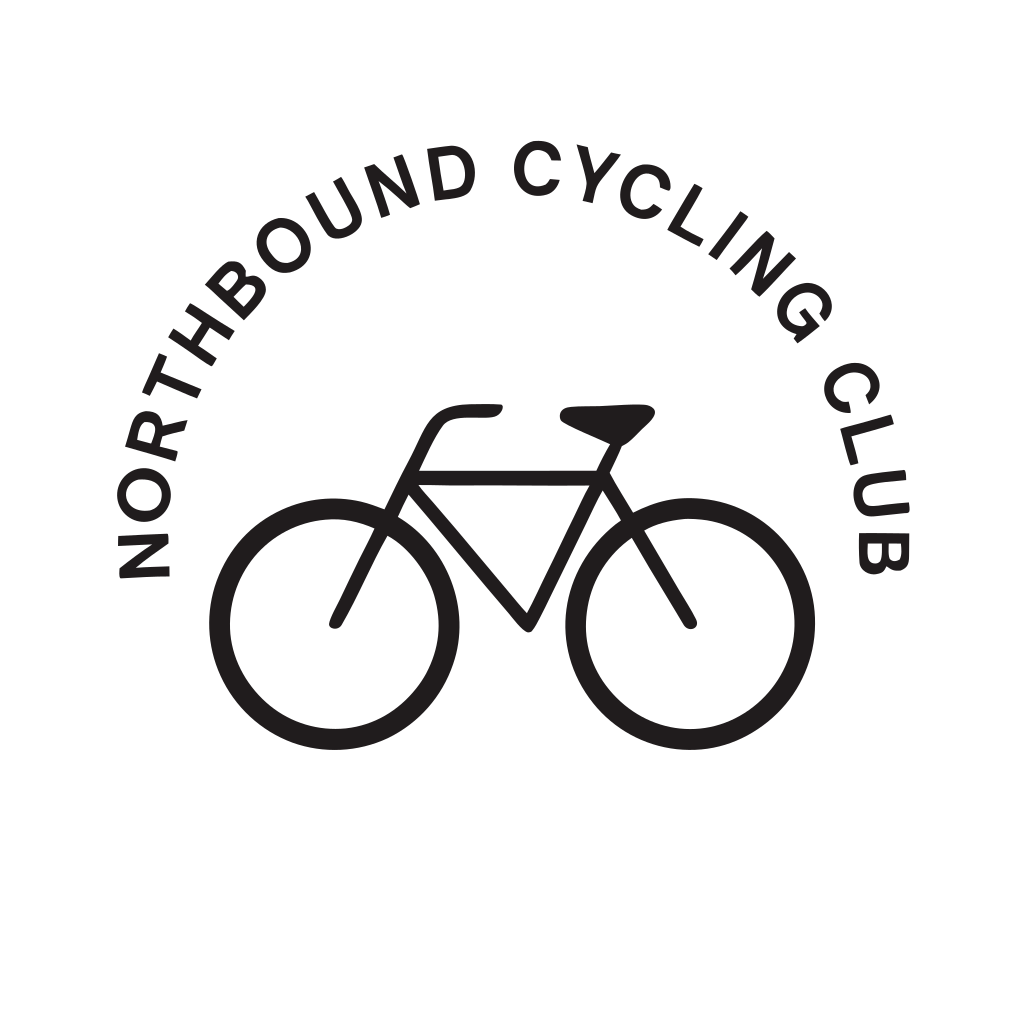
Recraft V4.1 VectorSVG, 35.9 KB
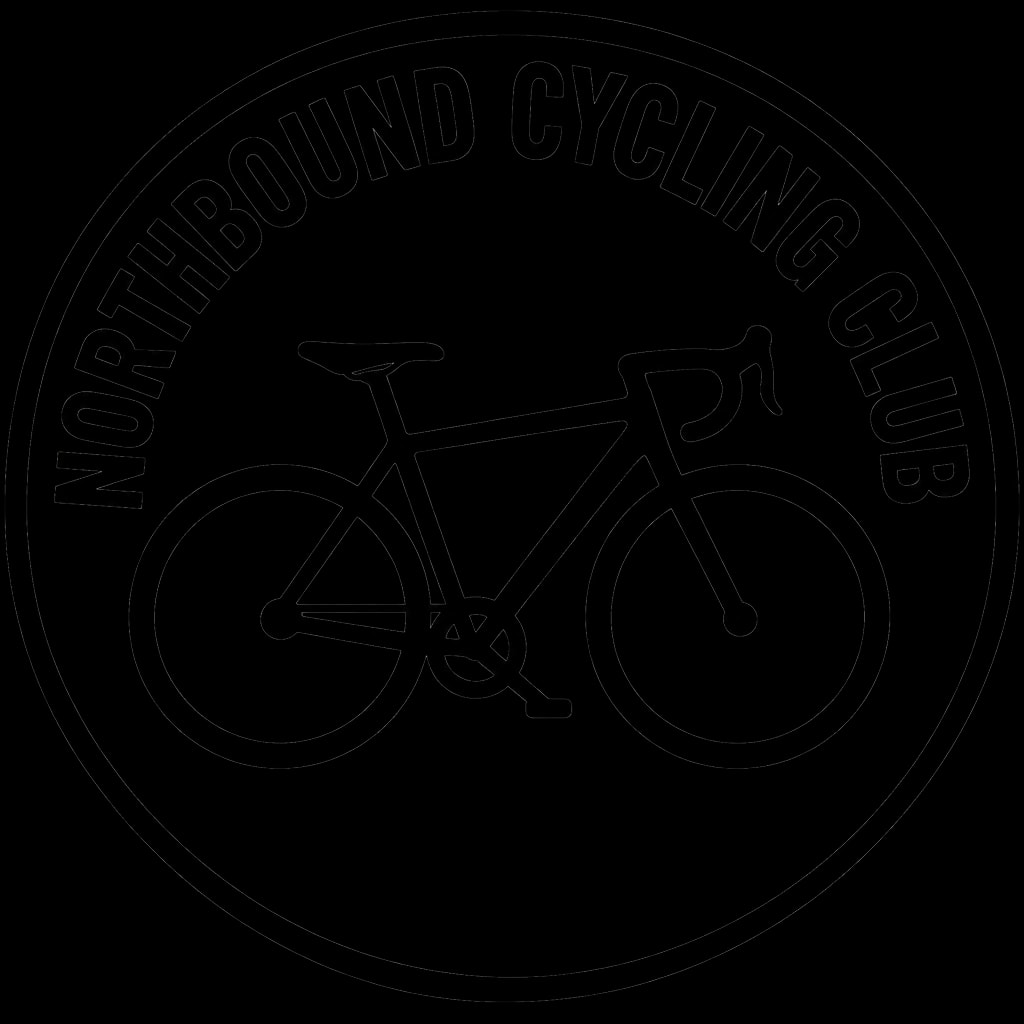
GPT Image 2.6PNG, 1024 × 1024, 999.7 KB
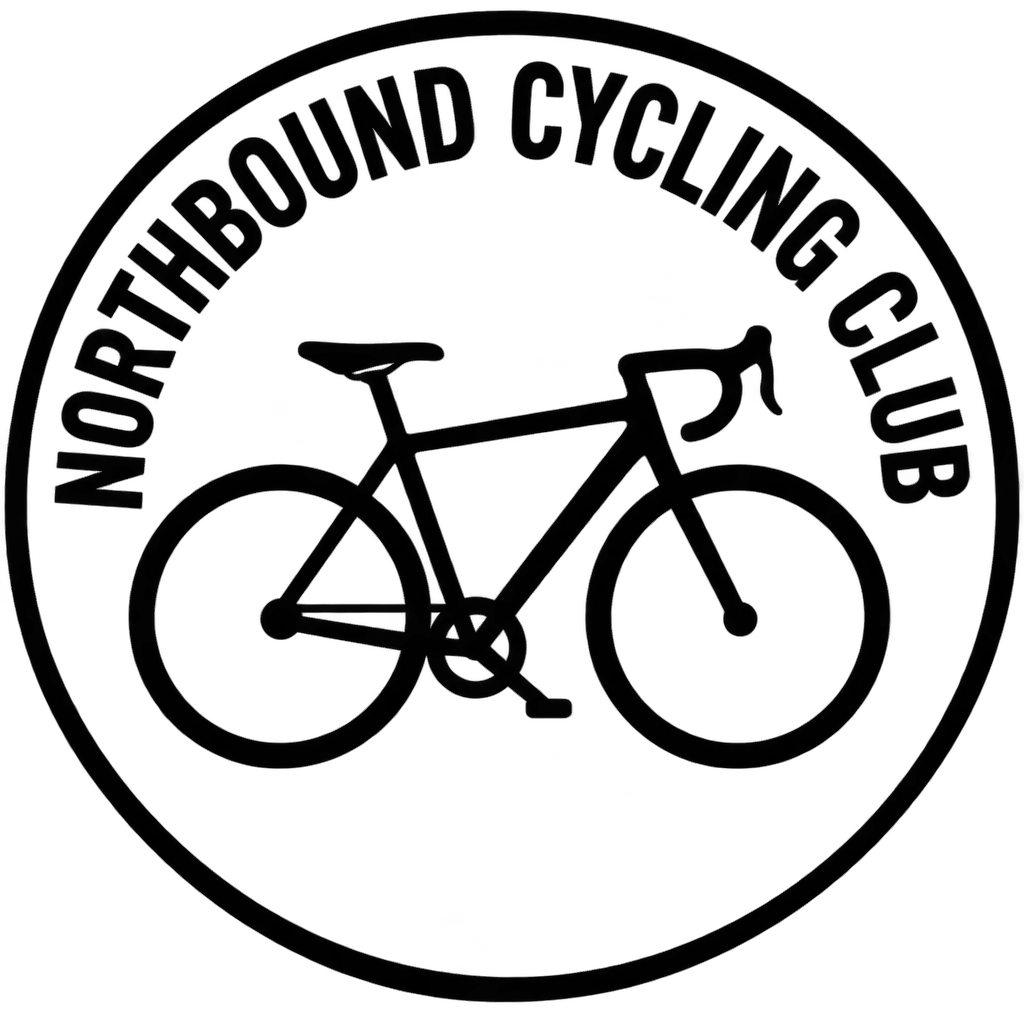
Recraft V4.1 Vector curved the name evenly over a simple bicycle and spelled it correctly, but drew no circle, so it is an arch rather than a badge. Asked for black, it used #201C1D, a very dark grey. GPT Image 2.6 drew the full badge: a ring with the name inside it and a road bicycle with dropped handlebars and a chainring.
What is inside the SVG files
Every file is made the same way, and knowing how saves time in a vector editor:
- Everything is a filled shape. There are no lines with a stroke width, no gradients and no transparency. The bicycle’s thin tubes are narrow filled shapes, so you cannot make them thicker by changing a stroke.
- The letters are outlines, not text. You cannot fix a typo or change a word by typing; you would set the words again in a font.
- Each starts with a background shape that covers the whole square: white for the bakery and the club, off-white for the bookshop. Put the logo on a coloured page as it is and you get a white square.
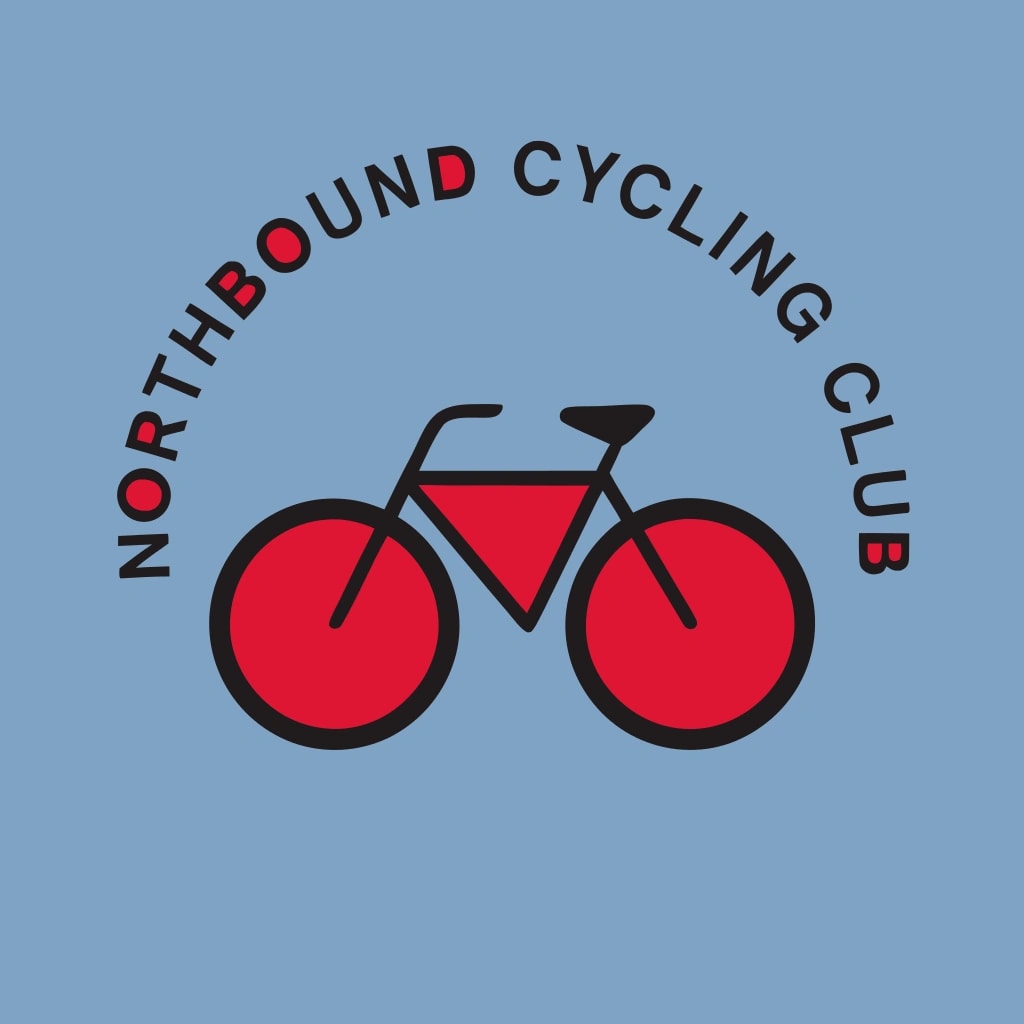
- Holes are shapes too. Every shape is a single outline, so the hole in an O or a wheel is a separate white shape laid on top. Delete the background and those shapes stay white; delete them too and the holes fill in.
- Half or more of each file is a signed record of where it came from. Each SVG carries a 17.7 KB provenance block (C2PA content credentials) stating that it was made by Recraft AI. It draws nothing. An editor may not keep it when you save, so keep the original if you want that record.
As made
Background deleted
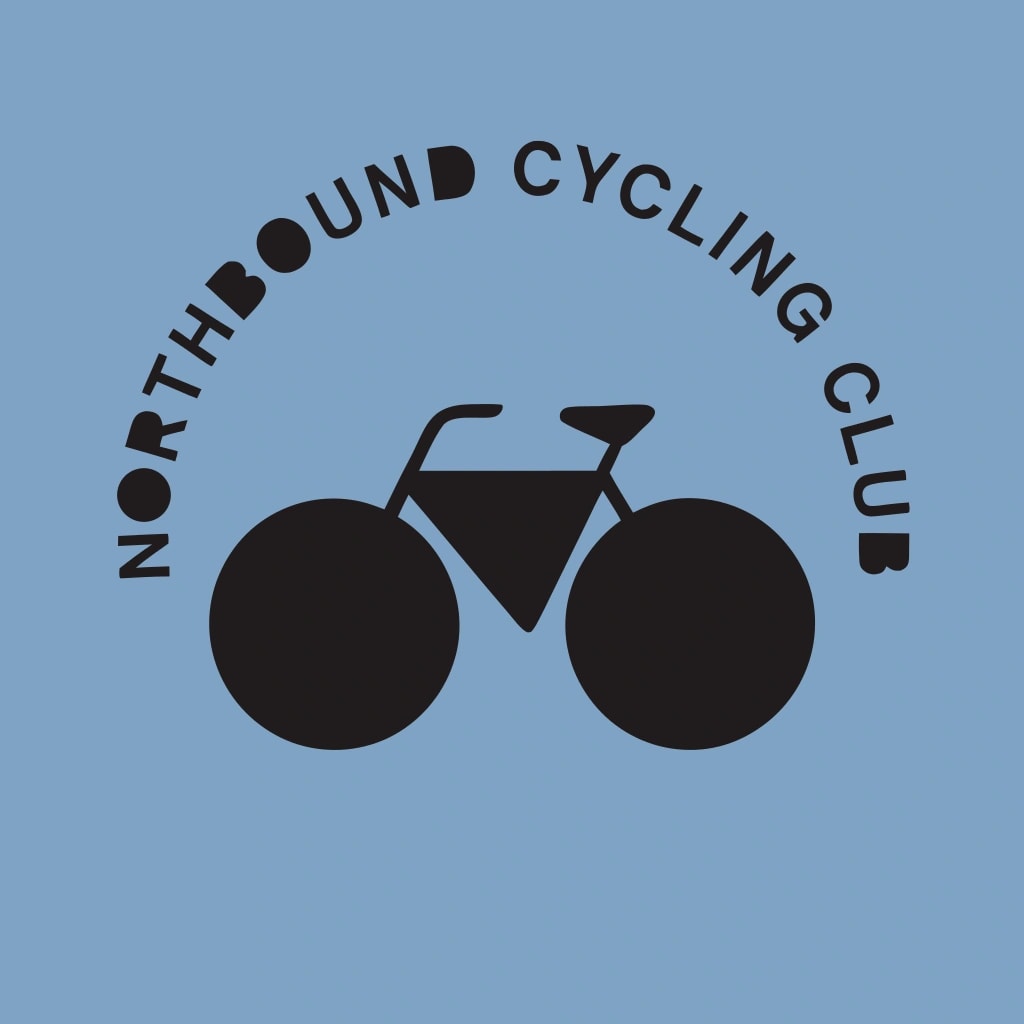
Red shapes deleted too
Why a PNG is not the same
GPT Image 2.6 followed the briefs more literally, with a real badge and a recognisable owl, and it spelled both names correctly. Its transparency is genuine, too: between 66% and 72% of each picture’s pixels are fully see-through. But each logo is a grid of 1024 × 1024 pixels, from 872.4 KB to 999.7 KB. Enlarge it and the pixels show; you cannot recolour one shape or move a letter.
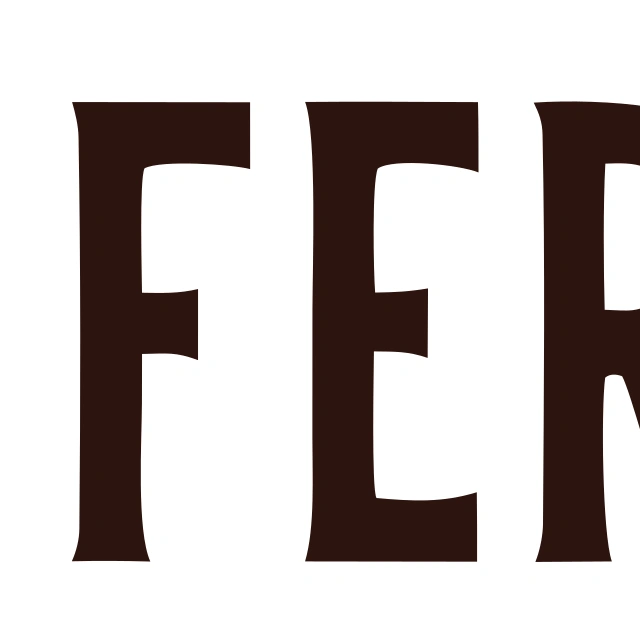
SVG, drawn larger
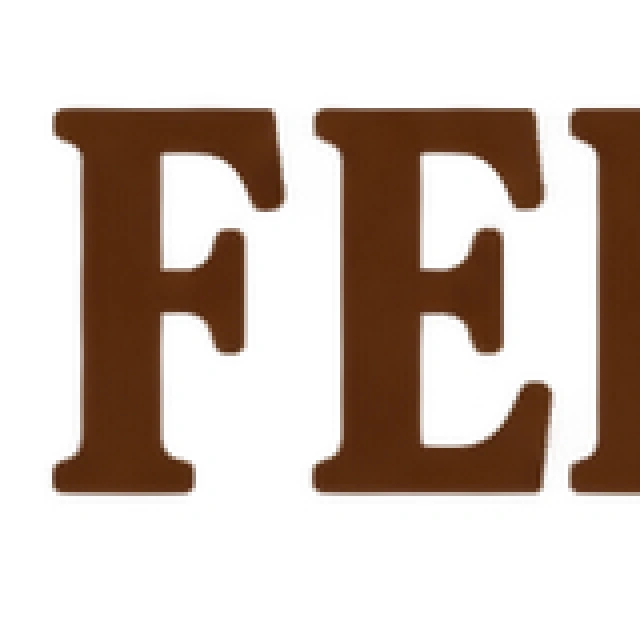
PNG, its pixels enlarged
A PNG like these is fine for a profile picture or a quick mock-up at a fixed size. To turn one into a vector you would trace it in a vector editor; Pickframe does not convert pictures to SVG. In Pickframe, tools and AI edits on a vector also work on a PNG copy, so their results are pictures, not SVGs.
How to finish the logo in a vector editor
- Proofread it first. The words are shapes, so a typo means making the logo again or setting the words yourself.
- Delete the background shape, the first and largest shape in the file.
- Cut out the holes. Select each white shape with the shape beneath it and subtract the top one: Pathfinder’s Minus Front in Adobe Illustrator, Path › Difference in Inkscape, or Subtract selection in Figma.
- Delete stray slivers. Selecting by fill colour (in Illustrator, Select › Same › Fill Color) finds them quickly.
- Set your exact colours. The model picks its own shades: the bakery’s brown came out as #2D140E and the cycling club’s black as #201C1D.
- Fit the canvas to the artwork. Each file is a square, often with wide margins; trim it so the logo can be placed precisely.
- Redraw what matters most. For a logo you will use for years, treat the result as a strong sketch: set the name in a licensed typeface and straighten any curves that wobble.
What we would take from this
- For a logo you will edit or scale, start with Recraft V4.1 Vector: its files are real vectors with few shapes and the colours you ask for.
- Expect to tidy every file: a background to delete in all three, holes to cut out in two, slivers in one.
- Short, quoted names came out right in all four logos with lettering, curved or straight.
- Describe the layout you need. Recraft V4.1 Vector left out the circle of the badge, and its owl was more abstract than GPT Image 2.6’s.
- A transparent PNG is a picture, not a vector. Use one where a fixed size is enough.
Make a vector logo in Pickframe
- In the studio’s model menu, tick Recraft V4.1 Vector. The size menu lists it as Vector, any size.
- Under Describe your image, write the brief: the exact words in quotation marks, how many lines of text there are, and the colours.
- To compare with a transparent PNG, also tick GPT Image 2.6 and choose Transparent under Background in the size menu. The vector keeps its own background shape.
- Choose Create images. Each vector result is marked SVG. Downloading it saves the SVG file; choose Download PNG in the panel beside it for a picture instead.
On the day, Recraft V4.1 Vector cost 32 credits a logo and GPT Image 2.6 cost 6. Every SVG and PNG, the exact briefs and requests, the checksums and the measurements are in the public manifest.