これらのガイドは英語で書かれています。
ガイド
AI画像モデルの比較、プロンプトの書き方、グラフィックの仕上げに関する実践ガイド。実際の出力と正確なプロンプトで検証しています。
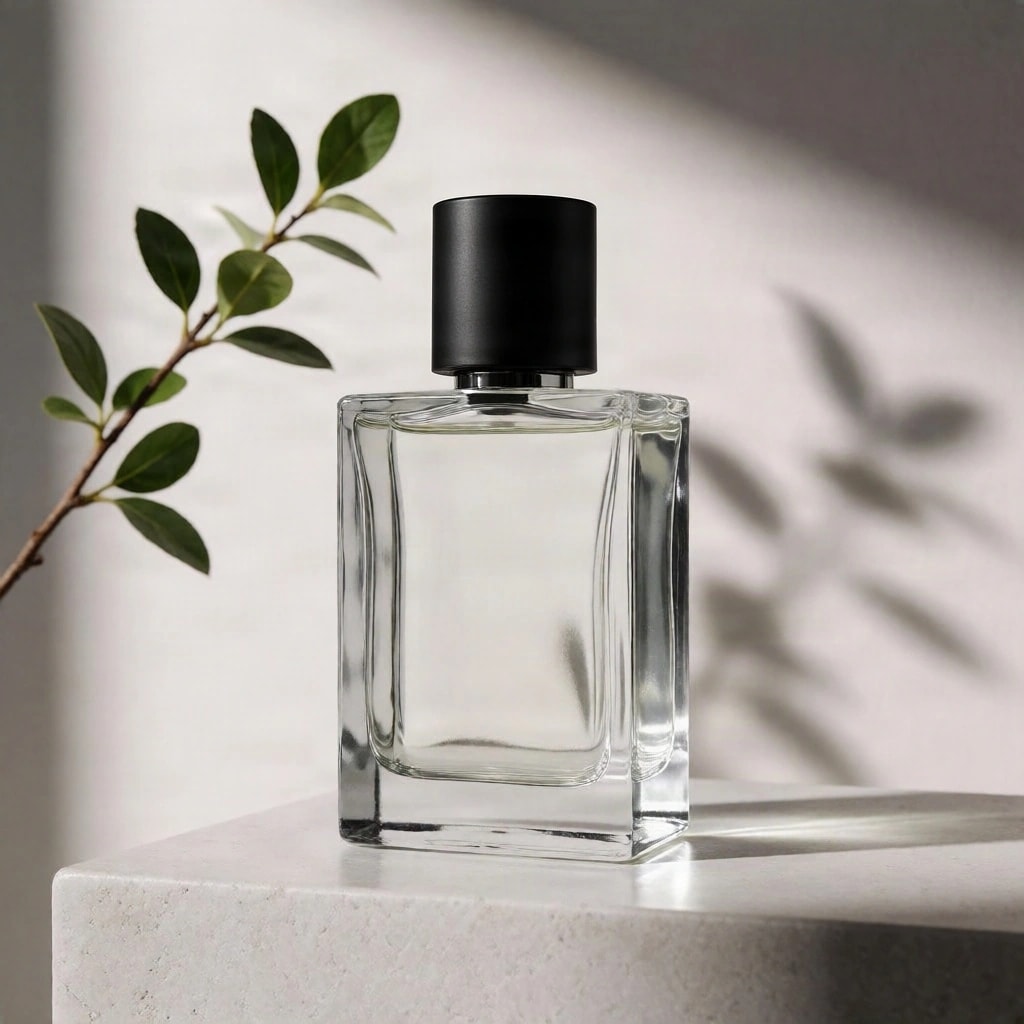
How to inpaint with AI: five models compared
We replaced a cap, removed a table and changed a jumper with five AI inpainting models. See every unedited result, which models left the rest of the picture alone, and the wording each one needed.
10 min read
How to make an SVG logo with AI
We asked an AI vector model for three logos and measured the SVGs it made: spelling, colours, shapes and file size. See what came out clean, what needs tidying and how to finish it in a vector editor.
8 min read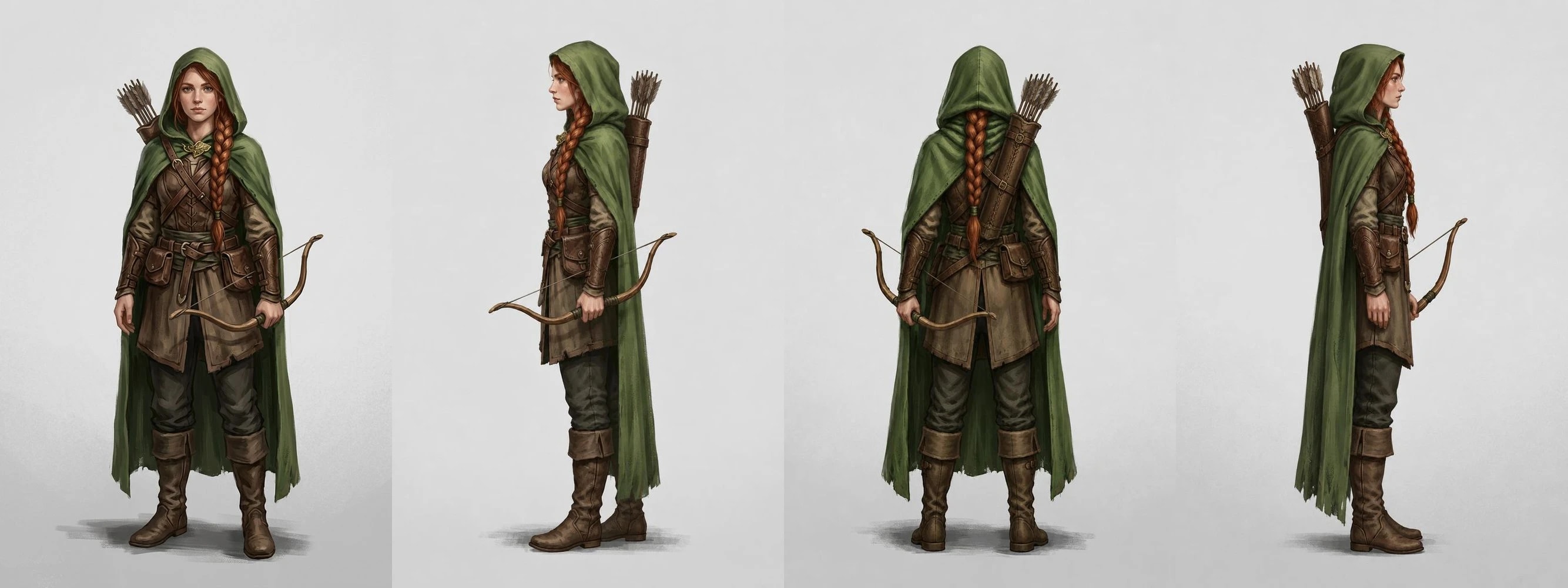
How to make a character turnaround with AI: five edit models compared
We turned two original characters around with five AI edit models. See every untouched back and side view, which models moved accessories to the wrong side, and the wording that stops three-quarter side views.
8 min read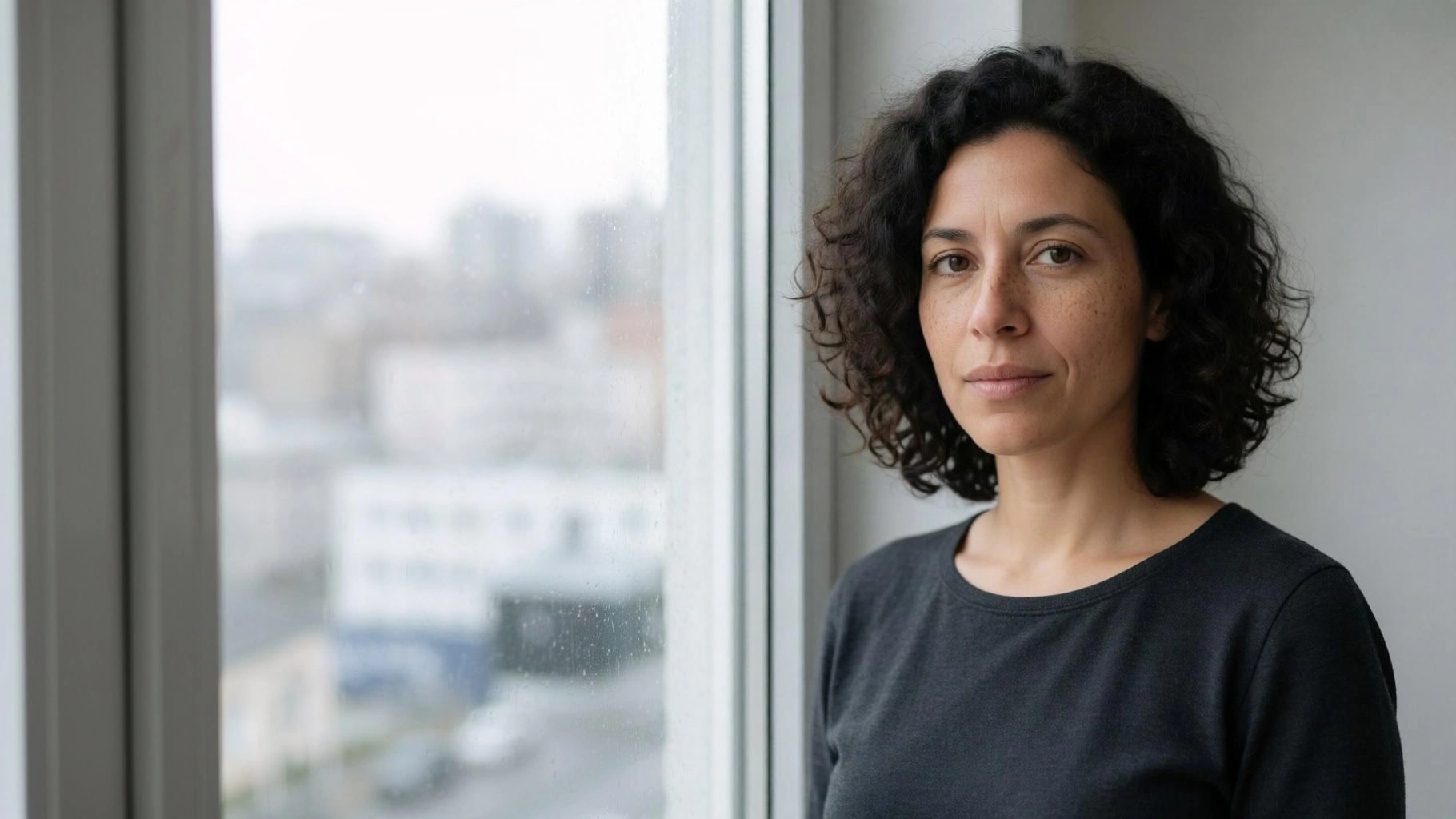
How to extend an image with AI: three outpainting models compared
We extended a landscape, a portrait and a product shot with three outpainting models. See the unedited results, what each one invented, and which kept the original sharp.
8 min read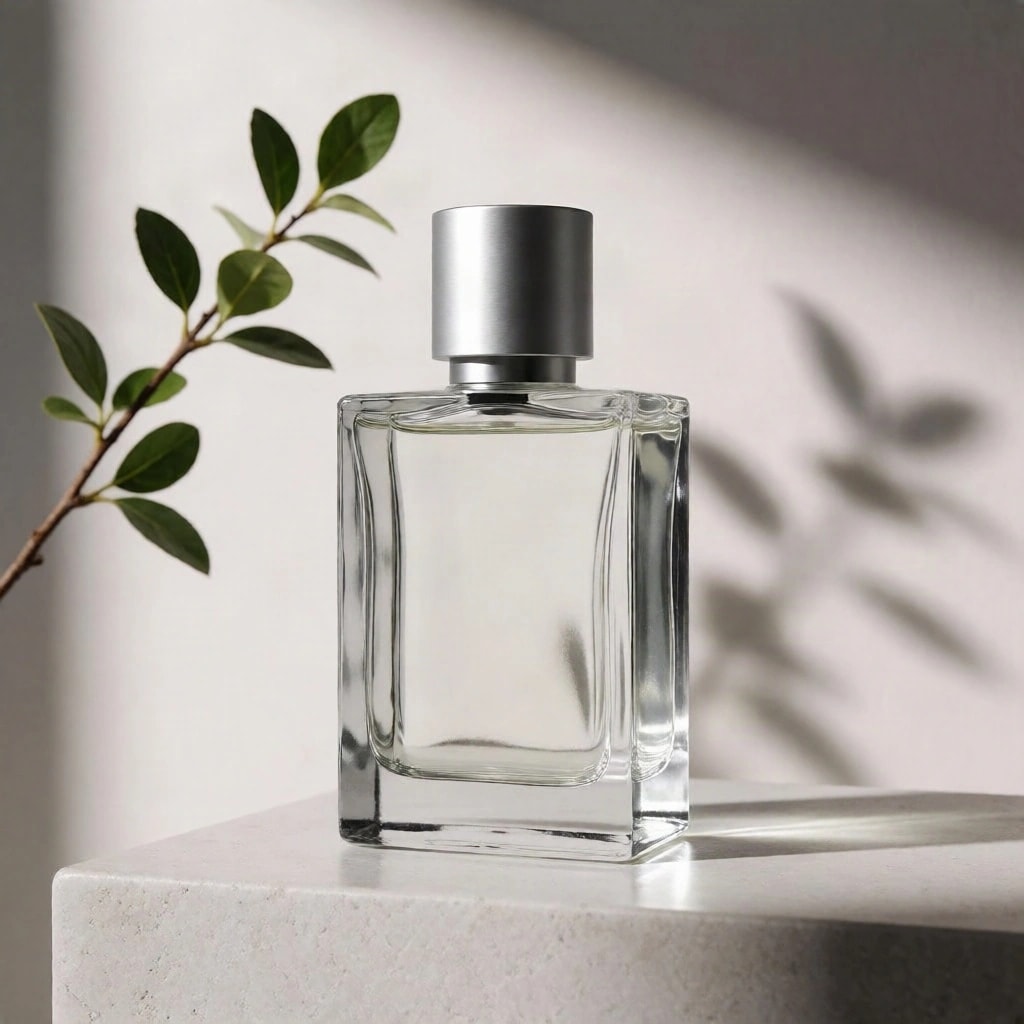
FLUX Schnell vs Krea 2 Turbo vs Recraft V4.1: one prompt, three results
We gave three AI image models the same product, portrait and poster prompts. See the unedited outputs, the exact prompts, and where each model followed or missed the brief.
7 min read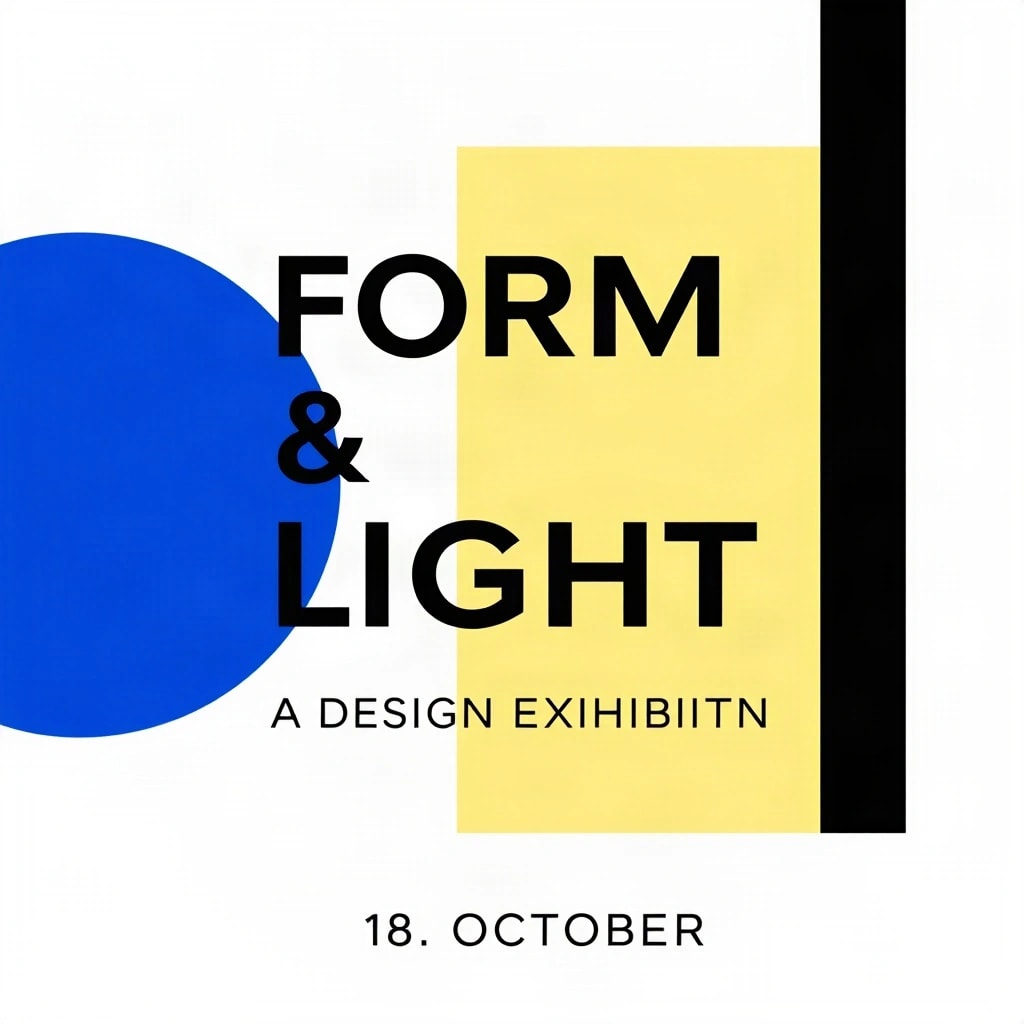
How to get correct text in AI-generated images
Why AI image models misspell words or print your instructions, how to word a prompt for lettering, and when to add the text yourself instead.
6 min read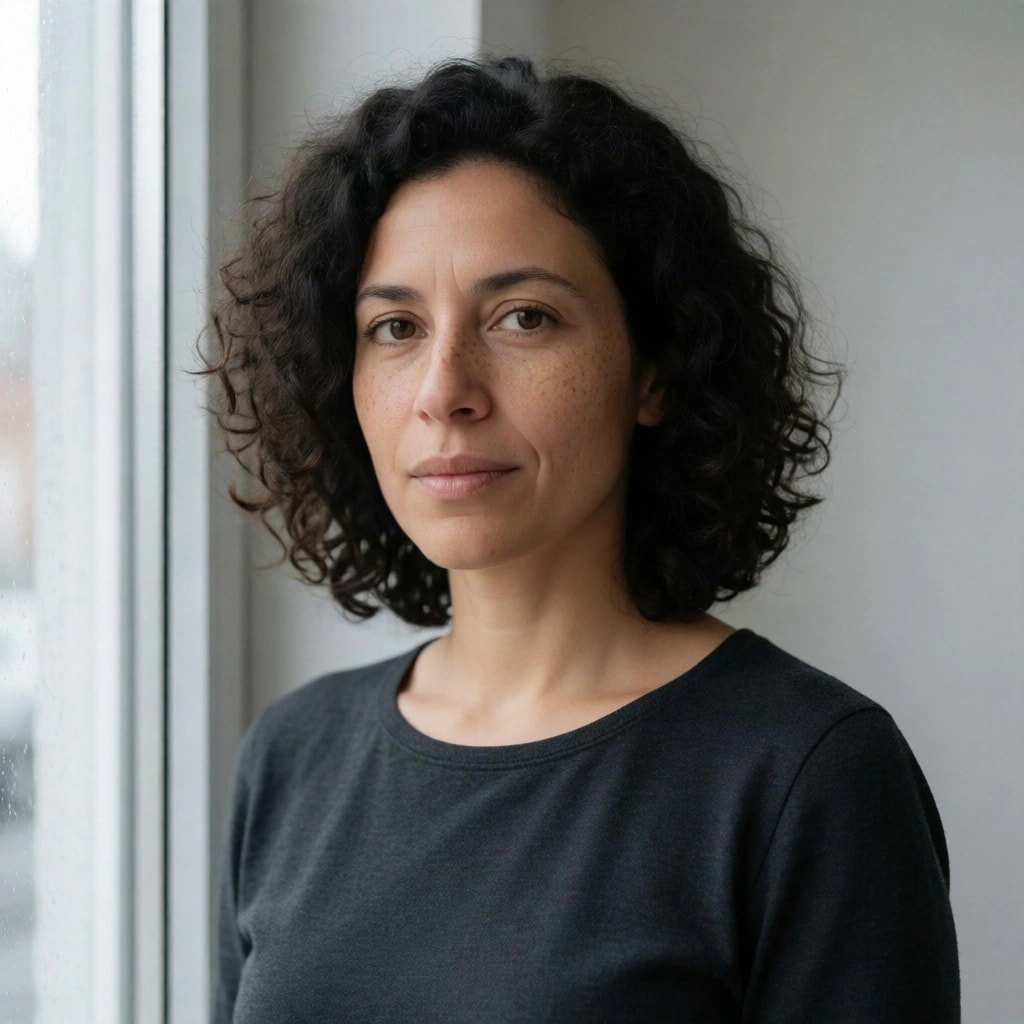
How to write an AI image prompt that works across models
A practical structure for image prompts (subject, setting, light, camera and exclusions), with three real prompts and what different models did with them.
7 min read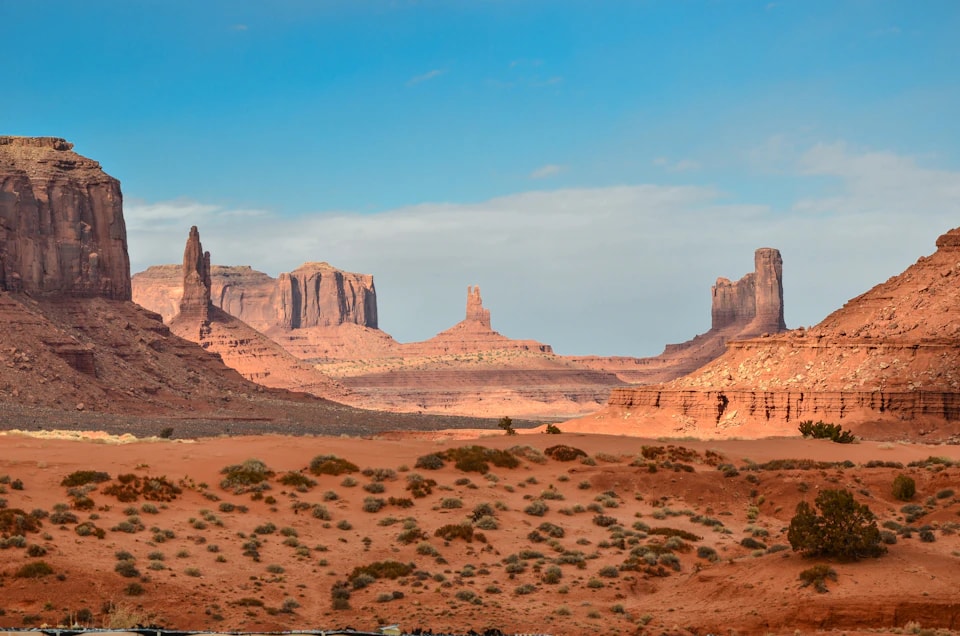
How to turn one image into a YouTube thumbnail, square post and vertical cover
Make 16:9, 1:1 and 9:16 versions of one image with an editable headline, extend it with AI where a crop cuts too much, and export every social size at once.
9 min read
最初の2回の比較は無料です。
新規登録で50クレジットを無料でプレゼント。その後は完成した画像の分だけお支払い。料金はすべて事前に表示されます。